How to manage multiple Facebook ad accounts without busywork
By Matheus Mello, founder of Ads Editor and owner of YEP Agência · Published · 8 min read
To manage multiple Facebook ad accounts well, you have to stop treating every account as its own island. The strategy work scales fine; what breaks at 10 or 20 accounts is the repetition: the same upload, the same copy, the same balance check, done once per account.
Quick answer
Managing multiple Facebook ad accounts is an operations problem, not a strategy problem: the bottleneck is repeating the same form in every account. Put Meta and Google accounts in one view, launch creatives in batches, copy campaigns across accounts while swapping page and pixel, and watch every balance. Time one normal week before buying anything.
Summary
- The limit on how many accounts you can run is the manual work, not the demand.
- Split the job into four layers: visibility, execution, monitoring and team access.
- Meta Ads Manager handles one account at a time well; the gap is work that crosses accounts.
- In 90 days, 36 Ads Editor user accounts published 11,051 ads into 214 ad accounts, mostly in small, frequent batches.
- Time one week before and one week after any tool. If it did not save hours, do not pay for it.
Why does managing multiple ad accounts turn into a bottleneck?
With one account, Meta Ads Manager is enough. With ten, the job changes shape: the same task has to happen in ten places, with ten Pages, ten pixels and ten payment setups. The media buyer stops making decisions and starts filling out forms.
The cost shows up in two ways. In an agency, the answer to growth becomes the same every time: hire another person. For a solo media buyer, the ceiling is how many accounts fit into the evening. In both cases the limit is not demand. It is manual operations.
Which tasks eat the most time across accounts?
| Task | How it works in native Ads Manager | What fixes it |
|---|---|---|
| Launching new creatives | One ad at a time, ad set by ad set | Batch publishing: many creatives into many campaigns in one action |
| Replicating a structure for another client | Export a spreadsheet, import it, then swap Page, Instagram and pixel by hand | Cross-account copy that swaps identity in one step |
| Building audiences | One audience at a time, repeating source and retention window | Bulk creation by source and window |
| Client reporting | Screenshots, spreadsheets and slides | A report link the client opens without logging in |
| Watching balance and payments | Opening account after account | One monitor for every account, with alerts |
None of these tasks needs judgment. All of them need clicks. That is exactly the kind of work worth taking away from a human.
What does Meta Ads Manager already solve on its own?
Credit where it is due: Ads Manager has bulk editing for selected items, duplication inside the same account and spreadsheet import and export. If you run two or three accounts with little new creative, that may be all you need. It is what is left of the old Power Editor, and the full story is in Meta Ads Editor, Power Editor and the bulk editor. The side by side comparison is in Ads Editor vs Meta Ads Manager.
What the native tool does not solve is work that crosses accounts: copying a campaign into another ad account while swapping Page, Instagram, pixel and WhatsApp number in one action, seeing the balance of every account on one screen, and publishing the same creative pack into several accounts at once.
How do you organize the operation in four layers?
1. Visibility: one screen for every account
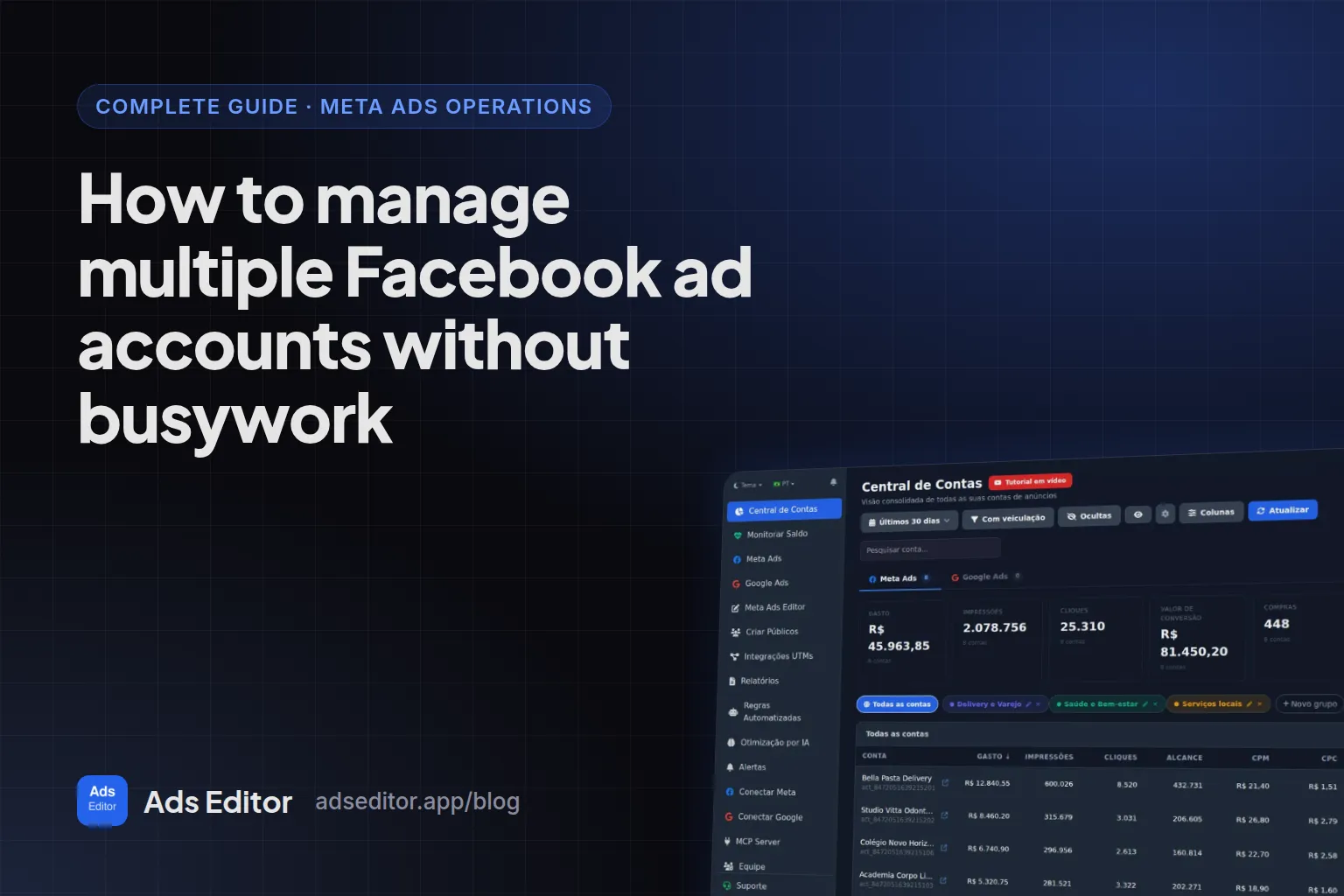
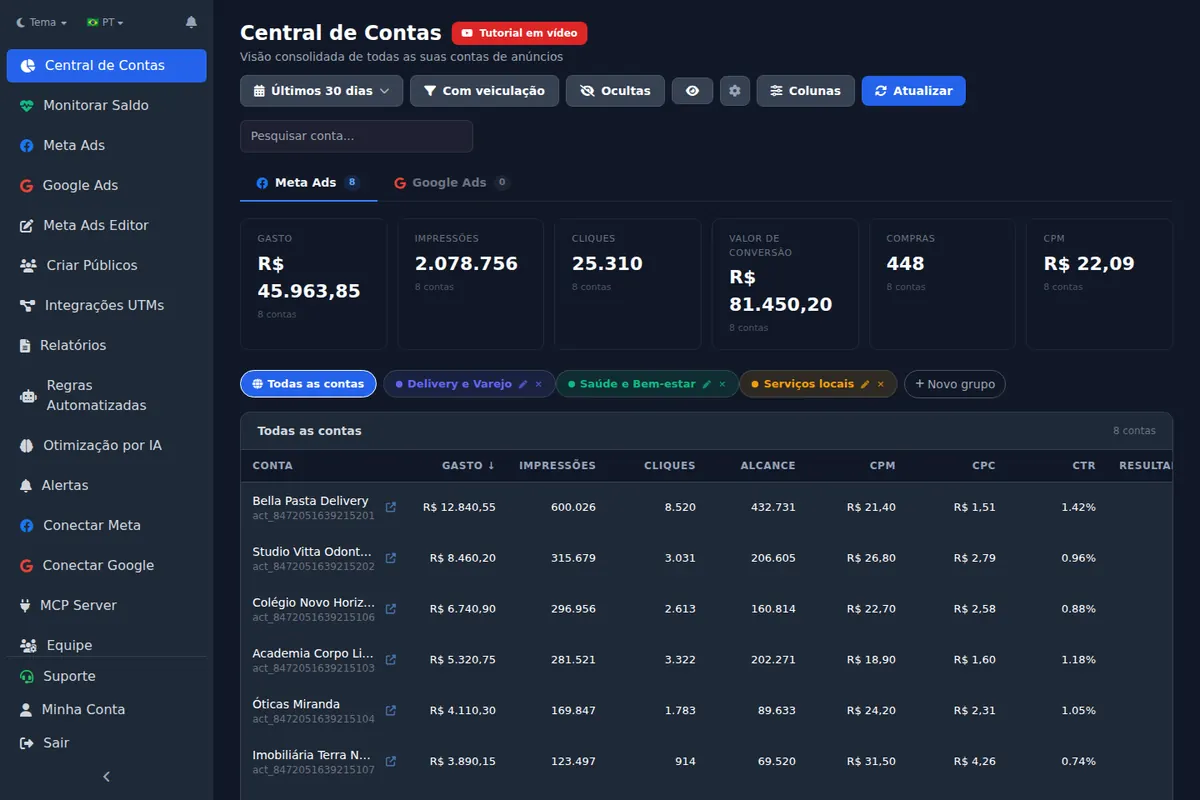
The first layer is seeing. The Accounts Hub in Ads Editor puts Meta Ads and Google Ads accounts together, with spend and key metrics side by side, account groups (for example, every ecommerce client) and the option to hide accounts you do not touch day to day.
2. Execution: batches instead of forms
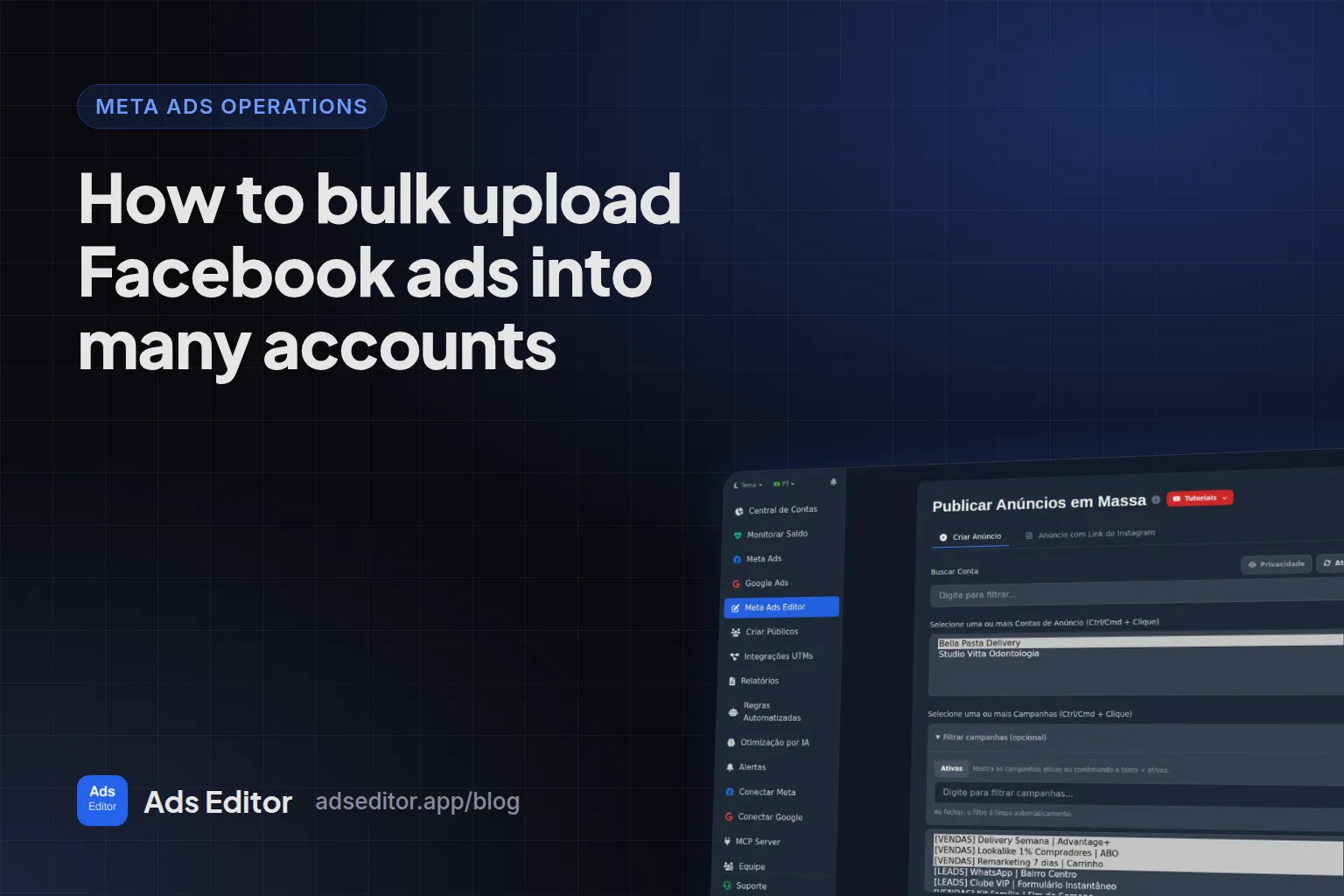
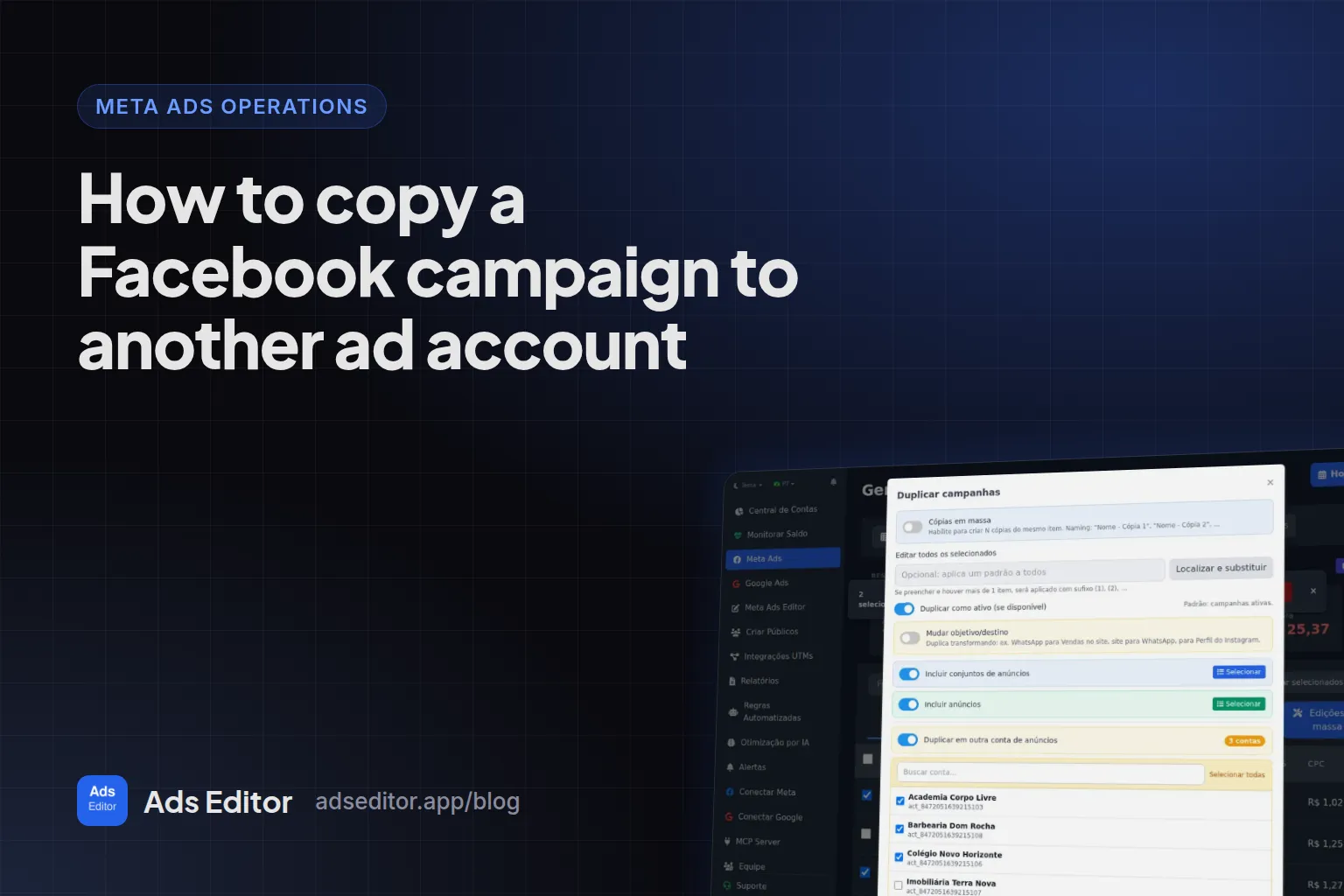
The second layer is launching and replicating fast. This is where bulk uploading Facebook ads, copying a campaign to another ad account, creating custom audiences in bulk and bulk editing copy, URLs and budgets come in.
3. Monitoring: balance, payments and metrics
An account that runs out of funds or fails a payment stops delivering without telling anyone. A balance and payment monitor shows funds, failed payments and status for every account, and metric alerts tell you when CPA, CPC or spend cross a limit.
4. Team: each person only in their accounts
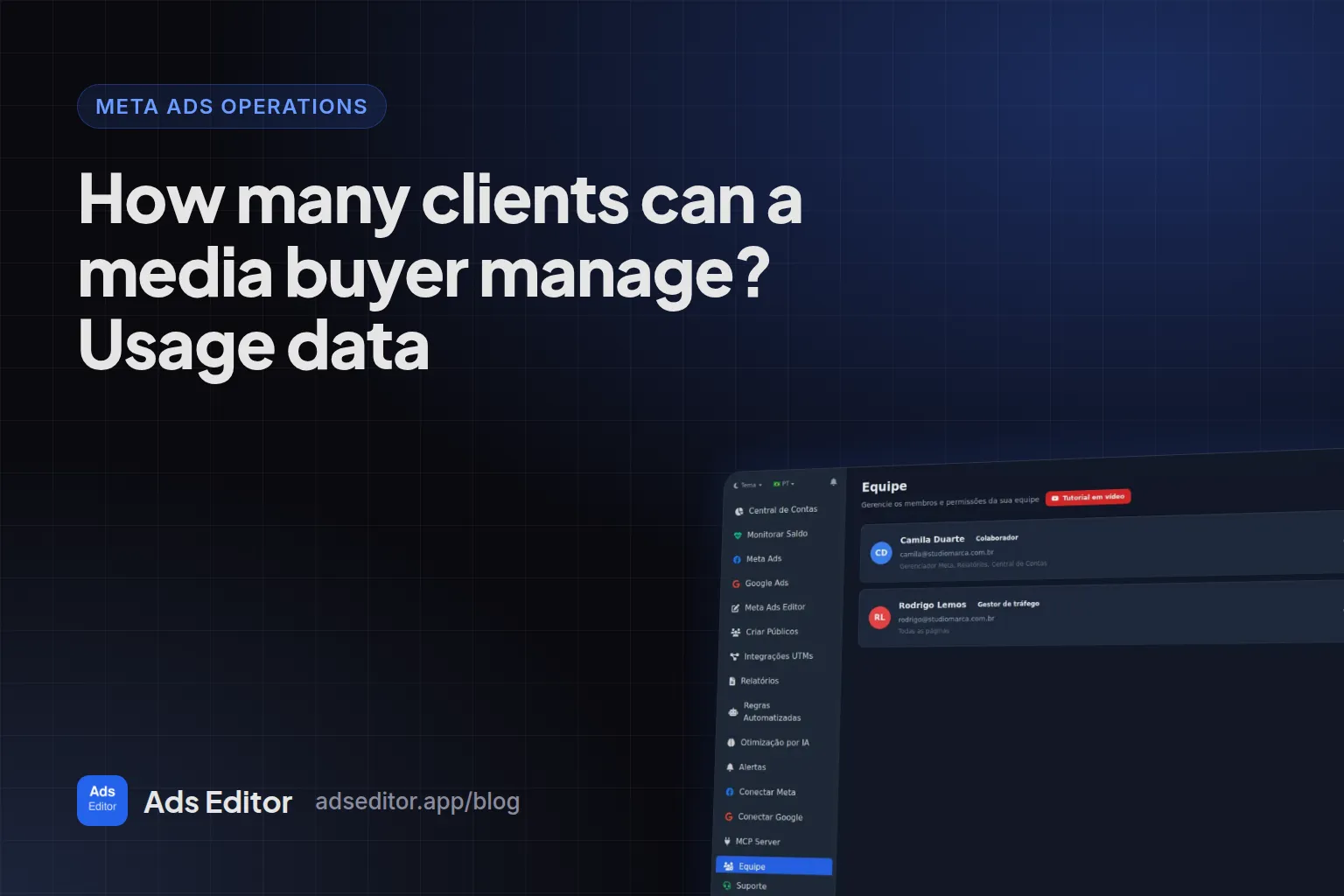
In an agency, the fourth layer is permissions. A team member in Ads Editor can be limited by screen and by ad account, without anyone sharing a Facebook password. The walkthrough is in how to give your team access by ad account.
How many ad accounts can one media buyer manage?
There is no universal number, and anyone who gives you one without seeing your operation is guessing. It depends on how many new creatives each account gets per week, how many accounts have a meaningful daily budget and how much reporting the client expects. The honest way to answer is to measure.
Measured: Ads Editor database, September 23, 2026
Among the 75 users with ad accounts selected, the median is 5 accounts. 75% run up to 28, 10% run 49 or more, and the maximum is 215.
The full breakdown, including how many of those accounts actually receive new ads in a quarter, is in how many clients can a media buyer manage.
Illustrative scenario (not a real client)
A media buyer with 12 accounts times one week and finds 9 hours uploading creatives, 3 building reports and 2 checking balances. That is 14 hours of forms. If batch publishing and link reports cut half of it, 7 hours a week come back: enough to take on more accounts without hiring.
What do 90 days of usage show about running many accounts?
Measured: Ads Editor activity log, June 25 to September 23, 2026
36 user accounts published 11,051 ads through the publishing queue, into 214 different ad accounts. In the same period, 7,199 audiences were created in 166 bulk runs and 1,155 campaigns were copied. Copies between August 30 and September 3 were not logged, so the real number of copies is higher.
What these numbers say: people who run many accounts use a tool for repetitive volume (publishing and audiences), not for deciding. The decision stays with the media buyer. Since launch in November 2025, the counter shows 33,587 ads published, from 16,526 unique creatives, and 15,130 audiences created.
How do you start without changing your whole operation?
- Time one normal week and log hours per task. Without that, every tool looks good.
- Pick the task that eats the most time. In almost every operation it is launching creatives.
- Connect one account and run that task in the tool, for a client you were going to touch anyway.
- Compare the time with your timed week. If it did not save time, do not subscribe.
- Only then connect the other accounts and the team.
Pixels, Business Portfolios (formerly Business Manager) and ad accounts stay in Meta and Google. Ads Editor is an independent platform that uses the official APIs of both, with OAuth login, and never asks for your password.
What about Google Ads in the same operation?
If you run both channels, you pay twice: two managers, two reports, two places to check spend. Ads Editor has its own Google Ads manager with bulk editing, search term negatives, target CPA and target ROAS bidding and Performance Max creation. The routine is in how to manage Google Ads for multiple clients.
Frequently asked questions
What is the best way to manage multiple Facebook ad accounts?
Put Meta and Google accounts in one view, launch creatives in batches, copy structures across accounts while swapping Page and pixel, monitor every balance and limit each team member to their own accounts.
Is Meta Ads Manager good enough for an agency with many accounts?
It is good for one account at a time. What it does poorly is cross-account work: copying into another account with identity swaps, seeing every balance at once and publishing the same pack into several accounts.
Can a third-party tool get my ad account banned?
Ads Editor only uses the official Meta and Google APIs and connects through OAuth, without your password. Account restrictions come from ad policy, not from the publishing channel.
How many ad accounts fit in Ads Editor?
It depends on the plan: 10 on Starter, 20 on Pro, 40 on Business and 70 on Scale, counting Meta and Google together. Plans start at R$ 97 per month, billed in BRL.
Glossary
- Ad account
- The Meta or Google container that holds campaigns, billing and spend. One client can have several.
- Business Portfolio
- Meta's current name for Business Manager, where Pages, pixels and ad accounts are owned and shared.
- Batch publishing
- Sending many creatives to many campaigns or accounts in one action instead of one form per ad.
- Cross-account copy
- Recreating a campaign in another ad account while replacing the Page, Instagram account, pixel and audiences that belong to the source.
References
- Have Advertising Clients Add You as a Partner (Jon Loomer). Supports: Recommends that agency and client each keep their own Business Portfolio, with the client adding the agency as a partner and sharing Page, Instagram, pixel, audiences and ad account.
- Manager Accounts (MCC): About Google Ads manager accounts (Google Ads Help). Supports: A manager account is a Google Ads account that lets you view and manage multiple Google Ads accounts from one place, with a single sign-in.
- Ads Editor on the App Store. Supports: Official App Store listing of the Ads Editor app for iPhone and iPad.
Links opened and checked when the article was last updated.
About the author
Matheus Mello, founder of Ads Editor and owner of YEP Agência. Runs client ad accounts at YEP Agência and built Ads Editor so his own agency could stop publishing ads one at a time. Usage numbers quoted on the blog come from the product activity log. Instagram: @theusm