Ads Editor on iPhone and iPad
The Ads Editor app puts the media buyer's ads manager on your iPhone: every Meta Ads and Google Ads client account on one screen, instant balance and rule alerts, and bulk publishing of up to 40 ads from anywhere. Sign in with the same account you use on your computer.

Universal app for iPhone and iPad.
What you can do from your phone
Bulk publishing
Launch up to 40 ads at once, across campaigns and ad accounts, without opening your laptop.
Meta and Google in one place
Spend, purchases and CPM for every Meta Ads and Google Ads client on a single screen.
Balance and sales alerts
Push notifications on your iPhone when an account is running out of balance or a sale comes in.
Rules that stop wasted spend
Automated rules pause what burns budget without converting, and the app tells you when a rule fires.
Reports by link
Open and share your clients' reports by link, wherever you are.
AI copilot
Ask how your campaigns are doing in plain English and get analyses from the AI copilot.
Screenshots
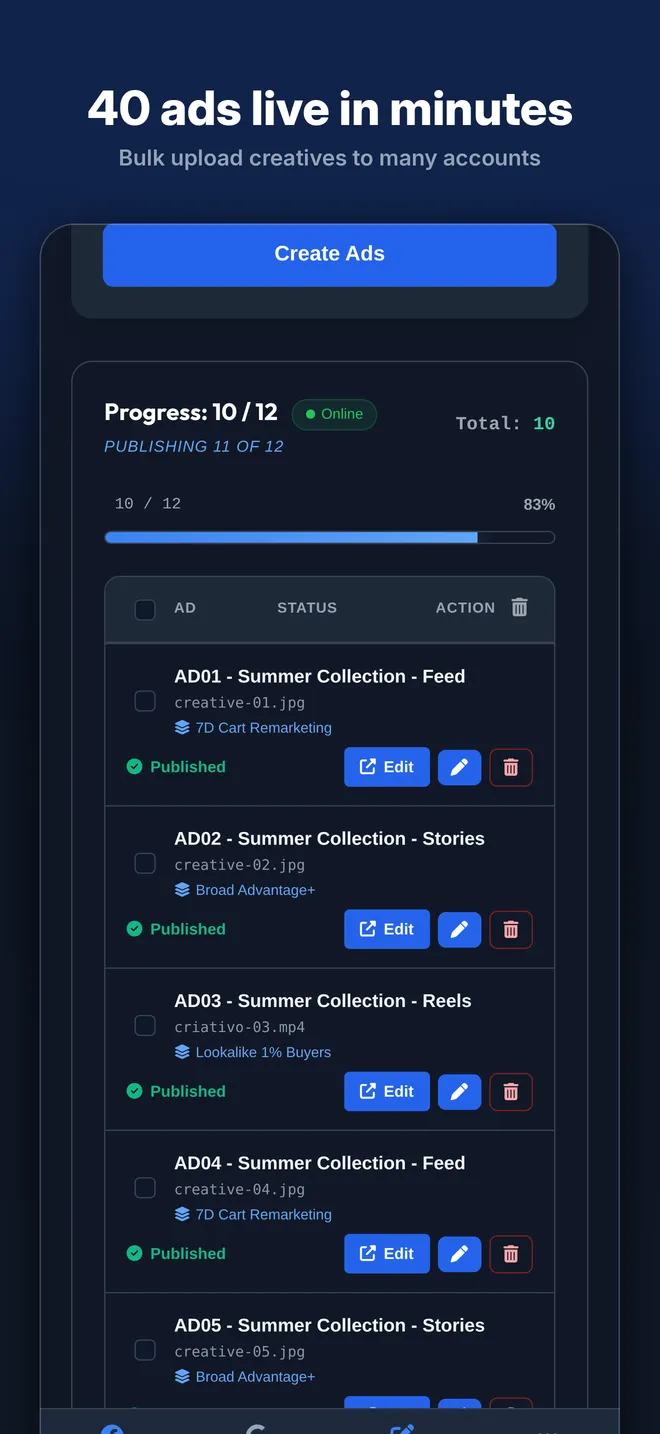
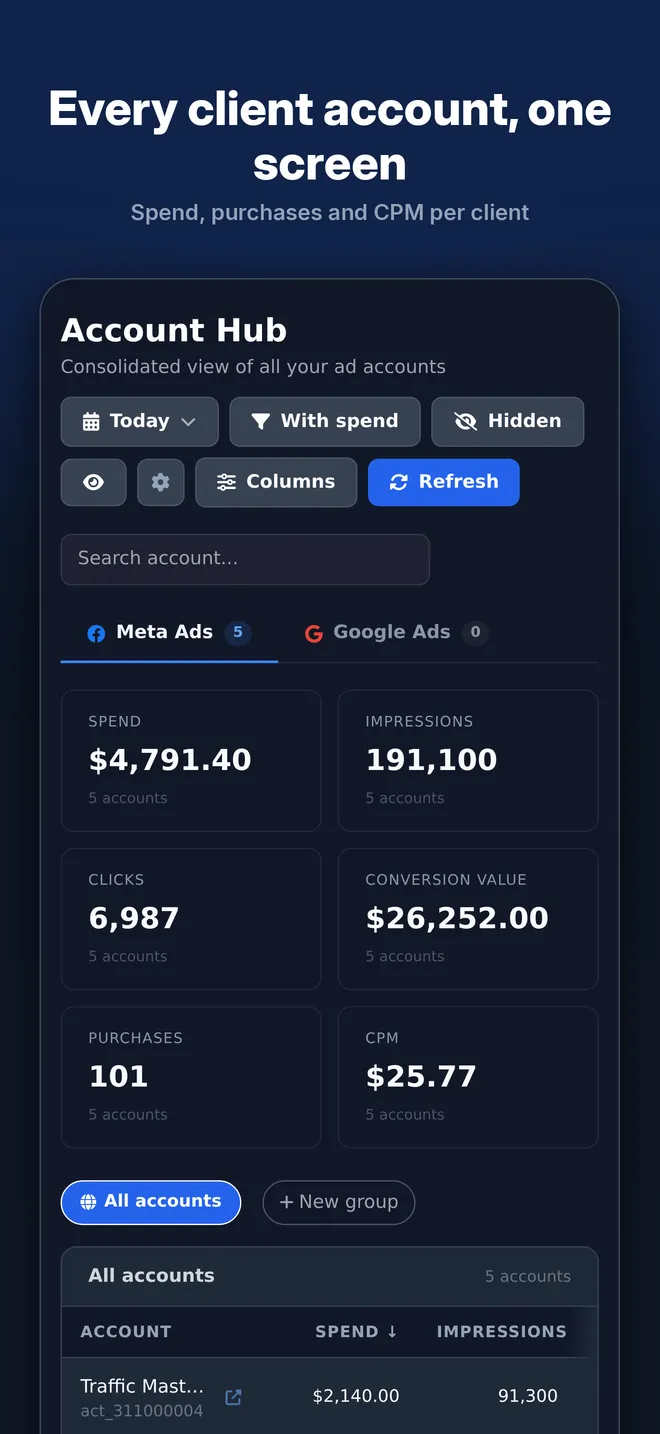
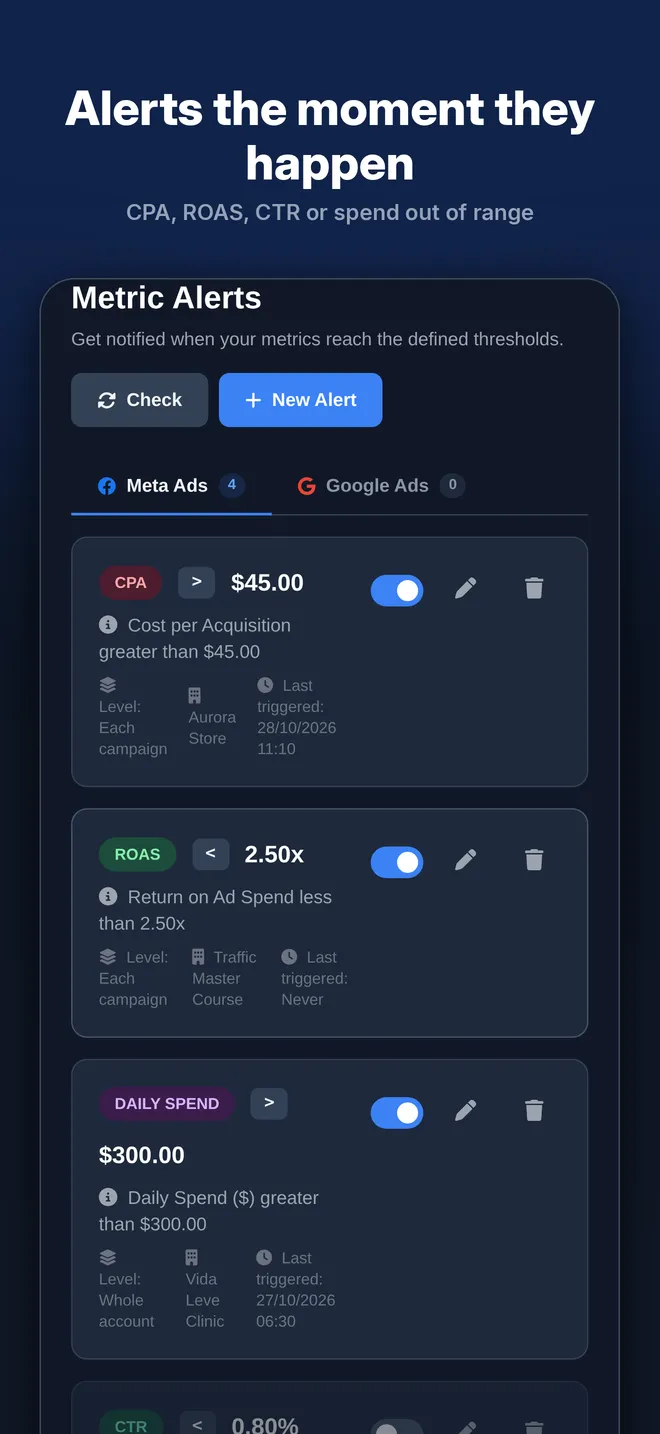
Demo data.
Frequently asked questions
- Is the app free?
- The app comes with your Ads Editor account. If you already have an account, download the app from the App Store and sign in with the same login you use on your computer.
- Does it work on iPad?
- Yes. The app is universal: the same download works on iPhone and iPad.
- Do I get balance and sales notifications?
- Yes. With notifications turned on, your iPhone gets a push when an account is running low on balance, when a sale comes in and when a rule fires.
- Do I need an account?
- Yes. Sign in with the account created on the website, at app.adseditor.app. Your clients, rules and reports are the same ones you see on your computer.
Get Ads Editor on your iPhone