Bulk edit Meta Ads: change copy, URLs and budgets across multiple ads
By Matheus Mello, founder of Ads Editor and owner of YEP Agência · Published · Updated · 3 min read
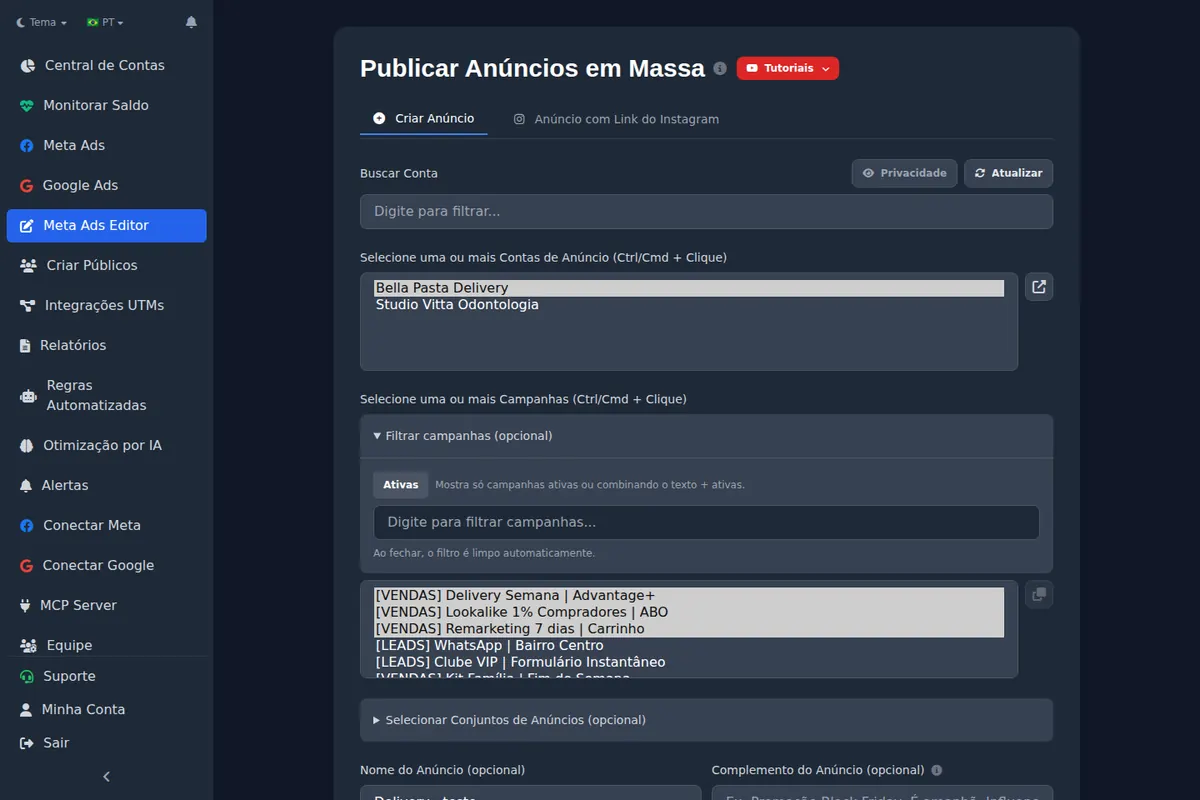
Bulk editing in Meta Ads means changing the same field across several ads, ad sets or campaigns at once. A common example is a link update: the client has a new sales page, but 40 ads still point to the old one.
Quick answer
Bulk editing applies the same change to multiple Meta ads, ad sets or campaigns: links, copy, tracking parameters, buttons, budgets or targeting. It saves opening 40 ads separately when a sales page changes. Review a sample after applying edits, because new copy or URLs create a new creative version.
Summary
- Changing ad copy or a destination link creates a new creative version; review the result.
- Names can be updated directly with find and replace.
- Bulk budget and targeting changes can affect learning across several ad sets at once.
- Bulk copies in groups of 2, 3, 5 or 10 help you test campaign structures.
What can you edit in bulk?
| Level | Fields |
|---|---|
| Campaign | Name, status and budget, including whether budget is managed at campaign or ad set level (CBO or ABO). |
| Ad set | Name, age, gender, placements, locations, audiences, Advantage+ audience and devices. |
| Ad | Primary text, headline, URL, URL parameters, call-to-action button, WhatsApp, form, Facebook Page and Instagram account. |
Why does editing copy create a new creative version?
When you change an ad’s copy, headline or link, Meta creates a new version of the creative and uses it for that ad. Changing only the name does not do this. After editing copy in bulk, review a sample of the updated ads before considering the task complete.
Can bulk budget edits restart learning?
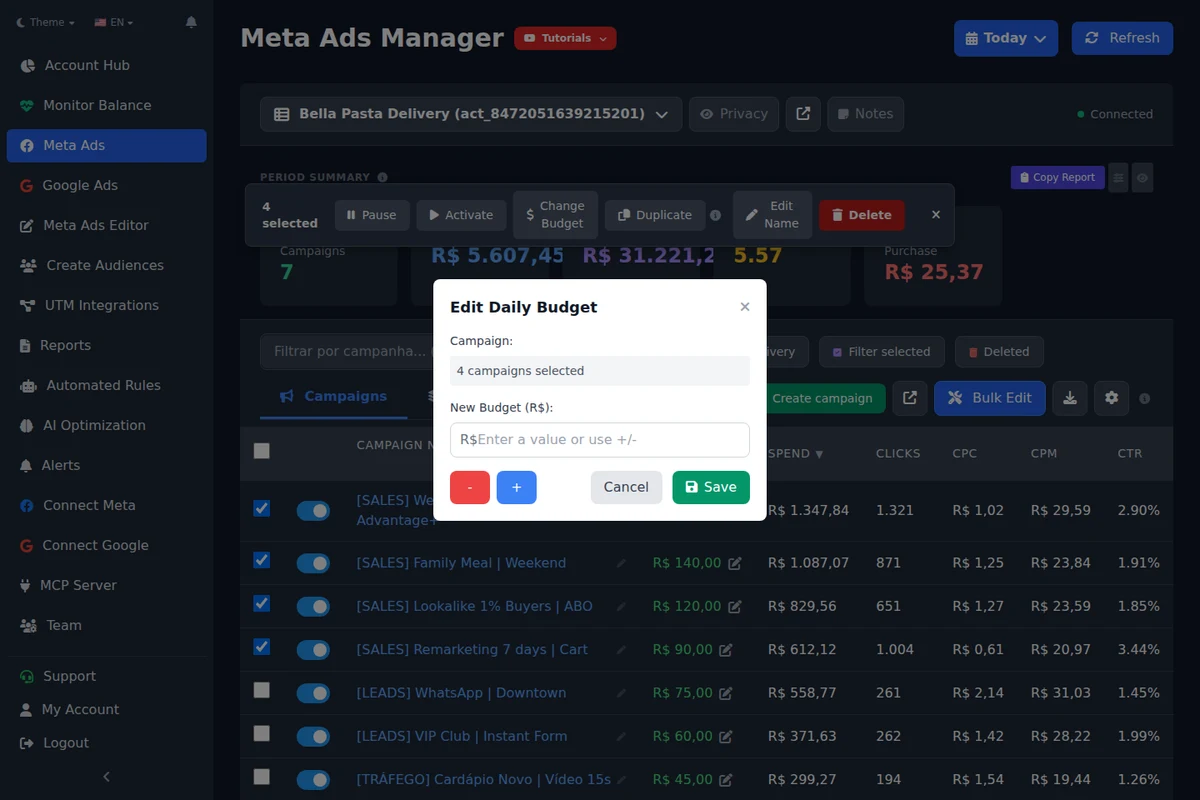
Yes. A large one-time increase, such as doubling the budget, can be a significant edit. In our operation, we have observed increases of up to 35% without a learning restart, including consecutive adjustments; this is an operational observation, not a guarantee for every account. In bulk, the risk affects multiple ad sets at once. If your goal is scaling, read how to scale Meta Ads campaigns first.
How do you standardize names with find and replace?
Cleaning up names in an inherited account can take hours manually. Find and replace lets you change part of every selected name at once: for example, replace [TEST] with [SCALE] in your winning ad sets.
Why can device targeting changes stop delivery?
Check device targeting before applying bulk changes
An incompatible combination, such as Android as the operating system and iPhone as the device, can leave an ad set with no eligible audience even if the change is accepted. Ads Editor checks consistency before saving, but you should still review device targeting applied in bulk.
Frequently asked questions
Does Meta Ads Manager support bulk editing?
Yes, for selected items within an account. Ads Editor adds find and replace, bulk copies and a shared screen for working across different accounts.
Will changing multiple ad URLs erase their history?
The ads keep their accumulated metrics, but use a new creative version. Future performance may change, so review the updated ads and monitor results.
Can I change UTMs on all selected ads at once?
Yes. The URL Parameters field can be edited in bulk. See the UTM guide for a consistent tracking convention.
Glossary
- Creative version
- The ad’s image or video and copy. Changing copy or a link creates a new version for the ad to use.
- Significant edit
- A change that can send an ad set back into the learning phase.
- CTA
- An ad’s call-to-action button, such as Learn More or Send Message.
About the author
Matheus Mello, founder of Ads Editor and owner of YEP Agência. Runs client ad accounts at YEP Agência and built Ads Editor so his own agency could stop publishing ads one at a time. Usage numbers quoted on the blog come from the product activity log. Instagram: @theusm