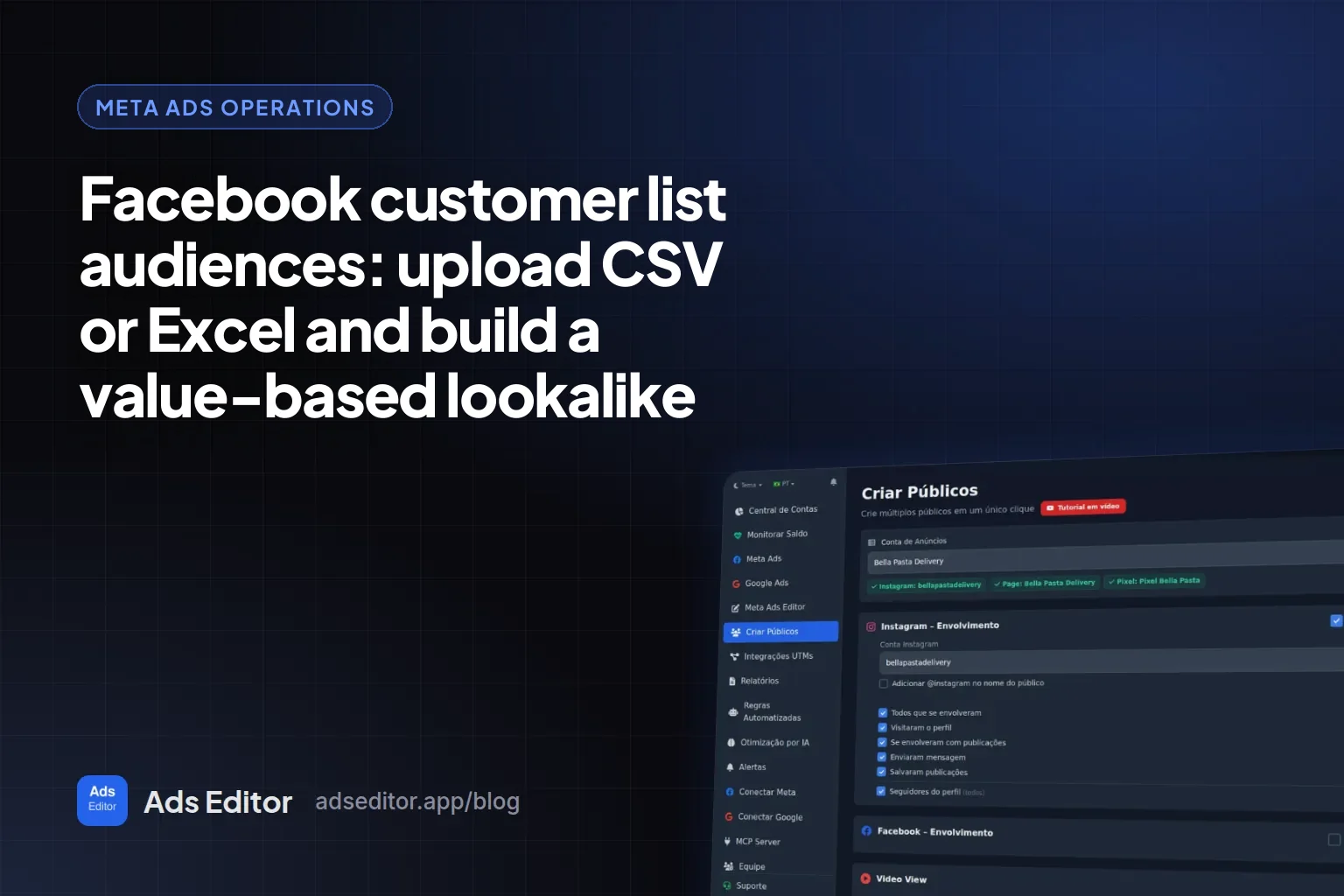
Facebook customer list audiences: upload a CSV or Excel file and build a value-based lookalike
By Matheus Mello, founder of Ads Editor and owner of YEP Agência · Published · 9 min read
A Facebook customer list audience is a custom audience built from contacts you already own: the emails, phone numbers and names of people who bought or signed up. It does three jobs: reach existing customers again, keep them out of prospecting campaigns, and seed a lookalike audience.
Quick answer
To upload a Facebook customer list, save the spreadsheet as CSV or TXT with email, phone with country code and name in separate columns, then create a Customer list custom audience in Ads Manager. In Ads Editor, the same list goes in as XLSX, CSV or TXT, is hashed on the server and becomes a lookalike in one click.
Summary
- A customer list is a custom audience: use it to retarget your base, exclude buyers and seed lookalikes.
- One identifier per column. Phones as digits with the country code (15551234567), emails lowercase with no spaces.
- Through the API, Meta requires SHA-256 hashing and takes up to 10,000 people per request; external IDs are not hashed.
- Add a customer value column and the list becomes a value-based audience, the seed for a value-based lookalike.
- Ads Editor reads XLSX, CSV or TXT up to 10 MB and 100,000 rows, in any connected account. Google Customer Match is not there yet.
What is a customer list audience, and what is it for?
It is a custom audience that Meta builds by matching your file against Facebook and Instagram accounts. People who match join the audience; people who do not are left out. You never see who matched, only the audience size.
- Retargeting your base. Repeat-purchase, launch or upgrade offers for people who already bought.
- Exclusion. Keep buyers out of prospecting so you stop paying to reach existing customers.
- Lookalike seed. A buyers list is the closest-to-revenue source you have in the account.
- Value-based lookalike. With a value per customer, Meta looks for people like your best customers, not your average one.
How should a Facebook customer list be formatted?
Meta only matches what is written the way it expects. Put each identifier in its own column and in the format below. The email, phone, hashing and batch rules come from Meta's Custom Audiences API documentation, checked October 17, 2026.
| Column | Format | Example |
|---|---|---|
| Lowercase, no leading or trailing spaces | [email protected] | |
| Phone | Digits only, no symbols, country code first | 15551234567 |
| First and last name | Two columns, never combined | maria | smith |
| City, state, ZIP | One column each | austin | tx | 78701 |
| Country | Two-letter code, even if everyone is in one country | us |
| External ID | The customer ID from your own system, sent unhashed | CUST-10432 |
| Customer value | A number only, zero or positive, no currency sign | 1200.50 |
What hashing is, and why format matters
A hash is a fingerprint of the data: the email becomes a string of letters and numbers that cannot be reversed. Through the API, Meta only accepts SHA-256 hashed data and matches hash to hash. That is why format matters so much: "[email protected] " and "[email protected]" produce different hashes, and the first one matches nobody. External IDs and mobile advertiser IDs are the exceptions and go unhashed.
How do you upload a customer list in Meta Ads Manager?
- Open Audiences in Ads Manager, click Create audience, then Custom audience.
- Pick Customer list as the source. The first time in each ad account, Meta asks you to accept the custom audience terms.
- Say whether the list has a customer value column. If it does, it becomes a value-based audience.
- Upload the CSV or TXT file, or paste the data.
- Check how each column was mapped and fix anything Meta did not recognize.
- Import, name the audience and wait for matching: the size can take hours to show.
Button names change between Ads Manager versions, but the path stays the same: Audiences, Create audience, Custom audience, Customer list. What does not scale is everything around it: exporting CSVs from each client's spreadsheet, repeating it account by account, and rebuilding stale lists.
How do you upload a customer list in Ads Editor?
Since October 13, 2026, the Meta tab of the Audiences screen has a Customer list (file) section. It does what Ads Manager does, with three differences: it takes Excel files directly, recognizes columns by their headers, and works in any connected account without switching Business Managers.
- Pick the ad account and open Customer list (file) on the Meta tab of the Audiences screen.
- Name the audience or tick Use the file name. The label is optional and uses Meta's native labels (15 of them, such as Qualified leads, High value customers, Recent purchasers and Cart abandoners), which organize the audience in Audience Manager.
- Answer whether there is a value column. Choose Yes when the file has spend or LTV and map that column as customer value. Meta asks you to accept the value terms once, and the screen links to them when they are missing.
- Set the country code for phones without one. Brazil (+55) adds 55 to 10 or 11 digit numbers; for any other market, choose Do not add country code and include the code in the file.
- Upload the file: XLSX, CSV or TXT, up to 10 MB and 100,000 rows. In a workbook with several tabs, the first tab whose headers the screen recognizes is used.
- Confirm the columns. Each column shows a sample value and a suggested field based on its header (email, phone, name, city, ZIP, value). At least one of email, phone, external ID or mobile advertiser ID must be mapped.
- Click Create list audience. When it finishes, Use in Lookalike sends the list to lookalike creation, and Open in Meta opens it in Ads Manager.
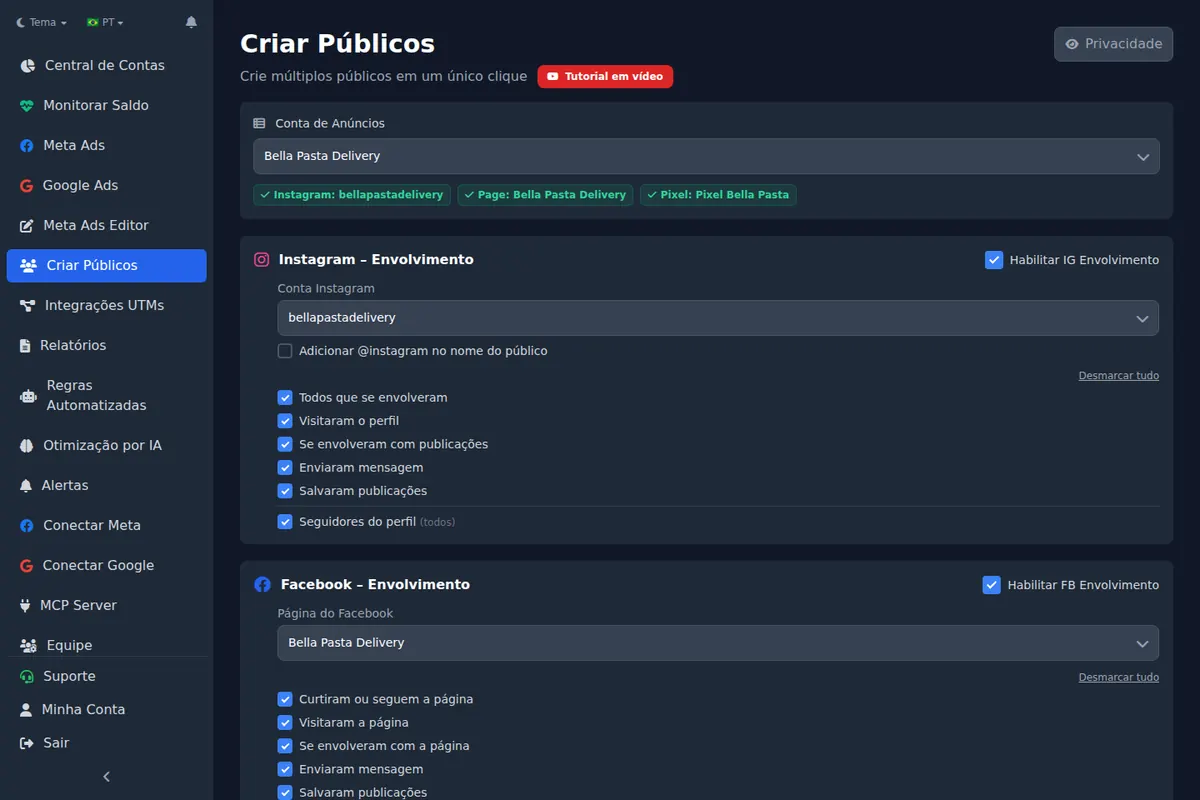
What happens to the list data in Ads Editor
Phones lose spaces and symbols, emails are lowercased, and every identifier is SHA-256 hashed on the server before it goes to Meta, in batches of up to 10,000 rows as the documentation requires. Customer value goes unhashed, in the format Meta asks for. The file is stored encrypted for up to 1 hour, only for the person who uploaded it, and discarded once the audience is created.
It also works from an AI chat: the Ads Editor MCP has a tool that creates a customer list audience from a file address (file_url). Setup is in Meta Ads MCP for Claude and ChatGPT.
Ads Manager, the API or Ads Editor: which should you use?
| Meta Ads Manager | Marketing API | Ads Editor | |
|---|---|---|---|
| File format | CSV or TXT | Whatever you build | XLSX, CSV or TXT |
| SHA-256 hashing | Automatic on import | Your job, before sending | On the Ads Editor server, before sending |
| Column mapping | On screen | In code | By header, with a sample per column |
| Many client accounts | One at a time, switching Business Managers | Yes, with development work | Any connected account, same screen |
| Customer value column | Yes | Yes | Yes, with a prompt for the value terms |
| Limit | Repeat everything per account | Needs a developer and upkeep | 10 MB and 100,000 rows per file; Meta only |
To create dozens of engagement, video and website audiences in one go, see bulk create Facebook custom audiences.
How do you build a value-based lookalike from the list?
A value-based lookalike starts from a list with a customer value column. Meta's documentation says the value can be any non-negative integer or decimal, and that the audience needs at least 100 matched people before it can seed a lookalike. It also warns that a value-based audience cannot be replaced with a regular one, or the other way around, so decide before you upload.
- Upload the list with the value column mapped as customer value.
- Wait until the audience shows a size in Audience Manager.
- In Ads Editor, click Use in Lookalike: the list becomes the source in the Lookalike section, where you tick the percentages (1%, 2%, 3%, 5% and 10%) and the country.
- Each source and percentage pair becomes its own audience.
It pays off when customer value varies: different tickets, repeat purchases, plans. If everyone pays the same, the column tells Meta nothing and a regular buyers lookalike does the same job.
Which mistakes kill the match rate?
- Phones without the country code. 5551234567 and 15551234567 are different numbers to Meta.
- First and last name in one column. Split them before uploading.
- Emails with spaces or capitals in an API upload that skipped normalization.
- Text in the value column. "$1,200.00" is not a number; send 1200.
- Stale lists. A two-year-old base is full of abandoned emails and changed numbers. Refresh the list instead of creating another with the same name.
Can you upload a customer list to Google Ads too?
Yes, in Google Ads itself, where the feature is called Customer Match. Ads Editor does not support it yet: on Google, the audiences it creates are website remarketing, custom segments and combined lists. Teams that run both platforms upload the Google list in Google Ads and the Meta list in Ads Editor.
Frequently asked questions
Can I upload an Excel file as a Facebook customer list?
Ads Manager asks for CSV or TXT, so the spreadsheet needs to be saved in one of those formats first. Ads Editor takes XLSX files directly, up to 10 MB and 100,000 rows.
What is the minimum customer list size for a lookalike?
According to Meta's documentation, the audience needs at least 100 matched people to seed a lookalike. Not every contact matches, so the file you upload needs to be larger than that.
Does Meta see the emails and phone numbers in my list?
Through the API, data arrives SHA-256 hashed and matching happens between hashes. In Ads Editor, hashing happens on the server before sending, and the file is discarded once the audience is created.
How should phone numbers be formatted in a customer list?
Digits only, with the country code first, such as 15551234567. Remove spaces, dashes, parentheses and leading zeros.
What is a value-based audience?
A customer list with a value per person, such as total spend or LTV. It seeds a value-based lookalike, which looks for people similar to your highest-value customers.
Glossary
- Customer list audience
- A Meta custom audience built from your own contacts, such as emails and phone numbers.
- SHA-256 hash
- A one-way transformation of the data; it is how Meta receives identifiers through the API.
- Value-based audience
- A customer list with a value per person, used to seed a value-based lookalike.
- External ID
- The customer ID from your own system, sent to Meta unhashed.
References
- Custom Audiences, Meta Marketing API (checked October 17, 2026). Supports: Data must be SHA-256 hashed; emails trimmed and lowercased; phones without symbols, letters or leading zeros, with the country code when no country field is sent; up to 10,000 people per request; external IDs and mobile advertiser IDs unhashed; a value-based customer file audience cannot be replaced with a regular one.
- Value-based lookalike audiences, Meta Marketing API (checked October 17, 2026). Supports: Customer value goes in the LOOKALIKE_VALUE field, can be any non-negative integer or decimal, and the audience needs at least 100 people to seed a lookalike.
The claim supported by each source is shown above.
About the author
Matheus Mello, founder of Ads Editor and owner of YEP Agência. Runs client ad accounts at YEP Agência and built Ads Editor so his own agency could stop publishing ads one at a time. Usage numbers quoted on the blog come from the product activity log. Instagram: @theusm