Instagram partnership ads (collab): how they work in Meta Ads and why Meta rejects them
By Matheus Mello, founder of Ads Editor and owner of YEP Agência · Published · 3 min read
Instagram partnership ads, better known as collab ads, are the format Meta Ads calls partnership ads: the creative goes out with two identities in the header, the advertiser and a partner such as a creator or another brand. It is the old branded content, and it fails for a reason that almost always sits outside Ads Manager: the partner's approval.
Quick answer
A partnership ad in Meta Ads is an ad that goes out with two identities in the header: the advertiser and a creator or another brand. It borrows the partner's social proof. Meta only accepts it after the partner approves your account under Creator partnerships on Instagram; confirm that before you build the batch.
Summary
- The creative has two identities: the main one and the partner's.
- Without the partner's approval on Instagram, Meta rejects the creative.
- Entering only one ID (Page or Instagram) works if the partner's Page and Instagram are linked.
- In Ads Editor, an ad set that already has a collab ad passes the partnership on to the new batch by itself.
How does a partnership ad work under the hood?
The main identity is the ad's Page and Instagram account. The partner goes into two separate fields: one for the partner's Facebook Page and one for their Instagram account. If you enter only one, Meta infers the other from the link between the partner's Page and Instagram. Without that link, the ad does not deliver on the platform that has no identity.
Why does Meta reject a partnership ad?
- The partner has not approved your account under Creator partnerships on Instagram. This is the most common cause.
- The partner's Page and Instagram are not linked, and you entered only one of the two.
- The content breaks branded content policy, like any other ad.
How to publish partnership ads in bulk
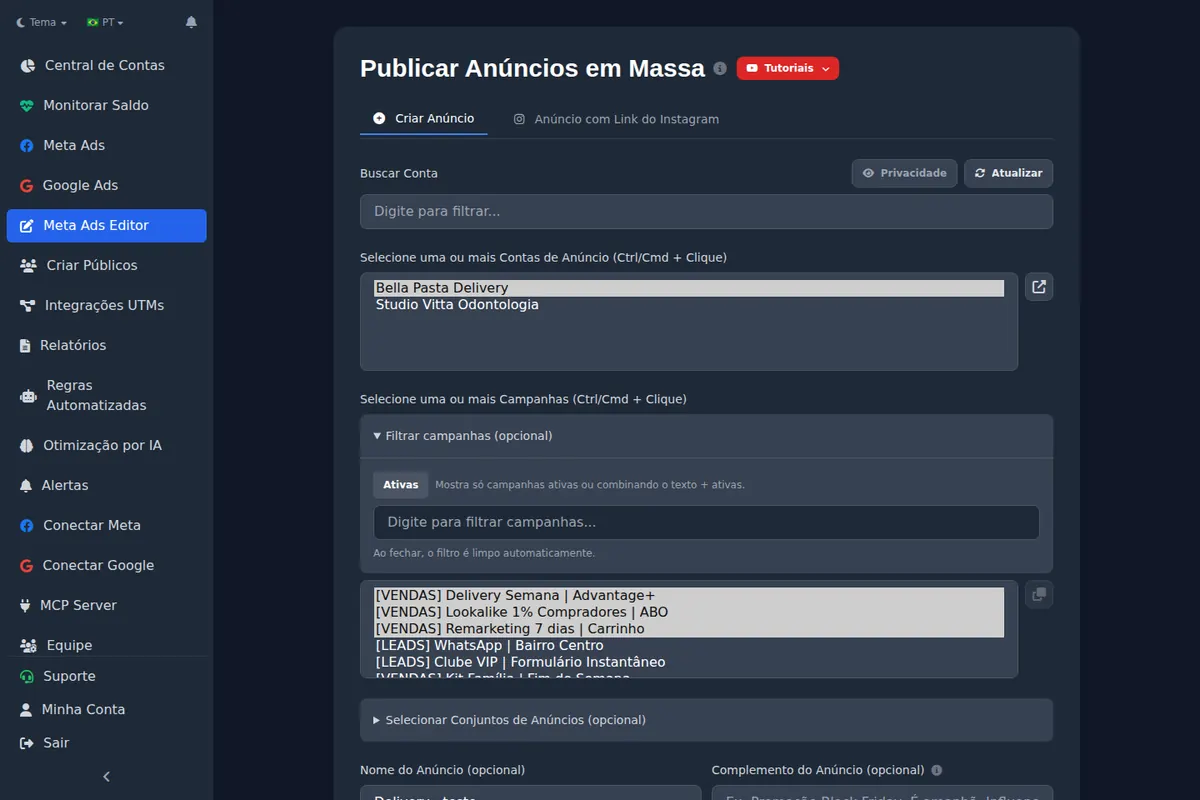
In Ads Editor's bulk publishing, under the Page and Instagram section, check Partnership ad and pick the partner Page. The partner's Instagram account follows automatically from the Page. If the destination ad set already has a collab ad, the batch inherits the partnership without you checking anything.
Checklist before publishing
1. The partner approved your account on Instagram. 2. The partner's Page and Instagram are linked. 3. A paused test ad was accepted. Only then upload the batch.
These rules were checked in practice, in batch publishing; Meta's Help Center does not open without JavaScript, so it is not in the references.
Frequently asked questions
Is a partnership ad the same as boosting a creator's post?
No. With a partnership ad you control audience, budget and creative from Ads Manager, and the header shows both accounts.
Do I need the creator's password?
No. The creator approves your account in their own Instagram partnership settings.
Do partnership ads work on Facebook and Instagram?
They work on both when the partner has a Page and Instagram account that are linked. Without the link, the ad only delivers where there is an identity.
Glossary
- Partnership ad (collab)
- An ad with two identities in the header: the advertiser and a partner.
- Creator partnerships
- The Instagram setting where a creator approves which brands can advertise with their identity.
About the author
Matheus Mello, founder of Ads Editor and owner of YEP Agência. Runs client ad accounts at YEP Agência and built Ads Editor so his own agency could stop publishing ads one at a time. Usage numbers quoted on the blog come from the product activity log. Instagram: @theusm