Meta Ads naming convention: an agency standard that works with your UTMs
By Matheus Mello, founder of Ads Editor and owner of YEP Agência · Published · 10 min read
A Meta Ads naming convention is the fixed rule for naming campaigns, ad sets and ads in every account. It looks like paperwork until the day the name becomes a UTM and decides whether a sale lands on the right ad or nowhere at all.
Quick answer
A Meta Ads naming convention is a fixed set of fields, in the same order and with the same separator, across campaigns, ad sets and ads. It keeps filters, reports and UTMs readable for the whole team. Use underscores between fields, no accents or URL characters, and send the ID with the name in the UTM.
Summary
- Each level holds only what changes at that level: campaign (client, objective, stage, offer, date), ad set (audience, location, event), ad (number, concept, format, version).
- Underscores between fields, hyphens inside a field, all lowercase and no accents.
- No
#,?or&in the name, and no long run of digits in dates (2026-09, not300926). - The name reaches the UTM through dynamic parameters; send name and ID together, because the ID survives a rename.
- In Advantage+ and the flexible ad format, the name should say what Meta decided.
Why does a naming convention matter in Meta Ads?
Because the name is the only piece of data you write that travels everywhere: Ads Manager filters, the client report, the month end spreadsheet and, through the UTM, the sale itself. A loose name ("New campaign 2", "Copy of ad set") costs nothing the day it is created and costs hours at month end.
For an agency the problem multiplies. With ten clients and three media buyers, each naming things their own way, nobody can filter "all retargeting campaigns" or compare creatives across accounts. A standard fixes this once: fixed fields, in the same order, with the same separator, at every level.
Which fields go into the name at each level?
The rule is simple: each level holds only what changes at that level. What belongs to the campaign is not repeated in the ad set, and what belongs to the ad set is not repeated in the ad. Repeating everything everywhere produces huge names that the Ads Manager column cuts in half.
| Level | Fields | Example |
|---|---|---|
| Campaign | client, objective, funnel stage, offer, start date | acme_sales_prosp_prenatal-course_2026-09 |
| Ad set | audience, audience detail, location, optimization event | lal-buyers-1_ny_purchase |
| Ad | number, concept, format, version | AD07 - pain_ugc-video_v2 |
Campaign
Start with the client (or the brand, if the account belongs to a single client). Then the objective in one word (sales, leads, messages, traffic), the stage (prosp for cold audiences, rmk for retargeting), the offer and the start date in year-month format. With that, anyone on the team reads the name and knows what the campaign does without opening anything.
Ad set
The ad set describes who sees it: audience type (broad, interest, lookalike, retargeting), the detail (which list, which window, which interest), the location and the optimization event. Retargeting deserves the window in the name, as in rmk-checkout-7d, because it is the first thing the media buyer needs to know when CPA goes up.
Ad
The ad describes the creative: sequential number, concept or angle (pain, proof, offer, behind the scenes), format (image, video, carousel, ugc) and version. It is the level that matters most for the UTM, because it goes into utm_content and it is what tells you which creative made the sale.
Which delimiter should you use?
Use an underscore (`_`) between fields and a hyphen (`-`) to join words inside a field. That way prenatal-course is one field and acme_sales_prosp is three. Anyone exporting to a spreadsheet splits the columns on the underscore and is done.
What never goes into the name, at any level:
- `#`, `?` and `&`. These are URL characters. Since the name goes into the UTM, they can cut or break the parameter on its way to checkout.
- Accented letters. In a URL,
ébecomes%C3%A9. Many tools show the code instead of the letter, and the report becomes unreadable. - Mixed upper and lower case. Google Analytics treats them as different:
Salesandsalesbecome two campaigns. Pick all lowercase and stick with it. - Budget in the name. "$100/day" goes stale at the first scale up and starts lying in the report.
Dates without long numbers
Write the date as 2026-09 or 2026-09-30, never 20260930 or 300926. Tools that read UTMs often find the campaign ID by looking for a long number in the parameter. Ads Editor, for example, treats the first run of 6 or more digits in each parameter as the ID: a 6 digit date stuck in the name would be read as the ID, and the sale would be left without an owner.
Which naming templates should an agency use?
The three templates below are the ones we use as a starting point in our operation. Adapt the fields to the client, but keep the order the same across every account in the agency.
| Business | Campaign | Ad set | Ad |
|---|---|---|---|
| Online course (launch or evergreen) | mentorship_sales_prosp_evergreen_2026-09 | broad_us_purchase | AD03 - proof_testimonial-video_v1 |
| Local business on WhatsApp | smile-clinic_messages_prosp_whitening_2026-09 | 5km-radius_women-25-45_conversation | AD01 - offer_carousel_v1 |
| Ecommerce | store-x_sales_rmk_catalog_2026-09 | rmk-cart-14d_us_purchase | AD12 - free-shipping_image_v3 |
Two conventions that save arguments on the team: abbreviations have a dictionary (a short list, pinned in the shared drive, saying that rmk is retargeting and lal is lookalike) and versions only go up (v1, v2, v3, never final or final-2).
How does the name connect to the UTM?
Through Meta's dynamic parameters. Instead of typing the campaign name into the UTM, you write {{campaign.name}} and Meta fills it in at click time with that ad's name. That is why your naming convention is, in practice, your tracking convention: the name you gave is the name that reaches checkout.
URL parameters with name and ID
utm_source=FB&utm_campaign={{campaign.name}}|{{campaign.id}}&utm_medium={{adset.name}}|{{adset.id}}&utm_content={{ad.name}}|{{ad.id}}&utm_term={{placement}}
This is the template Ads Editor uses, and the reason for sending name and ID together is naming. The name is for people to read: in the report you see acme_sales_prosp_prenatal-course_2026-09 instead of a number. The ID is for matching: it never changes, while the name changes every time someone renames it. A sale linked only by name gets lost at the first rename; linked by ID, it does not.
Each parameter in detail, and the path from click to checkout, is in UTM parameters for Meta Ads.
Why does the ad name matter most?
Because utm_content is the parameter that differentiates creatives, by Google Analytics' own definition. If every ad is called "Ad 1" or inherits the file name IMG_4432, the sales by creative report becomes a list of names nobody recognizes. A name with concept and format (AD07 - pain_ugc-video_v2) tells you right away which angle sold.
How should you name Advantage+ and flexible ad format campaigns?
In these formats Meta decides part of what you used to decide, and the name should say so to whoever reads the report.
- Advantage+ sales campaign. Mark the structure in the campaign name (
advin place of the stage, for example) so the report separates what is automated from what is manual. - Ad set with an audience chosen by Meta. Do not invent an audience you did not pick. Use
advorbroadin the audience field, and keep the location and the event. - Flexible ad format. One ad carries several media and texts, but it has a single name, and that name is what goes into
utm_content. The UTM does not tell you which media sold. Name it after the group's concept (AD09 - proof_flex_v1) and, if you need to know the winning media, publish each one as its own ad, as we explain in Meta flexible ad format.
What are the most common mistakes?
- Every media buyer with their own standard. The standard only works if it is written down and the same for every account. Pin the template and the abbreviation dictionary somewhere the whole team opens.
- Field order that changes.
sales_acmein one campaign andacme_salesin another break the filter and the spreadsheet. The order is as much part of the standard as the fields. - Names copied from duplication. Duplicating and forgetting to rename leaves three "Copy of" campaigns with different audiences. Rename before publishing, not after.
- Renaming a campaign that is already selling. The new name applies to future clicks; past sales keep the old name. With the ID in the UTM the sale stays matched, but the report by name gets split. Rename early or not at all.
- URL characters in the name.
#,?and&travel into the UTM along with the name. Replace them with a hyphen. - UTMs without IDs.
{{campaign.name}}alone works until the day someone renames. Always send the ID too.
How does Ads Editor use the name and the UTM?
Three parts of the product depend directly on naming, and it is worth knowing them so you can build your standard to work with them.
Ad names in bulk publishing
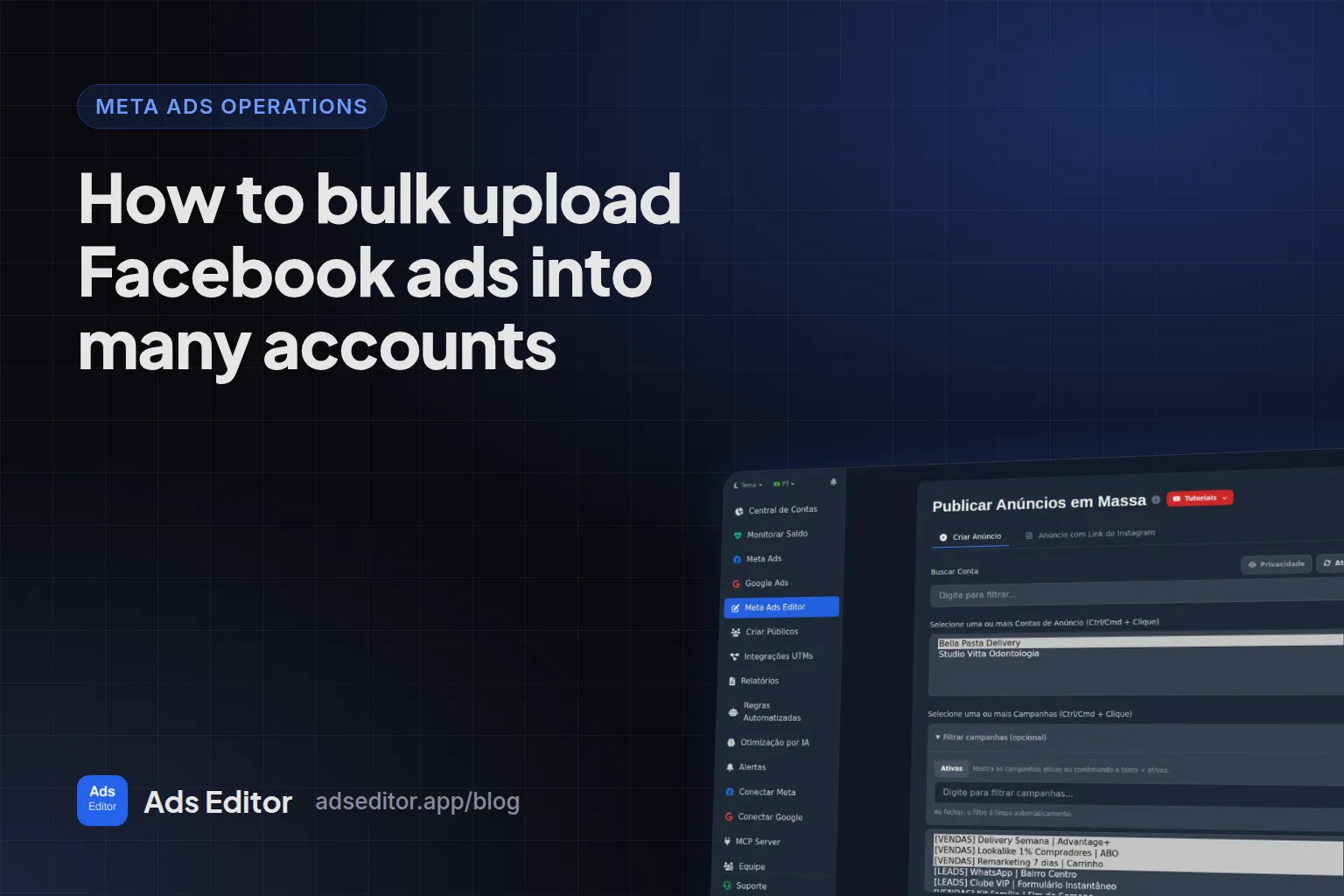
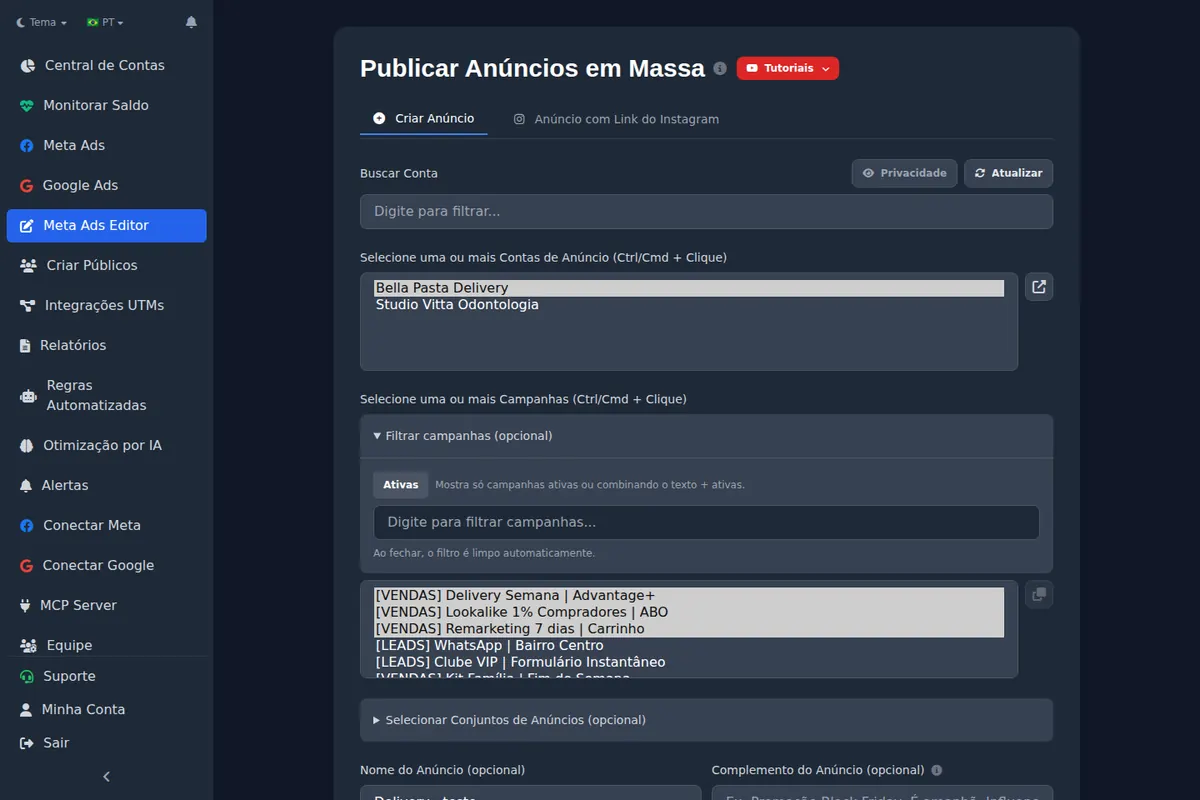
In bulk publishing, if you leave the name blank, Ads Editor numbers the ads for you: it looks at the ads in the ad set, finds the highest ADxx and continues the count. If the existing ad is called AD05 - pain_ugc-video, the next one comes out as AD06 - pain_ugc-video, keeping the text after the first - (you can turn this off and upload only the number). That is why the ad template in this article uses a single ` - `, between the number and the rest, with underscores inside the rest.
You can also use the file name as the ad name (the extension is dropped automatically) and add a suffix or prefix, such as the date or the promotion name, before or after the file name. If you name files to the standard from the start (pain_ugc-video_v2.mp4), the whole batch uploads correctly named.
Default UTM already selected
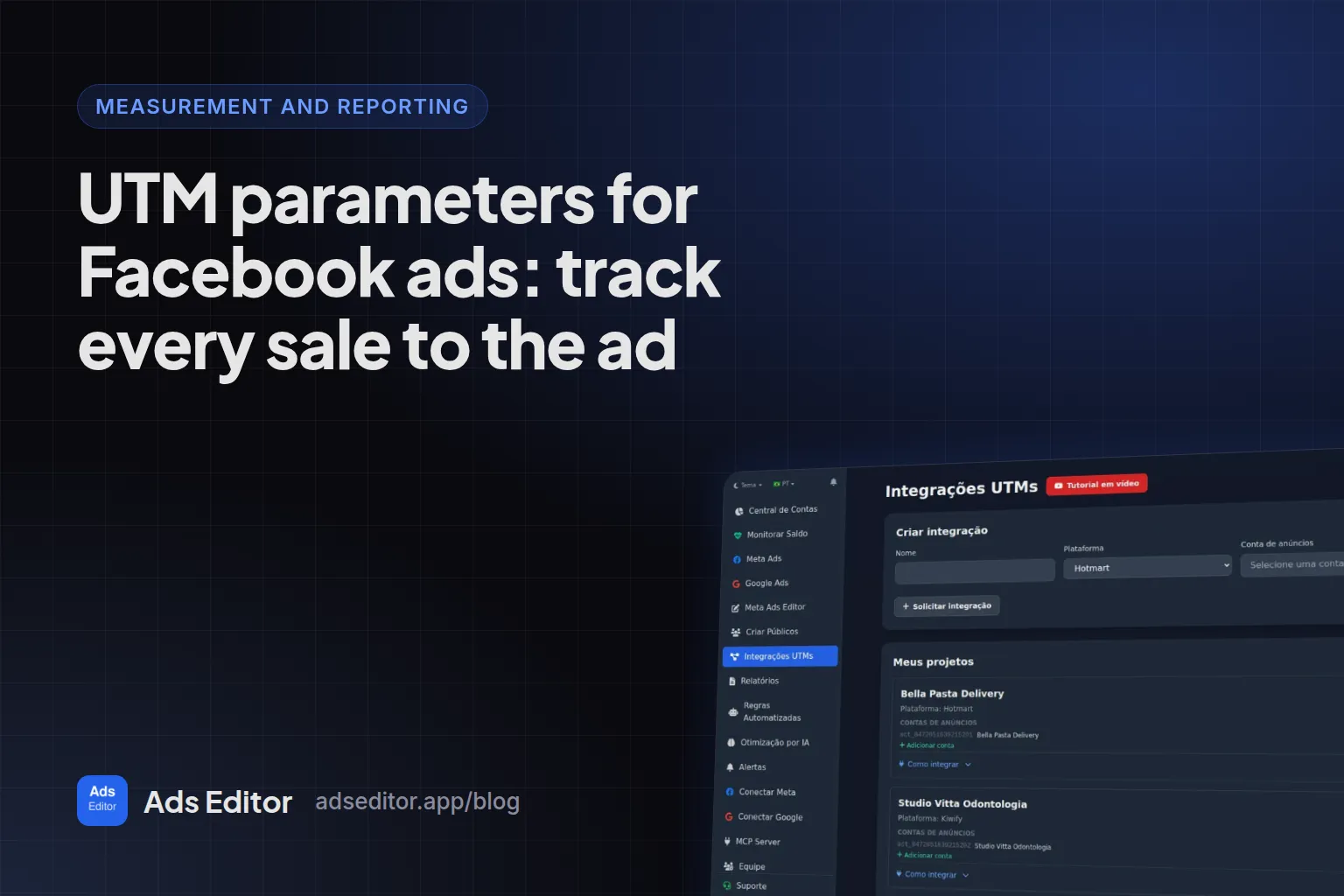
In campaigns with a website destination, bulk publishing comes with the Ads Editor default option already selected, which applies the name and ID UTM shown above. It is the same template as the UTM Integrations screen. You can also type a manual UTM or upload without any.
Sales and reports by ID
When a connected checkout platform reports a sale, Ads Editor reads the campaign, ad set and ad IDs from each parameter and adds up the approved sales, net of the platform fee, on each one. Because the sum is by ID, renaming does not split the history in Ads Editor. The connected checkouts today are mostly platforms popular in Brazil; Shopify, Stripe, ClickFunnels, Kajabi and Teachable are not on the list, so with those you read the same UTMs in your store's order data or your analytics tool (details in the UTM guide linked above).
The name is for finding the ad: the manager's search matches names ignoring accents and case. To change the name or the UTM of many ads at once, use bulk editing.
Frequently asked questions
What is the best separator for Meta Ads campaign names?
Underscores between fields and hyphens inside a field. Avoid #, ? and &, which are URL characters and travel into the UTM with the name.
Can I rename a campaign that is already running?
Yes, but the new name only applies to future clicks and the report by name gets split. With the ID in the UTM, the sale stays linked to the campaign.
What should go into utm_content?
The ad name and ID, with {{ad.name}}|{{ad.id}}. It is the parameter that tells you which creative produced the sale.
Upper or lower case in campaign names?
Pick one and do not mix. Google Analytics treats Sales and sales as different values; in our operation we use all lowercase.
Glossary
- Dynamic parameter
- A placeholder like `{{campaign.name}}` that Meta replaces with the real value (name or ID) at click time.
- Delimiter
- The character that separates the fields of a name, like the underscore in `client_objective_stage`.
- utm_content
- The UTM parameter used to differentiate creatives; in the Ads Editor template it carries the ad name and ID.
References
- Google Analytics Help: URL builders, collect campaign data with custom URLs. Supports: UTM parameter values are case sensitive, and utm_content is used to differentiate creatives.
Links opened and checked on Oct 4, 2026.
About the author
Matheus Mello, founder of Ads Editor and owner of YEP Agência. Runs client ad accounts at YEP Agência and built Ads Editor so his own agency could stop publishing ads one at a time. Usage numbers quoted on the blog come from the product activity log. Instagram: @theusm