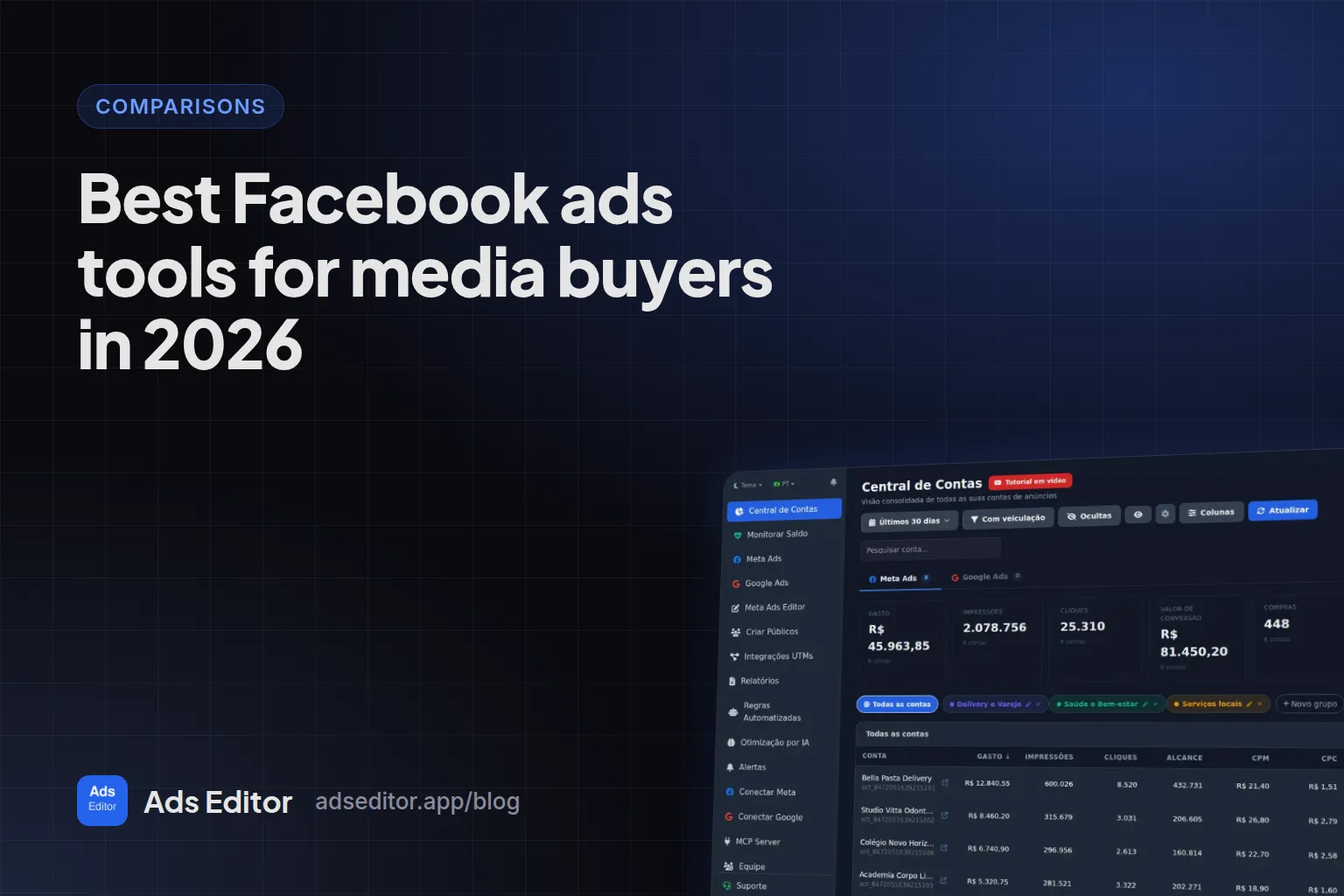
Best Facebook ads tools for media buyers in 2026
By Matheus Mello, founder of Ads Editor and owner of YEP Agência · Published · 8 min read
The best Facebook ads tools for media buyers depend on which task eats your week, and most lists skip that because they are written by one of the tools. We are one of the tools too, so this list says what each one does not do, including ours.
Quick answer
There is no single best tool for media buyers, only the best tool for each task. Start with the free ones: Meta Ads Manager, Google Ads Editor and Data Studio. Pay only for your bottleneck: rules and automated scaling, bulk launching, ecommerce analytics, deep Google Ads work, or running Meta and Google together across many accounts.
Summary
- Start free: Ads Manager, Google Ads Editor and Data Studio cover a lot for a few accounts.
- Pick by the task that takes the most hours, not by feature count.
- Pricing models differ: by ad spend, by accounts included, or a flat fee; do the math with your own numbers.
- Every entry lists what the tool does not do, including Ads Editor.
- Prices are what vendor pages showed on September 23, 2026; the vendor page is what counts.
How was this list built?
- Criterion: the task the tool solves, what it does well, what it does not do, how it charges and who it is for.
- Price: what the official pricing page showed on September 23, 2026, without currency conversion. When the page did not show a value, it says price not verified.
- Sources: every claim about another vendor comes from that vendor's official page, read on September 23, 2026. We do not link to competitors, and we did not test third-party paid tools on a live account.
- Conflict of interest: Ads Editor is ours. It does not top the list and gets the same what it does not do section as the others.
Which tool solves which task?
| Task | Free | Paid, from this list | Note |
|---|---|---|---|
| Create and edit campaigns in one Meta account | Meta Ads Manager | Every paid tool runs on top of Meta's API | For a few accounts, native is enough |
| Edit Google Ads in volume | Google Ads Editor | Optmyzr | Google Ads Editor works offline |
| Launch many Meta ads at once | Ads Manager spreadsheet import | Ads Uploader, AdManage, Bïrch, Ads Editor | The native file tops out around 2 MB |
| Copy a campaign to another ad account | Export and import | Ads Editor | Natively, Page, pixel and audiences are swapped by hand |
| Client reporting | Data Studio | Ads Editor and dedicated reporting tools | Data Studio needs a third-party connector for Meta |
| Rules and automated scaling | Ads Manager rules, account by account | Bïrch, Madgicx, Optmyzr, Ads Editor | Bïrch, Madgicx and Optmyzr charge by ad spend |
| Talk to the account through AI (MCP) | Meta's connector; Google's read-only MCP | Ads Editor, Bïrch, AdManage, Ads Uploader | Details in Meta Ads MCP |
What does each tool do well, and what does it not do?
1. Meta Ads Manager and Meta's AI connectors
- Does well: everything inside one account, automated rules per account and spreadsheet import. Since April 29, 2026, Meta has official AI connectors in open beta.
- Does not do: publish the same pack into several accounts from one screen, copy campaigns between accounts without a spreadsheet, or Google Ads.
- Price: free.
- For: every media buyer. It is the base, and for two or three accounts it can be all you need.
2. Google Ads Editor
- Does well: bulk editing of Google Ads on the desktop, including offline.
- Does not do: Meta Ads or client reports. It is not the Ads Editor in this list, despite the name (see Ads Editor vs Google Ads Editor).
- Price: free.
- For: anyone who edits many Google Ads campaigns.
3. Data Studio (formerly Looker Studio)
- Does well: free dashboards and reports, built once and reused.
- Does not do: a native Meta Ads connector (it depends on a third-party connector), campaign changes, or building the template for you.
- Price: no cost; the third-party Meta connector is billed separately (price not verified).
- For: anyone with time to build the template who prefers not to pay for a reporting tool.
4. Bïrch (formerly Revealbot)
- Does well: rules with nested conditions and 20+ actions, checked every 15 minutes and applicable across accounts; Meta, Google Ads, Snapchat and TikTok; ad creation from Google Drive media; MCP.
- Does not do: flat pricing. Cost follows your ad spend tier.
- Price: the Pro plan, which includes rules, showed $99 per month up to $10,000 of monthly ad spend, with extra charges above that; 14 day trial.
- For: performance teams with high spend across several platforms.
5. Madgicx
- Does well: automation, targeting and AI analysis in one plan, focused on ecommerce and Meta; server-side tracking as an add-on.
- Does not do: a fixed price. The value changes with the ad spend tier.
- Price: the page showed $45 per month on the tier selected by default; Tracking Pro at $49 per month extra; 7 day trial.
- For: ecommerce brands that run mostly on Meta.
6. Optmyzr
- Does well: deep Google Ads work: search terms, keywords, bids, audits and a rules engine.
- Does not do: equal depth on Meta, which sits in a separate block (with LinkedIn); most listed features are for search.
- Price: not verified: the page did not show a value when read. Billing is by monthly spend tier, and the trial does not ask for a card.
- For: media buyers with a heavy Google Ads portfolio.
7. AdManage
- Does well: batch ad launching, including from Google Sheets, and MCP for Claude and Perplexity.
- Does not do: a cheap entry point for many accounts: the entry plan includes 1 account and Meta only.
- Price: £199.99 (1 account), £499.99 (5 accounts) and £999.99 (10 accounts) per month.
- For: a brand or in-house team with few accounts and a lot of creative.
8. Ads Uploader
- Does well: bulk uploads to Meta with unlimited accounts and uploads for a flat fee, and ad duplication that keeps the post ID, preserving likes and comments. Has a CLI and MCP.
- Does not do: Google Ads. The pricing page talks only about Meta.
- Price: $44 per month; 7 day trial without a card.
- For: anyone who uploads a lot of creative to Meta and wants a flat price.
9. Ads Editor
- Does well: Meta Ads and Google Ads operations in one panel: bulk publishing into many accounts, cross-account copies swapping Page, pixel and WhatsApp, bulk audiences, every balance on one screen, rules and scaling in steps of up to 35%, link reports, sales tracking by UTM with checkout-platform webhooks (currently 15 platforms popular in Brazil, such as Hotmart and Kiwify) and an MCP with 212 tools.
- Does not do: TikTok, Snapchat or LinkedIn; relative rule conditions (versus last week) or app attribution data (AppsFlyer, Adjust); offline editing; native sales integrations with Shopify, Stripe or ClickFunnels.
- Price: plans from R$ 97/month, billed in BRL, by number of ad accounts (10 to 70); Copilot and MCP from the Pro plan; 7 day trial.
- For: media buyers and agencies with many Meta and Google accounts. The comparison with native is in Ads Editor vs Meta Ads Manager.
How do the pricing models compare?
| Tool | Price seen | How it charges |
|---|---|---|
| Meta Ads Manager | Free | Does not charge |
| Google Ads Editor | Free | Does not charge |
| Data Studio | Free; Meta connector extra, not verified | Does not charge |
| Bïrch | $99/month on Pro, up to $10,000 of spend | Ad spend tier |
| Madgicx | $45/month on the tier shown | Ad spend tier |
| Optmyzr | Not verified | Ad spend tier |
| AdManage | £199.99 to £999.99/month | Accounts included |
| Ads Uploader | $44/month | Flat, unlimited accounts |
| Ads Editor | From R$ 97/month, billed in BRL | Meta and Google ad accounts |
Prices change
The values above are what the pages showed on September 23, 2026. Before subscribing, open each vendor's pricing page: that is what counts, not this table.
When should you not use Ads Editor?
- You run two or three accounts, Meta only: Ads Manager is enough.
- You run TikTok, Snapchat or LinkedIn: Ads Editor is Meta and Google only.
- You need rules that compare against last week or use AppsFlyer data: Bïrch does that, Ads Editor does not.
- You only edit Google Ads in volume: Google Ads Editor is free.
- Your store runs on Shopify or Stripe and you want sales by ad inside the tool: our sales webhooks do not cover them today.
How do you choose without wasting the free trial?
- Time a normal week: how long goes to launching, copying campaigns, reporting and checking balances.
- Choose by the biggest slice of time, not by the feature list.
- Run the trial on a real account, in a week with real work: 7 days on Ads Editor, Madgicx and Ads Uploader, 14 on Bïrch.
- Do the price math with your own account count and spend, not the entry plan.
Frequently asked questions
What is the best free tool for media buyers?
To operate, Meta Ads Manager and Google Ads Editor; to report, Data Studio. Meta data in Data Studio needs a third-party connector.
Which tools charge by ad spend?
From this list, Bïrch, Madgicx and Optmyzr price by ad spend tier. AdManage charges by accounts included, Ads Uploader a flat fee and Ads Editor by number of ad accounts.
Which tools have an MCP for Claude or ChatGPT?
Meta has official connectors in beta and Google a read-only MCP. Among paid tools, Ads Editor, Bïrch, AdManage and Ads Uploader offer MCP servers.
Why does this list have no number one?
Because each tool solves a different task. The best one is the one that removes the work that weighs most in your week.
Glossary
- Ad spend tier
- A pricing model where the tool's price rises with how much you spend on ads.
- Bulk launcher
- A tool that publishes many ads at once from files or a spreadsheet.
- Rules engine
- Automation that pauses, activates or changes budgets when conditions are met.
References
- Meta ads AI connectors (Meta for Business). Supports: April 29, 2026: connectors in open beta that let advertisers create, manage and analyze campaigns in the AI tools they already use.
- About Google Ads Editor (Google Ads Help). Supports: Google Ads Editor is a free, downloadable application for managing Google Ads campaigns, with offline work.
- Data Studio documentation (Google Cloud). Supports: Looker Studio is now called Data Studio, a no-cost tool that turns data into dashboards and reports.
- Open Source Google Ads API MCP Server (Google Ads Developer Blog). Supports: Google's open source Google Ads MCP server is read-only in its initial release.
Links opened and checked when the article was last updated.
About the author
Matheus Mello, founder of Ads Editor and owner of YEP Agência. Runs client ad accounts at YEP Agência and built Ads Editor so his own agency could stop publishing ads one at a time. Usage numbers quoted on the blog come from the product activity log. Instagram: @theusm