Rapid Ads alternative: Ads Editor vs Rapid Ads for Meta launching
By Matheus Mello, founder of Ads Editor and owner of YEP Agência · Published · 9 min read
A Rapid Ads alternative is worth a look when you need more than fast uploads. Rapid Ads is a low-cost Meta bulk launcher built for speed; Ads Editor covers launching plus the rest of multi-account work on Meta and Google, and each wins in different situations.
Quick answer
Rapid Ads is a $39 per month Meta bulk launcher with unlimited accounts, AI ad set grouping and Advantage+ kept off. Ads Editor adds carousels and partnership ads today, Google Ads, cross-account copies, audiences, balances, rules and MCP, from US$ 19. Choose Rapid Ads for cheap single-format launching; choose Ads Editor for agency operations.
Summary
- Rapid Ads launches single image, video, flexible and post ID ads in bulk; carousels and partnership ads are coming soon.
- Rapid Ads wins on price for launching only once you pass 20 accounts: $39 per month with unlimited accounts and uploads, plus 10 free uploads.
- Both create ads with Advantage+ creative enhancements off.
- Ads Editor wins on formats available today, Google Ads and work beyond launching.
- Prices and features are what each vendor page showed as of September 30, 2026.
What is Rapid Ads?
Rapid Ads is a Meta bulk ad launcher at rapid-ads.com. Its pitch is speed and price: drop a batch of creatives, let its AI sort them into ad sets with budgets, locations and ages, and launch the whole batch in one click, with every Advantage+ creative enhancement switched off and kept off.
According to its own site, as of September 30, 2026, Rapid Ads supports single image, single video, mixed aspect ratios grouped from file names (1x1, 4x5, 9x16), flexible ads and post ID ads. Carousels, partnership ads, collection ads, catalog ads and slideshows are marked as coming soon. It describes itself as an official Meta marketing partner that connects through Meta's official API.
What is Ads Editor?
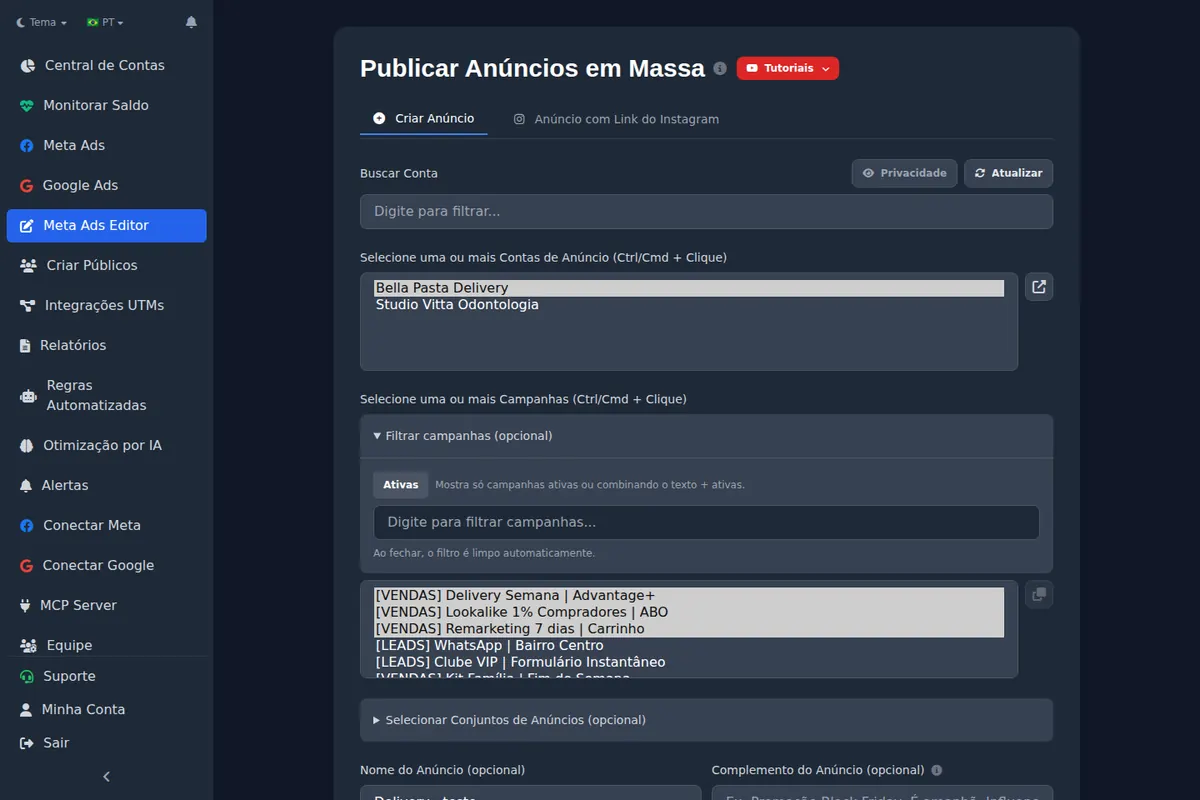
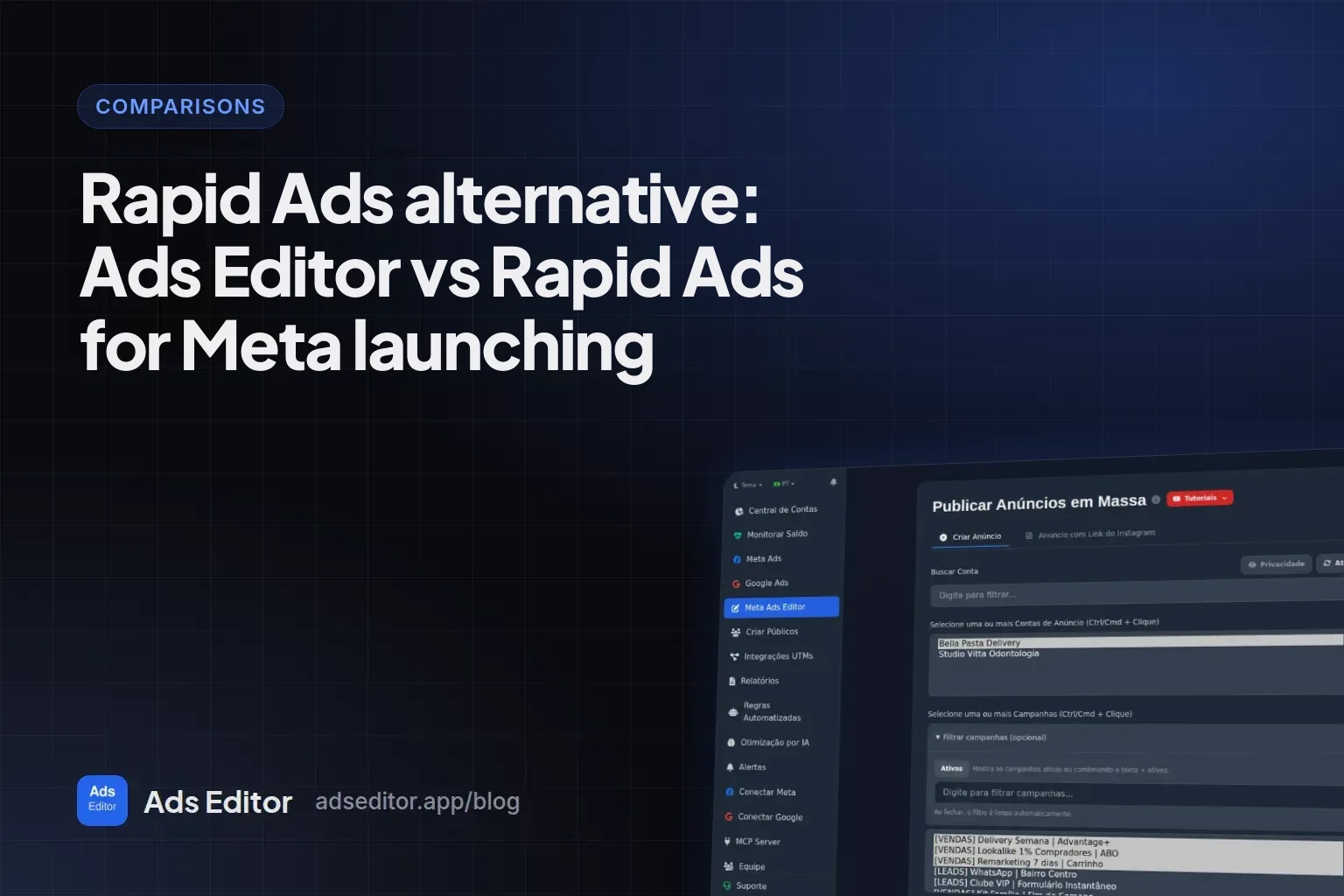
Ads Editor is an independent platform for media buyers and agencies that run Meta Ads and Google Ads across many accounts, through the official Meta and Google connections, logging in with your Meta and Google accounts. It is not Google Ads Editor, Google's free desktop app, and it is not a Meta or Google product. Its bulk publishing queue is one part; the rest covers multi-account operations: cross-account campaign copies, bulk audiences, a balance monitor, automated rules and scaling, link reports, an AI Copilot and an MCP server.
How do Rapid Ads and Ads Editor compare feature by feature?
| Task | Rapid Ads | Ads Editor |
|---|---|---|
| Bulk launch Meta ads | Yes, whole batch in one click | Yes, through the publishing queue, into several campaigns and accounts in one batch |
| Sort creatives into ad sets by prompt | Yes, AI grouping in plain English, with budgets, targeting and scheduling | No prompt-based grouping in the queue; the AI Copilot and MCP work at account level |
| Advantage+ creative enhancements | Off on every ad, kept off | Off by default on every ad the queue creates; can be switched per ad later |
| Mixed aspect ratios in one ad | Yes, grouped by file name tags | Yes, placement customization for feed and Stories/Reels |
| Flexible ads | Yes | Yes |
| Carousel and partnership ads | Coming soon | Yes |
| Lead forms and WhatsApp destinations | Not listed on its site | Yes |
| Keep likes and comments (existing post) | Yes, post ID ads | Yes, when the ad is an existing post: from an Instagram link, or when copying an existing-post ad |
| Naming | Yes, automatic naming rules for ad sets and ads | Ad name built from the file name plus your own text; no automatic naming rules |
| Bulk copy from CSV or AI | Yes | Not in the queue |
| Google Drive import | Not mentioned on its site | Yes, in beta, from public Drive links |
| Copy a campaign to another account swapping Page and pixel | Not listed | Yes |
| Bulk audiences, balance monitor, client reports | Not listed | Yes |
| Automated rules and scaling | Not listed | Yes |
| Google Ads | No | Yes |
| MCP server | Not mentioned on its site | Yes, over 200 tools, from the Pro plan |
Where is Rapid Ads better?
- Price for launching only. $39 a month covers unlimited uploads and unlimited ad accounts. If all you need is to push creatives into Meta for many accounts, that is hard to beat.
- A free start. The first 10 uploads are free with no card, so you can test on real ads before paying.
- Batch setup by prompt. You can type something like group 5 ads per ad set, a cost cap and three countries, and it applies that to the whole batch, including scheduling.
- Naming and copy in bulk. Naming rules run on every ad set and ad, and copy can be written once, generated by AI or imported by CSV.
- Enhancements kept off. Rapid Ads puts this front and center, and its reviews mention Meta turning options back on in Ads Manager. Ads Editor's queue also creates ads with every enhancement off, so on this point the two are even.
Where is Ads Editor better?
- Formats available today. Carousels and partnership ads are live in Ads Editor, with lead forms and WhatsApp destinations. On Rapid Ads they are marked as coming soon or not listed.
- Everything that is not launching. Cross-account campaign copies that swap Page, Instagram, pixel and WhatsApp, bulk audiences, balances of every account on one screen, rules with budget scaling capped at 35% per cycle and client report links. Rapid Ads does not list any of these.
- Google Ads. Ads Editor manages Google Ads next to Meta. Rapid Ads is Meta only.
- Team seats on the mid plans. Ads Editor Pro includes 3 members for US$ 39. On Rapid Ads, each extra seat adds $29 per month.
- AI with context. From the Pro plan, Ads Editor adds an AI Copilot inside the manager and an MCP server for Claude, ChatGPT and Cursor.
How much do Rapid Ads and Ads Editor cost?
| Plan | Price | What is included |
|---|---|---|
| Rapid Ads Starter | Free | First 10 uploads, unlimited ad accounts, no card |
| Rapid Ads Rapid Launch | $39/month or $389/year | Unlimited uploads and ad accounts, AI grouping, naming, templates |
| Rapid Ads Rapid Teams | +$29/month per seat | Team members launch under one plan with their own login |
| Ads Editor Starter | US$ 19/month | 10 Meta + Google ad accounts, 1 team member, 3 active rules |
| Ads Editor Pro | US$ 39/month | 20 accounts, 3 members, AI Copilot and MCP |
| Ads Editor Business | US$ 79/month | 40 accounts, 5 members, AI optimization, unlimited rules |
| Ads Editor Scale | US$ 139/month | 70 accounts, unlimited members |
| Ads Editor Enterprise | US$ 179/month | Unlimited accounts and members |
Ads Editor has a 7 day trial without a card, bills in US dollars and gives 20% off on yearly plans; details on the pricing page. For launching only, the math is simple: up to 10 accounts Ads Editor Starter costs less, from 11 to 20 accounts both cost 39 dollars a month, and past 20 accounts Rapid Ads costs less. For a team that needs more than launching, compare the full stack you would otherwise pay for.
Vendor speed claim
Rapid Ads says launching 100 creatives took 1 hour 57 minutes by hand and 8 minutes 39 seconds with its tool. That is the vendor's own test; we did not reproduce it.
What does Rapid Ads not do?
- Carousels, partnership, collection and catalog ads today (all marked as coming soon).
- Google Ads or any other channel.
- Cross-account copies, audiences, balances, rules or client reports: none are listed on its site.
- Google Drive import or an MCP server: its site mentions neither.
What does Ads Editor not do?
- Prompt-based grouping of a batch into ad sets inside the queue.
- Automatic naming rules and CSV copy import like the ones Rapid Ads describes.
- A free tier: it has a 7 day trial instead.
- TikTok, Snapchat, Pinterest or LinkedIn.
- Dropbox or Frame.io imports. Google Drive import is in beta and reads only public links.
Which one should you choose?
- Choose Rapid Ads if you are a solo buyer or an ecommerce brand testing a lot of single image and video creatives on Meta, and launching is the only job you want a tool for.
- Choose Ads Editor if you run many client accounts, need carousels or partnership ads now, run Google Ads too, or lose hours to copies, audiences, balances and reports.
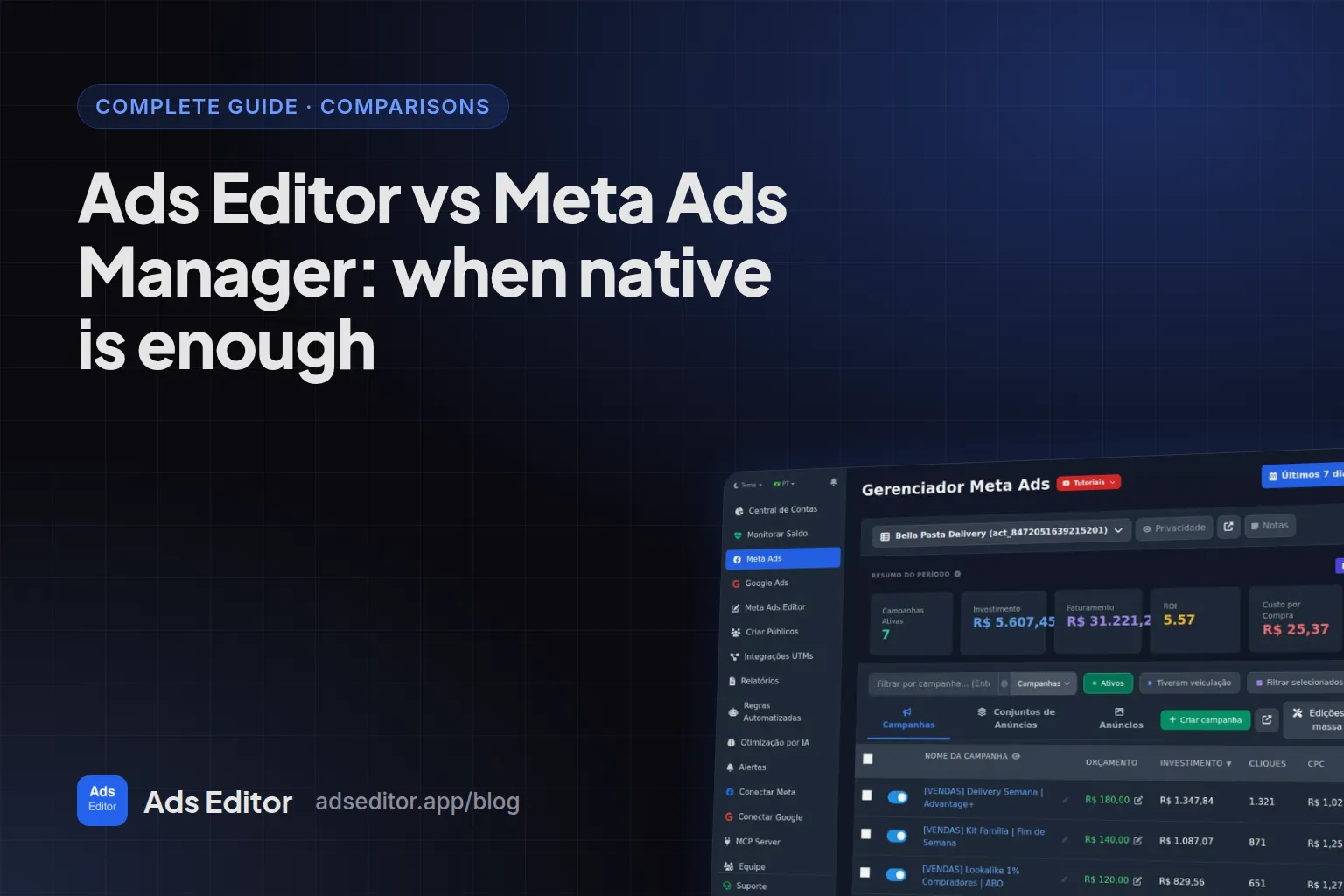
- Stay native if you launch fewer than 20 ads a week in two or three accounts: see Ads Editor vs Meta Ads Manager.
How do you compare them in one afternoon?
- Use Rapid Ads' 10 free uploads and Ads Editor's trial on the same account.
- Launch the same 10 creatives into the same ad sets in both.
- Open Ads Manager and check format, placements, enhancements and UTMs on every ad.
- Then try one task that is not launching, such as copying a campaign to another client account.
- Decide by the hours saved per week, not by the feature list.
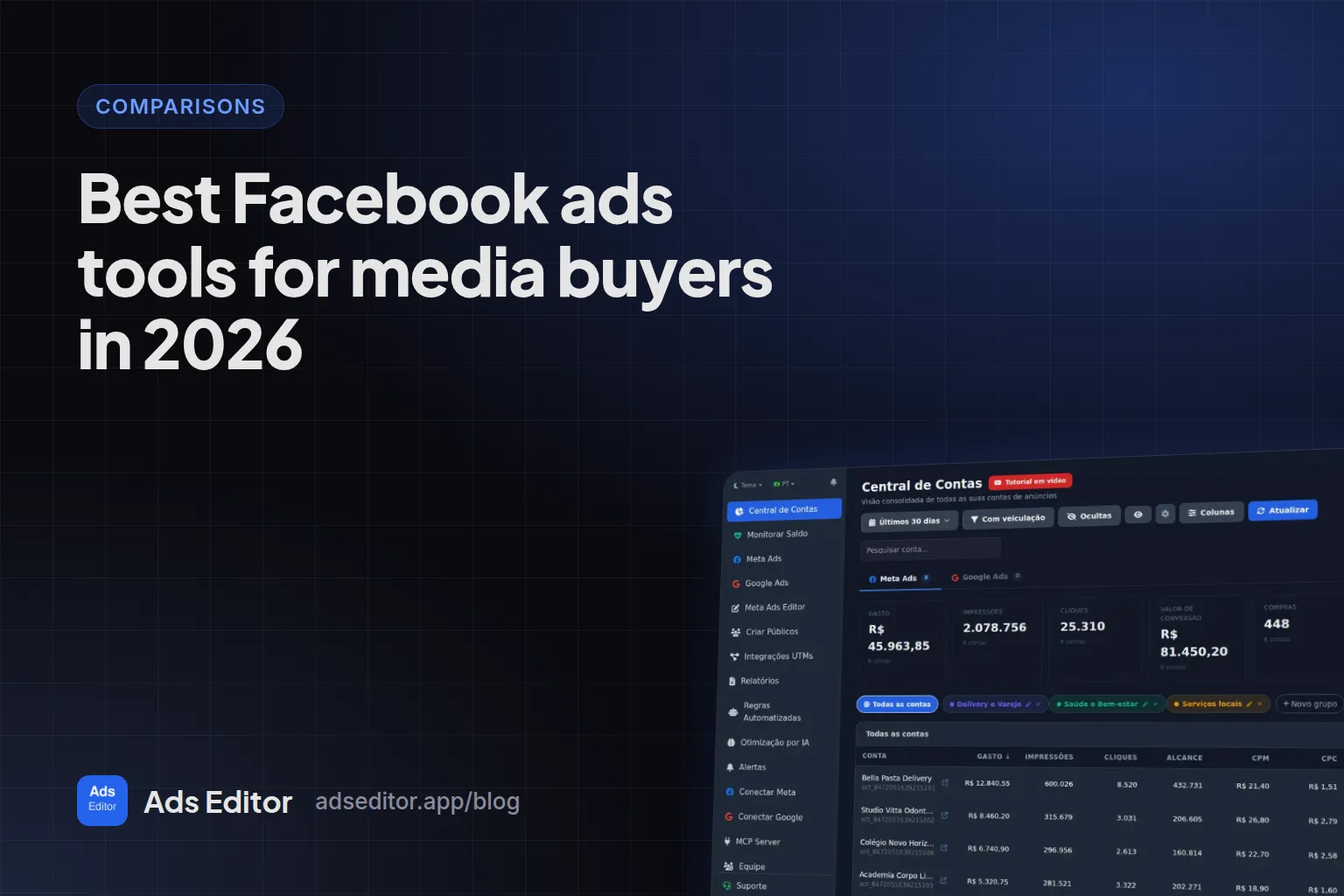
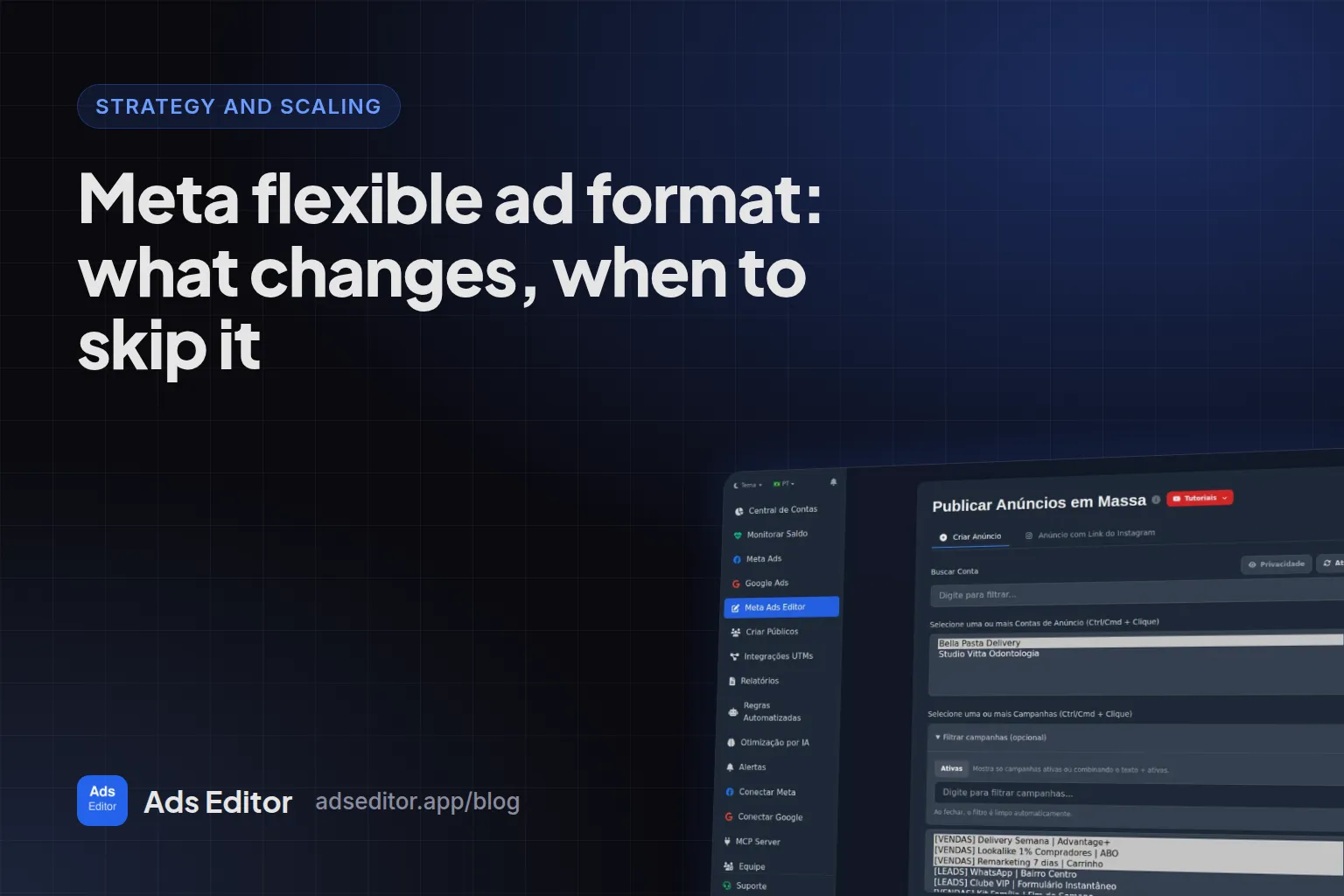
More options are compared in best Facebook ads tools for media buyers, and the flexible format both tools support is explained in Meta flexible ad format.
Frequently asked questions
How much does Rapid Ads cost?
$39 per month or $389 per year for unlimited uploads and ad accounts, with the first 10 uploads free and $29 per month for each extra team seat, as of September 30, 2026.
Does Rapid Ads support carousel ads?
Not yet. Its site marks carousels, partnership, collection and catalog ads as coming soon. Ads Editor supports carousels and partnership ads today.
Does Ads Editor keep Advantage+ enhancements off?
Yes. Every ad created by the Ads Editor queue is sent with the creative enhancements switched off, and they can be switched per ad later.
Is Rapid Ads cheaper than Ads Editor?
Only past 20 accounts, and only for launching. Up to 10 accounts Ads Editor Starter costs US$ 19, and from 11 to 20 Ads Editor Pro costs US$ 39, the same as Rapid Launch, with Google Ads, copies, audiences, rules and reports included.
Glossary
- Advantage+ creative enhancements
- Meta options such as music, animation and text improvements that change how a creative is shown.
- Flexible ad
- A Meta ad that takes several media and texts and lets Meta pick the combination per person.
- Post ID ad
- An ad that runs on an existing post, keeping its likes and comments.
References
- Rapid Ads, bulk launch Meta ads (official site). Supports: Features (one-click batch launch, Advantage+ kept off, AI ad set grouping, naming rules, bulk copy by CSV), supported formats and the coming soon list, the vendor's 100-creative speed test, official Meta partner claim, and pricing: free 10 uploads, $39 per month or $389 per year, $29 per extra seat.
Links opened and checked on Oct 4, 2026.
About the author
Matheus Mello, founder of Ads Editor and owner of YEP Agência. Runs client ad accounts at YEP Agência and built Ads Editor so his own agency could stop publishing ads one at a time. Usage numbers quoted on the blog come from the product activity log. Instagram: @theusm