Ads Editor vs Google Ads Editor: not the same tool
By Matheus Mello, founder of Ads Editor and owner of YEP Agência · Published · 3 min read
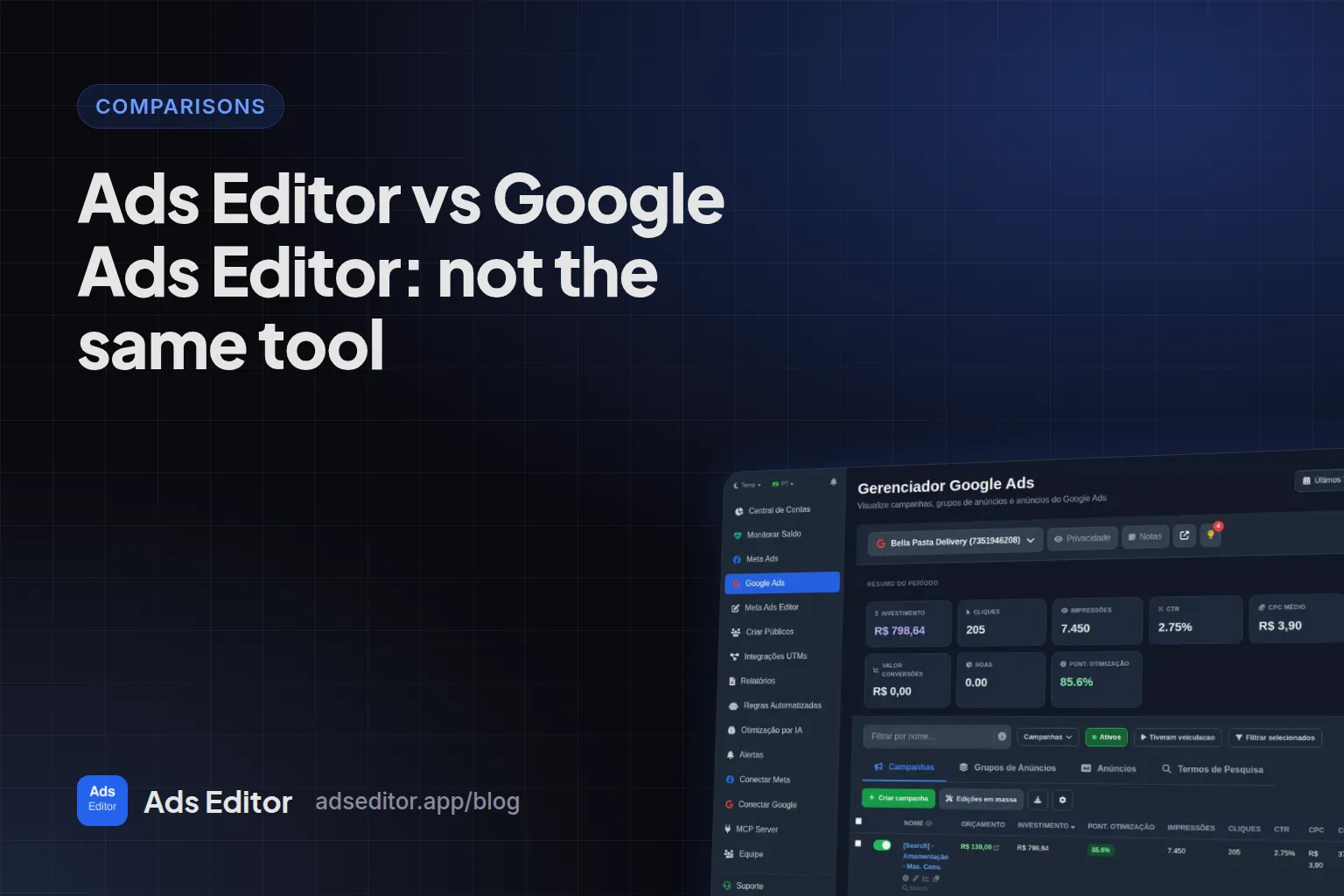
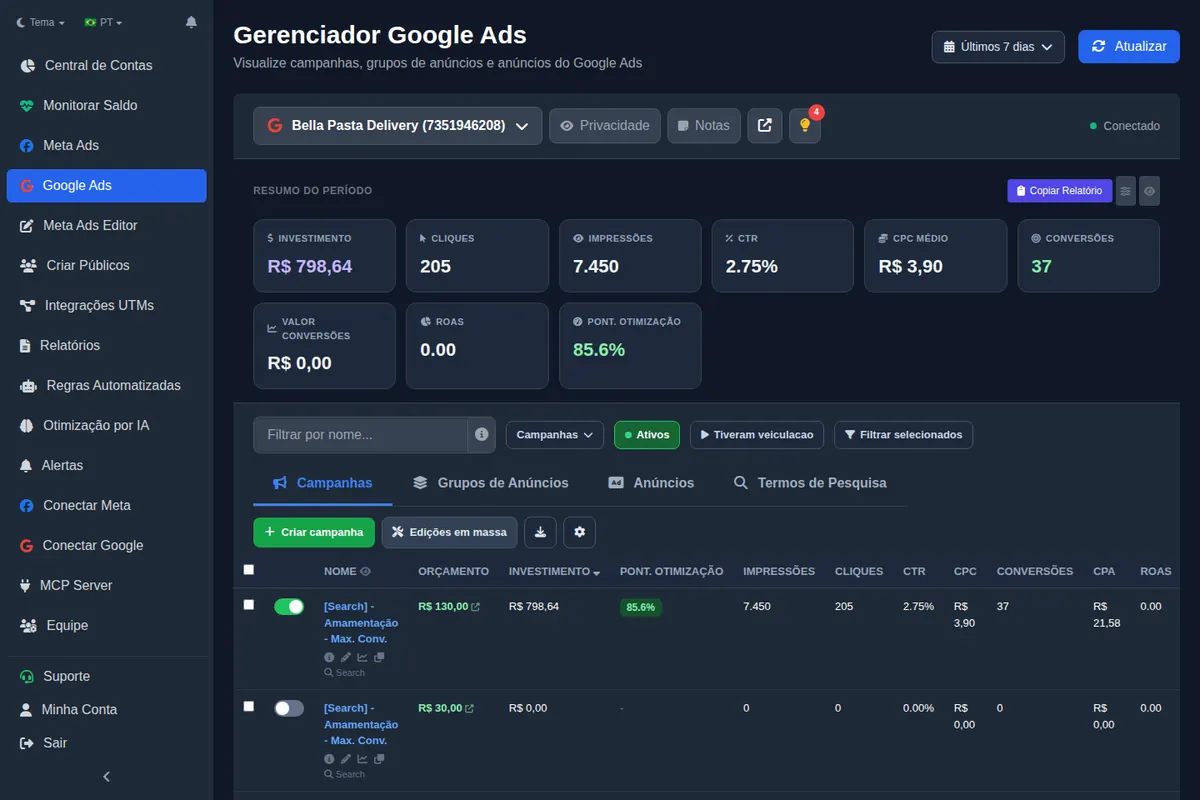
Google Ads Editor alternative searches often land on a naming mix-up: Ads Editor and Google Ads Editor sound alike and do different jobs. One is Google's free desktop app for bulk editing Google Ads offline; the other is an independent platform that runs Meta Ads and Google Ads in the browser.
Quick answer
They are not the same. Google Ads Editor is a free, downloadable Google app that edits Google Ads campaigns offline and then uploads the changes. Ads Editor is an independent paid platform, in the browser and on iPhone, that runs Meta Ads and Google Ads with bulk publishing, cross-account copies, reports and an MCP for AI assistants.
Summary
- Google Ads Editor: made by Google, free, downloadable, Google Ads only, offline work.
- Ads Editor: independent platform, browser and iPhone app, Meta Ads and Google Ads, online through the official APIs.
- You can use both: changes from either reach the same Google Ads account.
- If you only edit Google Ads in bulk, Google Ads Editor is free and excellent.
What is the difference between Ads Editor and Google Ads Editor?
| Feature | Google Ads Editor | Ads Editor |
|---|---|---|
| Made by | Independent company, founded by Matheus Mello | |
| Platforms | Google Ads only | Meta Ads and Google Ads |
| Where it runs | Desktop app you download | Browser and iPhone app |
| How it works | Download the account, edit offline, upload changes | Online, directly through the official APIs |
| Price | Free | Plans from R$ 97/month, billed in BRL, 7 day trial |
| Best for | Heavy Google Ads editing | Media buyers and agencies running many Meta and Google accounts |
When is Google Ads Editor the better choice?
When your work is Google Ads only and the edits are large: restructuring hundreds of ad groups, swapping keywords in bulk, preparing changes offline and posting them in one go. It is free and built by Google for exactly that. If that is your whole job, you do not need Ads Editor.
When is Ads Editor the better choice?
- You run Meta Ads and Google Ads for the same clients and want one place for both.
- Your weekly work is launching creatives, copying campaigns between accounts and building audiences on Meta, which Google Ads Editor cannot touch.
- You need client reports as links, balance monitoring across accounts or an MCP so Claude or ChatGPT can read and act on the accounts.
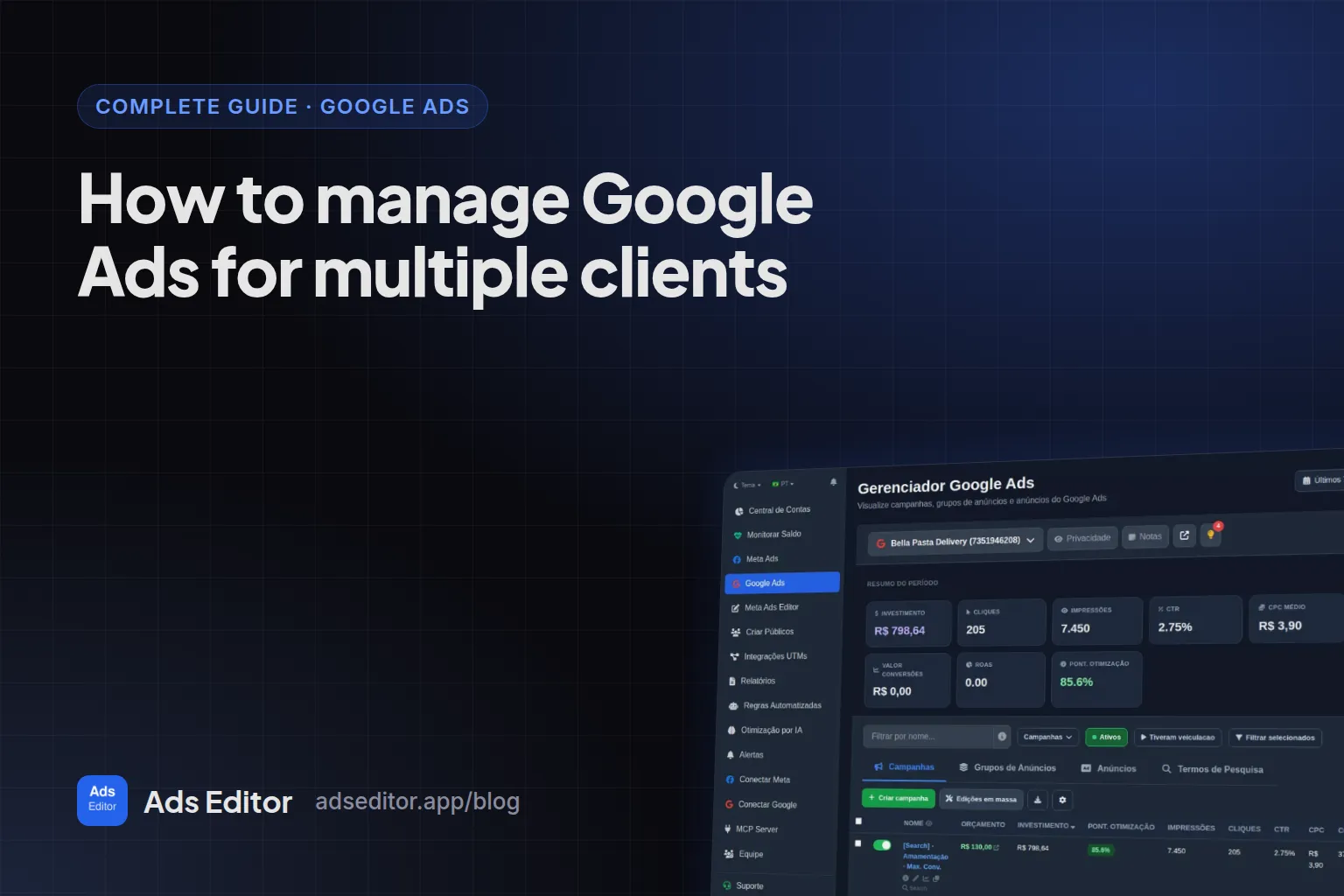
The routine for the Google side is in how to manage Google Ads for multiple clients.
Can you use both?
Yes. If you like Google Ads Editor for big Google Ads edits, keep it, and run Meta Ads, reports and balances in Ads Editor. Changes from both reach the same Google Ads account. Just avoid editing the same campaign in both at the same moment: Google Ads Editor works on a downloaded copy, so refresh it before posting.
Is there a Meta version of Google Ads Editor?
No. Meta has no downloadable editor; Power Editor was merged into Ads Manager in 2017 and 2018. What exists today for bulk Meta work is covered in Meta Ads Editor and the bulk editor, and the full comparison with Meta's native tool is in Ads Editor vs Meta Ads Manager.
Where do you find Ads Editor?
- Website: Ads Editor
- iPhone app: Ads Editor on the App Store
Frequently asked questions
Is Ads Editor made by Google?
No. Ads Editor is an independent platform. Google's app is called Google Ads Editor.
Does Google Ads Editor work with Meta Ads?
No. It manages Google Ads campaigns only.
Is Ads Editor free?
It has a 7 day trial; after that, plans start at R$ 97/month, billed in BRL.
Does Ads Editor work offline?
No. It works online through the official Meta and Google APIs. Offline editing is a Google Ads Editor strength.
Glossary
- Google Ads Editor
- Google's free desktop app for bulk editing Google Ads campaigns offline.
- Offline editing
- Downloading an account, changing it locally and posting the changes later.
- Official API
- The sanctioned interface software uses to manage Meta or Google ad accounts.
References
- About Google Ads Editor (Google Ads Help). Supports: Google Ads Editor is a free, downloadable application for managing Google Ads campaigns: download accounts, make changes offline, then upload them.
- Ads Editor on the App Store. Supports: Official App Store listing of the Ads Editor app for iPhone and iPad.
Links opened and checked when the article was last updated.
About the author
Matheus Mello, founder of Ads Editor and owner of YEP Agência. Runs client ad accounts at YEP Agência and built Ads Editor so his own agency could stop publishing ads one at a time. Usage numbers quoted on the blog come from the product activity log. Instagram: @theusm