Error #1487891: "The ad's creative is incompatible with the objective of the campaign"
By Matheus Mello, founder of Ads Editor and owner of YEP Agência · Published · 6 min read
Error #1487891 shows up when the ad's button or destination does not match what the ad set optimizes for. It is common after duplicating a campaign with a new objective, or after reusing a website ad inside a WhatsApp ad set. Below is the full message, a table of the right button per destination and the fix.
Copy my first campaignQuick answer
Error #1487891 means the ad's button or destination does not match what the ad set optimizes for. The classic case is a Learn more button, a website button, inside a WhatsApp ad set. Open the ad, switch to a button that matches the ad set destination, such as Send message, and publish again.
Summary
- The message is "Invalid creative for objective: The ad's creative is incompatible with the objective of the campaign the ad belongs to." with the code (#1487891).
- The usual cause is a button or destination that does not fit the ad set objective, such as Learn more in a WhatsApp ad set.
- In messaging ad sets, Meta may accept the ad at creation and reject it at delivery: the ad shows as created and never delivers.
- Duplicating with a new objective is the most frequent trigger, when the old creative is reused without checking the button.
- The fix is switching to the button for the ad set destination, or rebuilding the creative for the new objective.
In this article · 5 sections
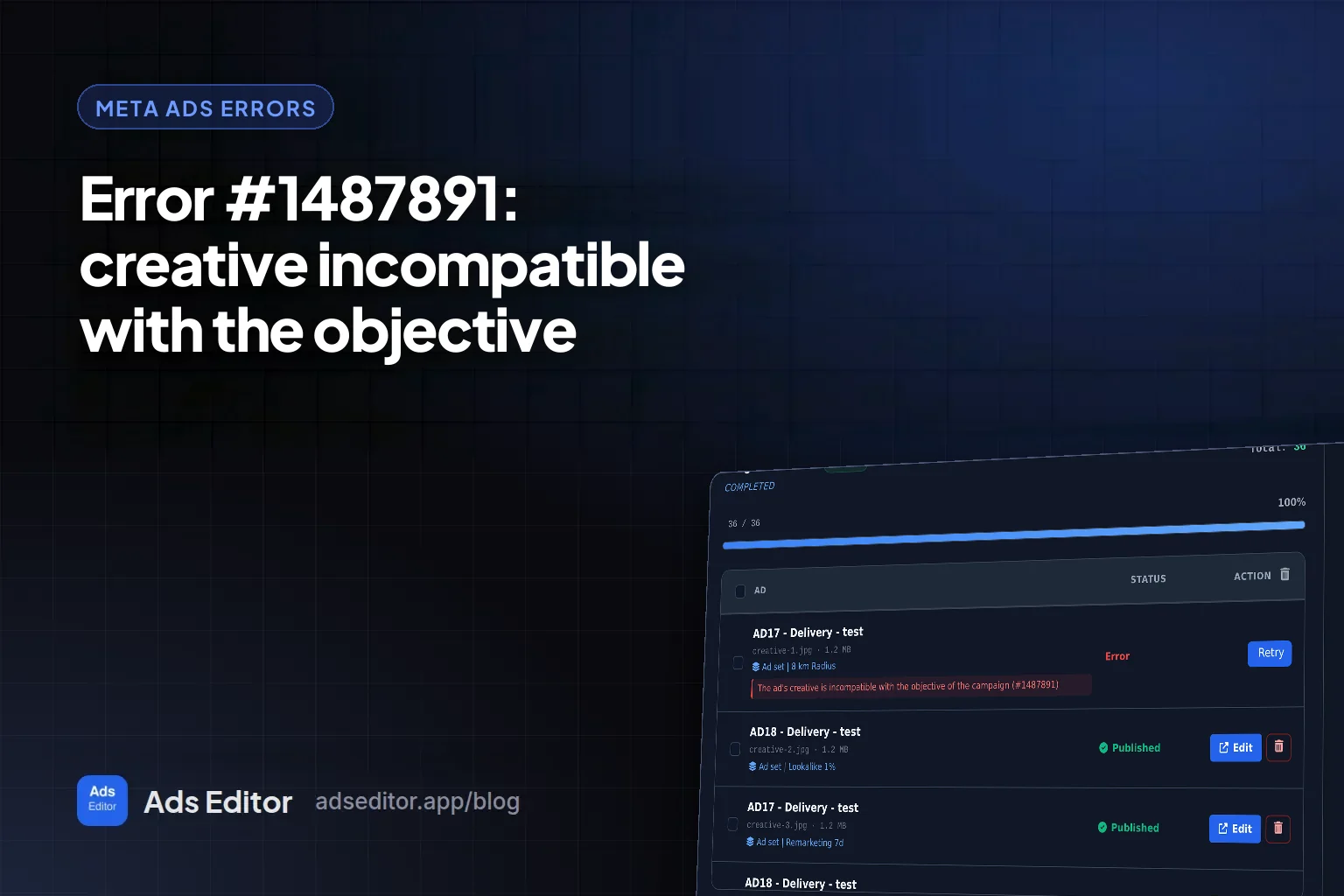
Error #1487891: "Invalid creative for objective"
In an English account, Meta shows: "Invalid creative for objective: The ad's creative is incompatible with the objective of the campaign the ad belongs to. (#1487891)" In a Portuguese account: "Criativo inválido para o objetivo: o criativo do anúncio é incompatível com o objetivo da campanha à qual o anúncio pertence. (#1487891)".
Although it talks about the campaign objective, what is almost always wrong is the ad's button or destination relative to the ad set. The campaign says what to optimize for; the ad set says where people go; the ad button has to take them to that same place.
Which button matches each destination?
| Ad set destination | Compatible button | Button that often fails |
|---|---|---|
| Website (sales, traffic, website leads) | Learn more, Shop now, Sign up | Send WhatsApp message |
| Send WhatsApp message | Learn more or another website button | |
| Messenger | Send message | Learn more or another website button |
| Instagram Direct | Send Instagram message, on an Instagram post | The same button on a Facebook Page post |
| Instant form | Sign up or another form button, with the form selected | A WhatsApp button reused from another ad |
| Calls | Call now | Learn more or a messaging button |
Measured case: Instagram Direct with an existing post
In an Ads Editor team test on October 28, 2026, in an Instagram Direct conversations ad set, an Instagram post with the Instagram message button was created normally. The same button on a Facebook Page post came back with #1487891. Meta's pre-check (validate_only) accepted the second case; only the real creation rejected it.
Why is the ad created and then rejected with #1487891?
In messaging ad sets, Meta may accept an ad with a website button at creation and reject it only at delivery. The ad shows up in Ads Manager but does not deliver. That is why the error sometimes appears after the upload, in the ad status, rather than when you publish.
How to fix error #1487891 in Ads Manager
- Open the ad set and note the destination: website, WhatsApp, Messenger, Instagram Direct, calls or instant form.
- Open the ad and switch to a button that matches that destination, using the table above.
- If the destination is a website, make sure the URL is filled in; without it the rejection becomes #2061015 (the link field is required).
- If the campaign was duplicated with another objective, rebuild the creative for the new destination instead of reusing the old one.
- Publish again and check delivery after a few minutes.
Duplicating with a new objective without hitting #1487891
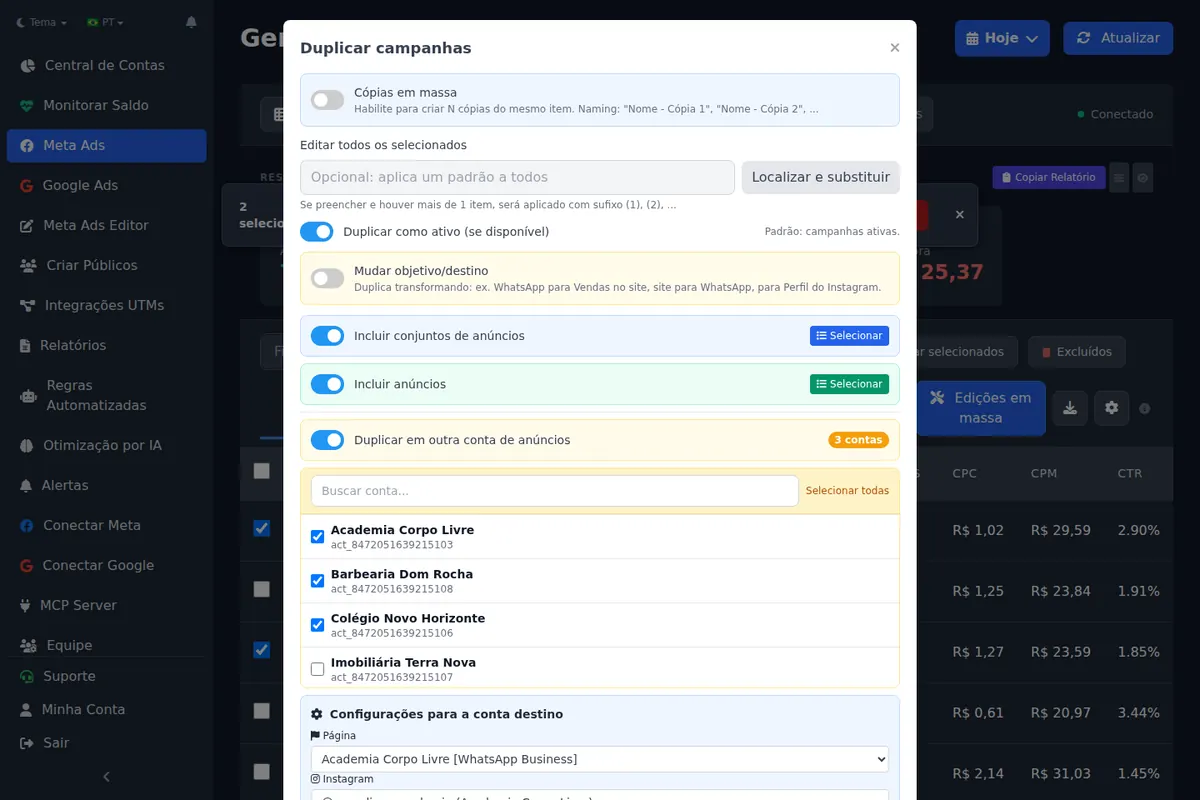
The most common request behind this error is turning a WhatsApp campaign into website sales, or the reverse. In Meta Ads Manager that means rebuilding ad sets and ads. Ads Editor has Duplicate with a new objective:
- In Meta Ads, check the campaign, click Bulk Edit and, in the action bar, Duplicate.
- Turn on Change objective/destination and pick the new objective, destination and optimization in the cascading lists.
- Fill in what the combination needs: for website sales, the page address, the Conversion event and the delivery optimization.
- Confirm. Meta checks the combination before creating the copy, and the card in the corner follows it until Completed.
- Before activating, open one ad in the copy and check the button, especially if the campaign uses existing posts.
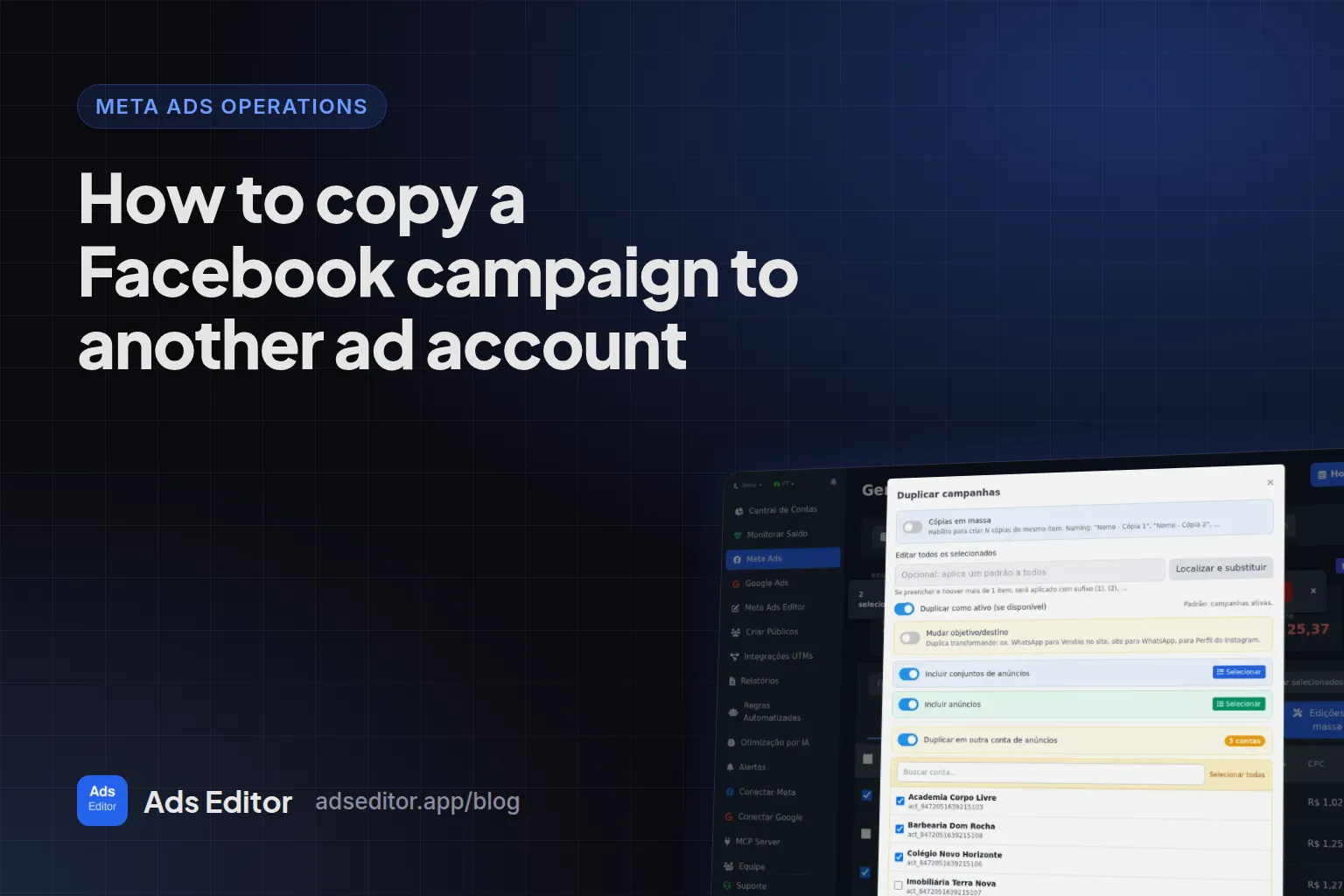
The original campaign does not change: the new objective applies only to the copy, which keeps audiences and ads. In the copy, Ads Editor rewrites the button and link of every ad for the new destination: a WhatsApp button in a WhatsApp ad set, a website button with the address you entered in a website sales ad set. The exception is an existing post ad: the post is only reused with the new button for the destinations where this was tested (WhatsApp, instant form, and Instagram Direct with an Instagram post). The full copy flow, including to another ad account, is in how to copy a Facebook campaign to another ad account.
The other rejection codes are in Meta Ads error codes.
Frequently asked questions
What does Meta Ads error #1487891 mean?
The ad's button or destination does not match the ad set objective and destination. The classic example is a Learn more button, which is a website button, inside a WhatsApp ad set.
Why was the ad created and then rejected with #1487891?
In messaging ad sets, Meta may accept the ad at creation and reject it at delivery. The ad looks created but does not deliver until the button is changed.
Which button should a WhatsApp ad use?
Send WhatsApp message. Website buttons such as Learn more or Shop now trigger #1487891 in a WhatsApp ad set.
Does Ads Editor switch the button for me when I change the objective?
Yes, when you duplicate with Change objective/destination: the copy goes out with the button and link of the new destination, and Meta checks the combination before creating it. The exception is an existing post ad outside WhatsApp, instant form, and Instagram Direct with an Instagram post. On an ad you edit by hand, the button is whatever you pick.
Glossary
- Ad set destination
- Where the ad set sends people: website, WhatsApp, Messenger, Instagram Direct, calls or an instant form.
- Call to action button
- The ad's button, such as Learn more or Send message. It has to match the ad set destination.
- Delivery
- The stage after the ad is created, when Meta starts serving it. Some errors only show up there.
References
- Ads that Click to WhatsApp (Meta for Developers), checked October 31, 2026. Supports: The click to WhatsApp button type is WHATSAPP_MESSAGE.
- Marketing API error codes (Meta for Developers), checked October 31, 2026. Supports: Meta errors carry a code and a subcode and should be handled by code.
- Ads Editor Help Center: creative incompatible with the ad set objective. Supports: The usual cause is a button or destination that does not match the ad set objective, such as Learn more on a WhatsApp ad.
The claim supported by each source is shown above.
About the author
Matheus Mello, founder of Ads Editor and owner of YEP Agência. Runs client ad accounts at YEP Agência and built Ads Editor so his own agency could stop publishing ads one at a time. Usage numbers quoted on the blog come from the product activity log. Instagram: @theusm