Meta Lead Ads: instant forms, lead quality and when to use a website or WhatsApp
By Matheus Mello, founder of Ads Editor and owner of YEP Agência · Published · 10 min read
Meta Lead Ads collect names, phone numbers and email addresses through an instant form inside Facebook or Instagram. The easier it is to submit, the more important qualification and fast follow-up become: a full contact list does not guarantee sales.
Quick answer
Meta Lead Ads collect contact details through an instant form without opening a website. To improve quality, test higher-intent forms, add one or two useful qualifying questions and respond quickly. Compare cost per qualified lead in your CRM or spreadsheet alongside the cost per submission shown in Ads Manager.
Summary
- Instant forms reduce friction; websites and WhatsApp offer different ways to explain an offer or start a conversation.
- A review screen and useful qualifying questions can help filter impulsive submissions.
- The Page needs to accept Meta’s Lead Ads Terms, and the form needs a privacy policy link.
- Send new contacts to your CRM, spreadsheet or sales team promptly.
- Judge results by cost per qualified lead and sales outcomes, not just cost per form submission.
- To change a published form, duplicate it, edit the copy and update the ads.
What are Meta Lead Ads and how do instant forms work?
With the Leads objective and instant forms, a person taps the ad and opens a form inside Facebook or Instagram. Contact fields may be prefilled from their profile. After submission, the lead is stored in Meta and needs to reach the team responsible for follow-up.
The benefit is less friction: no slow landing page and less typing on mobile. The trade-off is that curious people can submit just as easily. The job is to add enough qualification to make the contact useful without making the form unnecessarily difficult.
Instant form, website or WhatsApp: which should you use?
Use an instant form when the next step is a call or visit and your team can respond quickly. Use a website when the page explains the offer well and tracking is reliable. Use WhatsApp when prospects need a conversation before deciding and someone is available to reply.
| Destination | Strength | Trade-off | Useful for |
|---|---|---|---|
| Instant form | Low-friction submissions, even without a strong website. | Contacts can go cold; prefilled details may need confirmation. | Real estate, schools, clinics and services that require a quote or visit. |
| Website form | The prospect can read the offer before submitting; tracking shows more of the journey. | A slow page hurts conversion, and cost per contact may be higher. | Digital products, SaaS and offers that need more explanation. |
| A conversation starts around the prospect’s actual question. | Requires fast replies; a conversation is not the same as a completed form. | Local businesses, retail and services. |
In our operation, the deciding question is who responds, and how quickly? Forms without follow-up become a dead spreadsheet. WhatsApp without replies becomes an abandoned conversation. Choose a destination the client’s sales team can support.
More volume or higher intent: which form should you choose?
Start with higher intent when sales complains about poor leads, and test more volume when there are too few contacts. A higher-intent form adds a review step where the person confirms their details before submitting.
That extra step can reduce impulsive submissions. The effect depends on the audience and offer. Compare both approaches in your account and judge quality in the CRM, not just submission cost in Ads Manager.
Which qualifying questions should you ask?
Start with one or two questions the salesperson would ask on the first call. Focus on what is needed to handle the request, such as timing, location or the service required. Clear multiple-choice answers are easier to review than long open-ended responses.
- Real estate: buying or renting? Which area? What timeframe?
- Clinics or local services: which location or service are you contacting? Avoid unnecessary personal details.
- Schools or courses: which course, class or location?
- B2B services: how large is the team, and does it already use a solution?
Use the fields available in the form builder according to the offer. Request only what the team needs for the next step. Start with a short form and compare the share of contacts that match your target customer.
Published forms need a new version
To change a published instant form, duplicate it, edit the copy and select the new form in the ads that used the old one. Name each version clearly so the team can track where contacts came from.
What do you need before publishing Lead Ads?
Make sure the Page has accepted Meta’s Lead Ads Terms and the form includes a working privacy policy link. A person with the appropriate Page access may need to complete the acceptance before the form can be created.
The privacy policy should open on mobile and clearly explain how the business uses contact information and how people can make requests about their data. Test the link before publishing.
- No website yet: arrange a real, accessible privacy policy page before launching.
- Several Facebook Pages: forms belong to a Page. Each Page has its own forms and setup.
- Thank-you screen: explain the next step and when the person can expect a response. Where appropriate, use the final button to open your website or WhatsApp contact link.
Check special ad categories for housing
For real estate campaigns, check the special ad category requirements shown in your account for the countries you target. Housing campaigns can have restricted targeting options; do not assume the same setup applies everywhere.
How do you send leads to the sales team before they go cold?
Connect the form to the place where the sales team works. Downloading a file once a day can leave interested prospects waiting for hours.
| Route | How it works | When to use it |
|---|---|---|
| Meta’s CRM connection | Connect the form through the CRM options Meta supports. | The client already uses a supported CRM. |
| Automation with n8n, Make or Zapier | New contacts are sent to the CRM or spreadsheet and the salesperson is notified. | You need routing, separate client spreadsheets or notifications for the team. |
| Manual download | Export contacts from Ads Manager. | For checks or a temporary fallback, with a clear follow-up routine. |
Our basic local-business workflow is: a contact arrives, appears in the CRM or spreadsheet, and the salesperson receives a notification with the relevant answers. The first reply should refer to what the person requested, so they understand why you are contacting them.
When connecting a CRM or automation, authorize access to the Page’s leads and submit a test form. Confirm that the name, phone number and answers arrive correctly and the salesperson gets the notification. Test before spending on ads.
How do you measure lead cost and quality?
Ads Manager’s CPL measures the cost of a submission, not the cost of a customer. Cost per qualified lead is ad spend divided by contacts the sales team marked as qualified. You need consistent lead statuses in the CRM or spreadsheet to calculate it.
Illustrative example, not client results
At $1,000 in spend, an instant form generates 100 leads at $10 each, but only 20 qualify: $50 per qualified lead. A website generates 40 leads at $25 each, with 25 qualified: $40 per qualified lead. The form looked 2.5 times cheaper per submission but cost more per qualified contact.
- Contact rate: how many people answered the call or replied? Low rates can point to poor details or impulsive submissions.
- Qualification rate: how many contacted prospects match the offer? Low rates can point to weak qualifying questions or an overly broad promise.
- Cost per meeting, visit or sale: connect spend to the outcome the client actually values.
If your CRM can tell Meta which leads moved forward, you can evaluate conversion leads optimization. Check availability and requirements in your account and CRM. Keep recording who qualified, booked or bought: without sales feedback, cheap submissions can hide expensive customers.
How should local businesses and real estate teams use Lead Ads?
Local businesses, schools and services
- Make the service area and location clear in the ad. A contact who lives too far away may never visit.
- Ask a useful question about the service or location so the team can start the right conversation.
- Use the final screen to explain how and when follow-up will happen.
Real estate and property launches
- Use separate forms for different developments or price ranges instead of mixing every offer in one form.
- Ask about the desired property and timeframe, keeping questions relevant to the request.
- Test higher-intent forms against the cost of the sales team following up with unqualified contacts.
- Arrange weekend coverage before launching if that is when prospects are likely to respond.
How can you change or duplicate forms across several ads?
Ads Editor brings form management into the workflows media buyers already use:
- Single-ad editing: see the current form by name, replace or duplicate it, or create a simple form. The simple creation flow described here creates a Portuguese-language form with full name, email and phone fields; check the form language before using it for an English-speaking audience.
- Bulk editing: ads are grouped by Facebook Page, with a form selector for each Page. Ads that do not use instant forms, or formats that do not support the change, are skipped with an explanation. See bulk editing Meta ads.
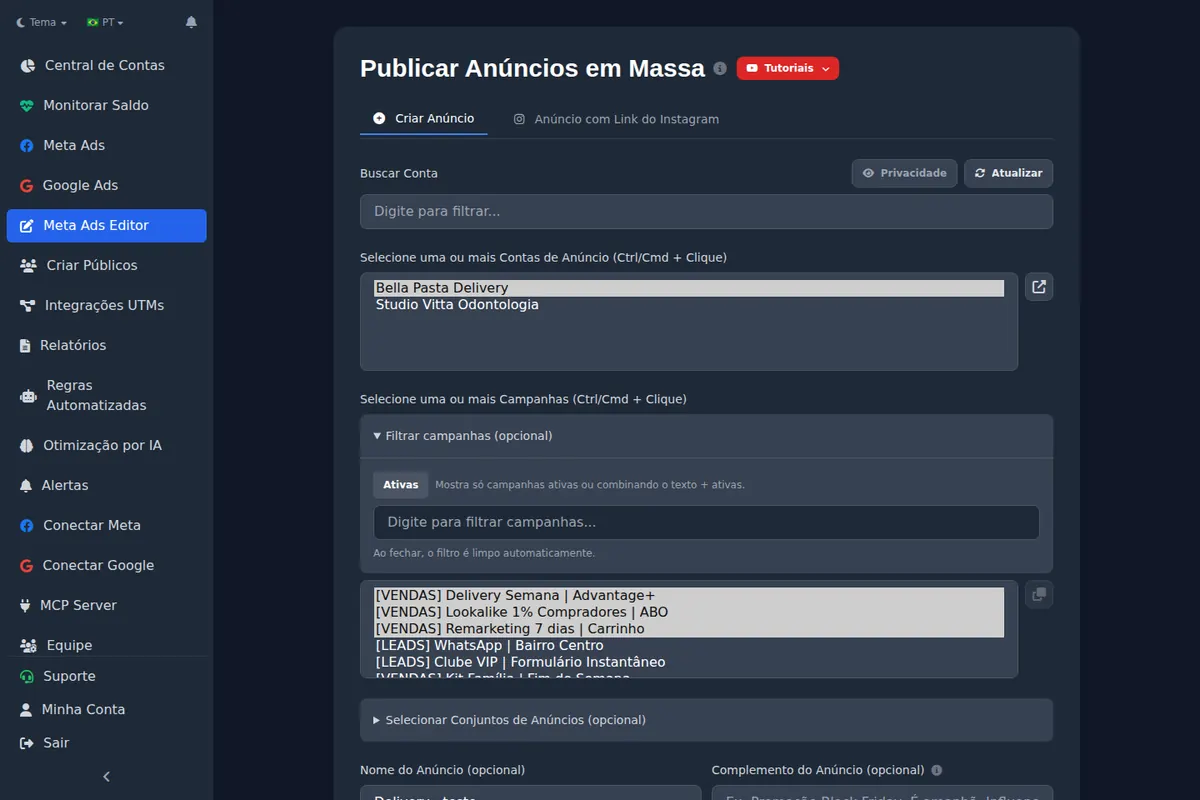
- Bulk publishing: for a new ad in an instant-form lead ad set, Ads Editor looks for an existing form in the ad set, then another ad set in the campaign, then the Page’s latest active form. If none is available, publishing stops and requests a form. See bulk uploading Meta ads.
Before applying a replacement, Ads Editor checks that the selected form is active and belongs to the ad’s Page. If it cannot be used, the reason is shown so you can correct the selection.
Can you manage forms through an AI chat?
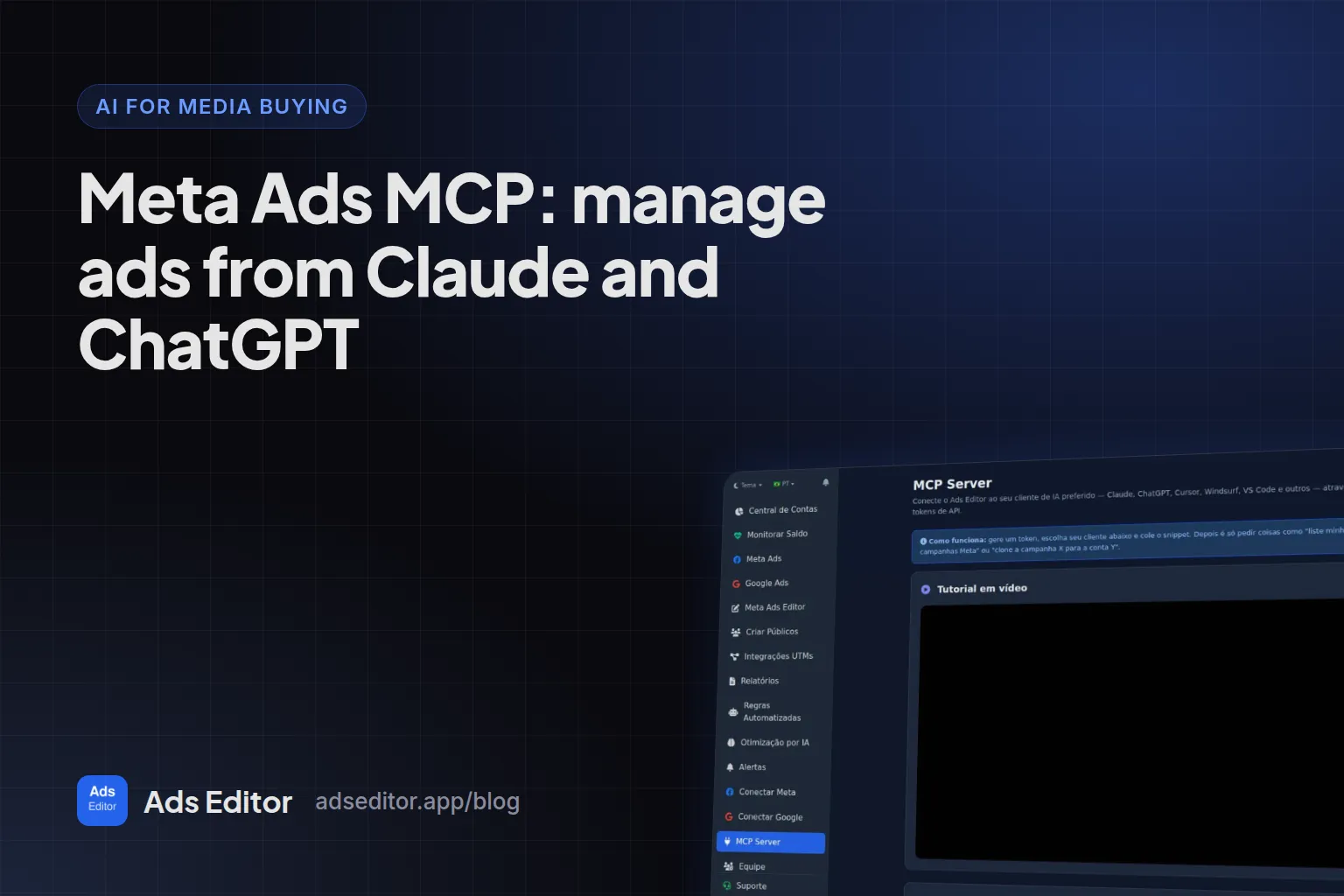
Through Ads Editor’s MCP, ask Claude or ChatGPT to list forms, identify which ads use them, replace a form, duplicate one or create one. Use the form’s name in the conversation. If names are repeated, review the options before choosing. For example: “Which ads in client X’s account still use the August form? Duplicate it as September and apply it to those ads.”
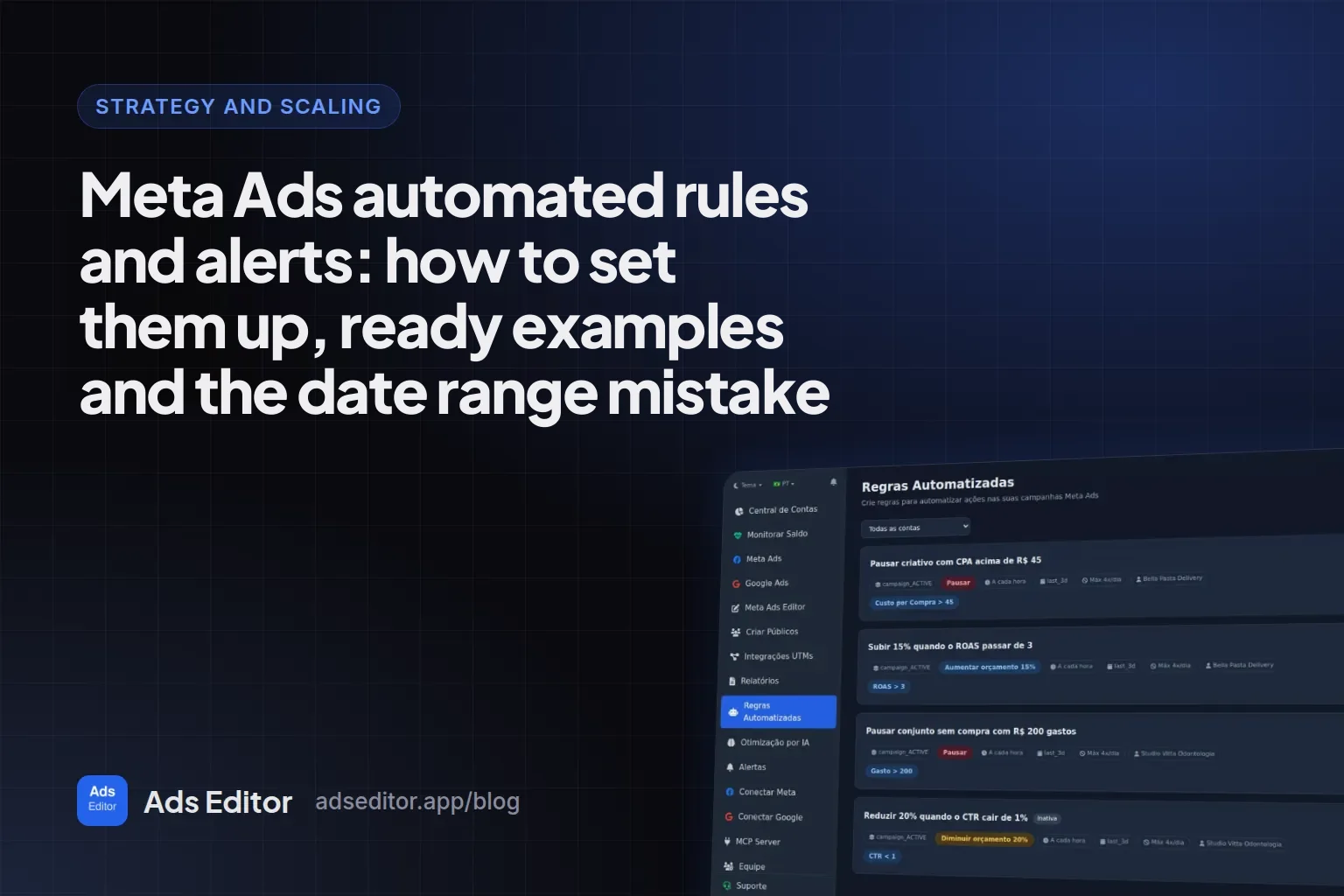
Ads Editor’s automated rules can use Leads and Cost per Lead as conditions. These use the submission cost reported by Meta, not qualified lead status from your CRM. Ads Editor does not retrieve the leads’ contact details; delivery to the CRM still runs through Meta’s connection or your automation.
What are the common Lead Ads mistakes?
- Judging campaigns only by CPL without checking how many leads became conversations.
- Leaving contacts in Ads Manager until the end of the day.
- Using one generic form for different offers.
- Asking so many questions that submissions fall without a matching improvement in quality.
- Using a giveaway that attracts people who have no interest in the actual offer.
- Losing track of form versions. Include a date or version in the name.
- Forgetting that forms belong to Pages, not directly to ad accounts.
Before increasing spend, check both qualification and follow-up. It is the same disciplined approach as creative testing, applied to what happens after the click.
Frequently asked questions
Are instant forms better than sending people to a website?
They reduce friction and can generate more contacts, but quality varies. Test both against qualified leads and sales. Fast follow-up favors forms; offers that need a detailed explanation may benefit from a website.
Do instant forms need a privacy policy?
Yes. Add a working privacy policy link and make sure the Page has accepted Meta’s Lead Ads Terms.
How can I improve lead quality?
Test higher-intent forms, add one or two relevant qualifying questions and respond promptly. Judge results by qualified contacts and sales outcomes.
Can I edit an instant form after publishing?
To change a published form, duplicate it, edit the copy and update the ads to use the new version.
What is a good cost per lead?
There is no universal number. Compare cost per qualified lead across your own channels and campaigns, using consistent lead statuses in your CRM.
Glossary
- Lead Ads
- Meta ads that collect contact details through an instant form inside Facebook or Instagram.
- Higher-intent form
- An instant form with a review step before submission, intended to encourage more deliberate responses.
- Cost per qualified lead
- Ad spend divided by the number of leads the sales team marked as qualified.
- Conversion leads
- An optimization option that uses CRM feedback about leads progressing through the sales process.
References
- Meta: instant form settings. Supports: Form settings and creating a new version for changes.
- Meta: receiving form submissions. Supports: Lead access and delivery to a business’s follow-up tools.
- Meta: conversion leads optimization. Supports: Using CRM feedback to optimize lead generation.
Links opened and checked on Oct 1, 2026.
About the author
Matheus Mello, founder of Ads Editor and owner of YEP Agência. Runs client ad accounts at YEP Agência and built Ads Editor so his own agency could stop publishing ads one at a time. Usage numbers quoted on the blog come from the product activity log. Instagram: @theusm