"The link field is required" (#2061015) in Meta Ads: cause and fix
By Matheus Mello, founder of Ads Editor and owner of YEP Agência · Published · 6 min read
Meta Ads error #2061015 shows up when Meta receives an ad without the destination link its ad set requires. The message tells you to fill in the field, but not which field or why. Below is the full message, the three causes behind it and how to fix it in Ads Manager and in bulk uploads.
Try bulk publishingQuick answer
Error #2061015 means the ad was sent without a destination URL in an ad set that leads to a website. Open the ad, fill in the website URL so it matches the button link, and publish again. In a carousel, fill in every card's link. If the destination should be WhatsApp or a form, fix the ad set.
Summary
- In English accounts the message says "The link field is required" or "website URL is required", with the code (#2061015).
- In Portuguese accounts it reads "o campo de link é obrigatório". The number is the same in every language.
- There are three causes: an empty link, an ad link that differs from the button link (or a carousel card without a link), and a linkless ad moved into a website ad set.
- In bulk uploads it happens in an empty ad set, which has no existing ad to inherit the link from.
- Ads Editor warns before the upload when the Ad link field must be filled in, and resends only the ads that failed.
In this article · 5 sections
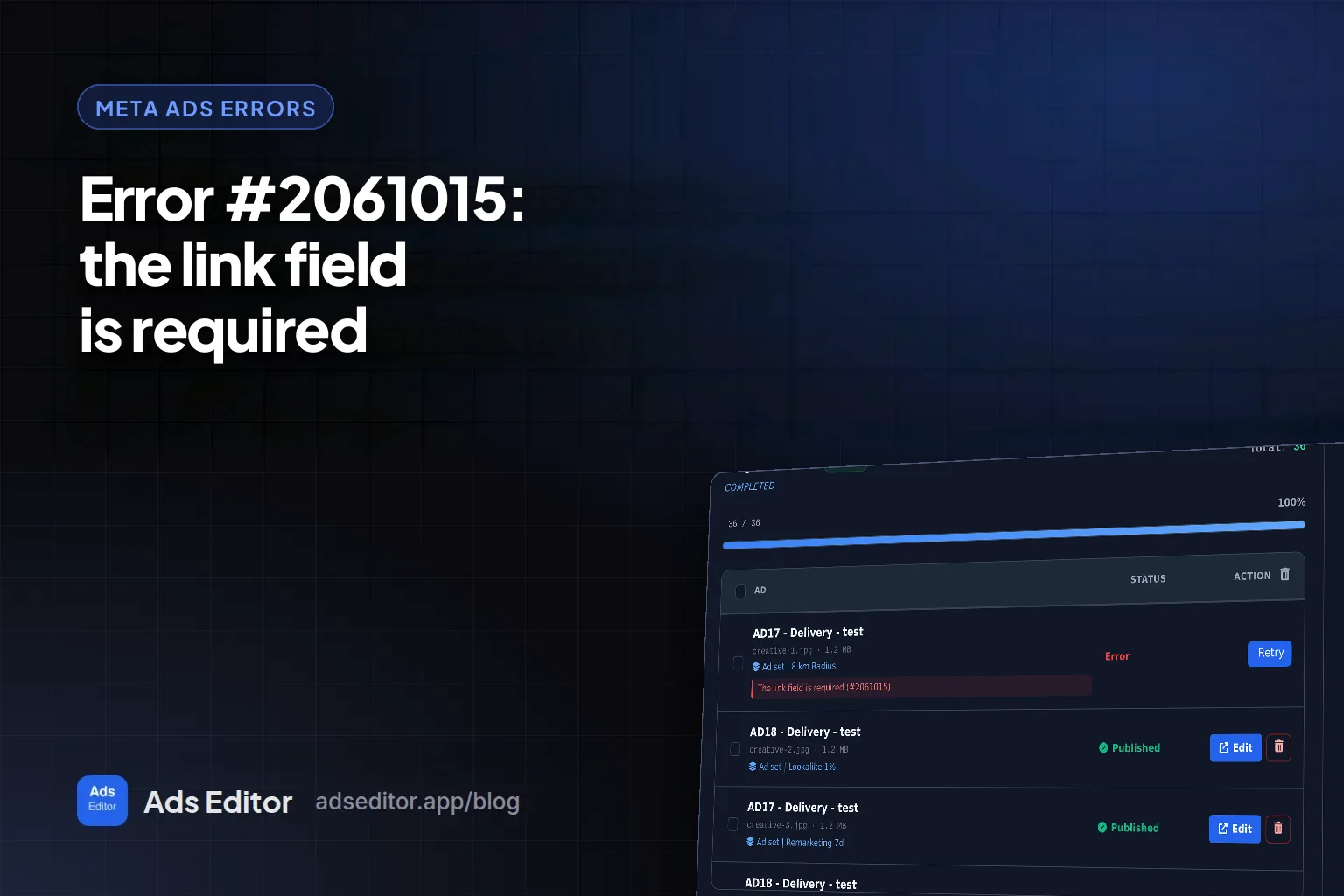
Error #2061015: "The link field is required"
In an English account the rejection reads "The link field is required", and in some accounts "website URL is required", followed by (#2061015). In a Portuguese account the same rejection says "Um campo obrigatório precisa ser preenchido: o campo de link é obrigatório. Preencha o campo para continuar." The code is identical in every language, so search for 2061015, not for the sentence.
What Meta means: the ad set's objective and button require a website destination, and the ad arrived without one. It is not a policy problem or an account problem. It is an empty or inconsistent field.
Why does error #2061015 happen?
| Cause | Where it shows up | How to spot it |
|---|---|---|
| Empty destination link | A new ad in a website sales, traffic or leads ad set | The website URL field is blank |
| Ad link differs from the button link, or a carousel card has no link | Carousels and hand-edited ads | One card or the button points somewhere else, or nowhere |
| A linkless ad moved into a website ad set | Duplicating a WhatsApp, profile visit or existing post ad into a website sales ad set | The source ad never had a website URL |
How to fix error #2061015 in Ads Manager
- Open the ad that failed and find the destination field (website URL).
- Fill in the full URL, with
https://. - Make sure the button link is the same as the ad link. Meta requires them to match.
- In a carousel, fill in the link of every card and the main link.
- If the ad should go to WhatsApp, Direct, an Instagram profile or a form, the link is not the problem: the ad set is set to a website. Change the ad set destination or use an ad built for a website.
- Publish again.
A common example
You duplicate a strong WhatsApp ad into a new website sales campaign. The source ad has a Send message button and no URL. The destination ad set asks for a website, and Meta returns #2061015. The fix is to add the website URL and switch the button to a website one, such as Learn more or Shop now.
How to avoid #2061015 in bulk uploads
In bulk uploads the error follows a clear pattern: it hits the first ad of an empty ad set. In one real batch reviewed by Ads Editor, six files failed in a row in an ad set with no ads; once the first ad went in, the next ones passed without anyone touching the link.
- Ad set with ads: in the Meta Ads Editor, the ad link is inherited from the ads already in the ad set. You only fill it in to change it.
- Empty ad set: there is nothing to inherit. Ads Editor warns before the upload: "Provide the ad destination link. This ad set has no ads to copy the link from yet, so the "Ad link" field must be filled in for this upload."
- Duplicating into a website ad set: if the source ad has no link (messaging, profile or existing post), enter the ad link in the duplicate itself.
- Test before the batch: upload one paused ad to the new ad set. If it passes, the others with the same setup pass too.
What Ads Editor does not do
In an empty ad set, Ads Editor does not make up a link: it tells you the Ad link field must be filled in. You choose the destination.
How to resend only the ads that failed
In the Meta Ads Editor upload panel, each failed ad shows Meta's message in plain language and the code. After you add the link, click Retry on the ad row or Reprocess all errors at the top of the list.
Only the failed ads go back to the queue: the ones already uploaded are not duplicated. The full upload walkthrough is in how to bulk upload Facebook ads.
Other codes that show up at the same moment, such as #1815199 (no access to the Instagram account) and #1487891 (creative incompatible with the objective), are in the full list of Meta Ads error codes.
Frequently asked questions
What does Meta Ads error #2061015 mean?
The ad was sent without the destination link its ad set requires. The objective and button ask for a website, and the URL field arrived empty or different from the button link.
Is "website URL is required" the same error?
Yes. It is the same rejection with the same code, #2061015, in a different wording. The fix is the same: fill in the website URL on the ad.
Why does the error only hit the first ad in the ad set?
In Ads Editor bulk uploads, the link is inherited from the ads already in the ad set. An empty ad set has nothing to inherit, so the first ad needs the link filled in.
My ad is a WhatsApp ad. Why does Meta ask for a link?
Because the ad set it landed in leads to a website. Either change the ad set destination to WhatsApp, or add the website URL and switch the button.
Glossary
- Error subcode
- The number in parentheses that Meta returns to identify the exact cause of a rejection. It is the same in every language.
- Ad link
- The website address the ad sends people to. It must match the button link.
- Empty ad set
- An ad set with no ads yet, so there is no link to inherit.
References
- Ad Creative Link Data (Meta for Developers), checked October 31, 2026. Supports: The ad link must match the call to action link and is required in carousels.
- Marketing API error codes (Meta for Developers), checked October 31, 2026. Supports: Meta errors carry a code and a subcode and should be handled by code, because the text can change.
- Ads Editor Help Center: required website URL missing. Supports: Warning before upload in an empty ad set, and Retry or Reprocess all errors without duplicating ads that already went live.
The claim supported by each source is shown above.
About the author
Matheus Mello, founder of Ads Editor and owner of YEP Agência. Runs client ad accounts at YEP Agência and built Ads Editor so his own agency could stop publishing ads one at a time. Usage numbers quoted on the blog come from the product activity log. Instagram: @theusm