Meta Ads audience size: how to read the estimate and when it matters
By Matheus Mello, founder of Ads Editor and owner of YEP Agência · Published · 8 min read
Meta Ads audience size is the estimate of how many people fit an ad set's targeting. It does not tell you how many will see the ad or what it will cost, but it warns you early when the targeting is too narrow for the budget. Here is how to read the range, what changes with Advantage+ and how to check the number before you publish.
Create my audiencesQuick answer
Meta Ads audience size is an estimated range of people who match the ad set's location, age, interests and exclusions. It is not a daily reach forecast. Use it to compare targeting options and to spot an audience that is too small for the budget, and always check it before you publish, not after.
Summary
- The estimate comes as a range, with a minimum and a maximum, and Meta calculates it for the ad set's entire targeting.
- Audience size is not reach: how many people see the ad depends on budget, bid and competition.
- A small audience with a high budget produces high frequency and rising costs; the math has to fit 50 events per week.
- With Advantage+ audience on, Meta can deliver beyond what you defined, and the range becomes a starting point.
- In Ads Editor, the estimate shows up when you create or edit targeting, per ad set, before you save.
In this article · 6 sections
What is audience size in Meta Ads?
It is the estimate of how many people, across Meta's apps, meet all the criteria of an ad set at once: where they are, age, gender, interests and behaviors, the custom audiences included and the ones excluded. Meta returns a range, with a minimum and a maximum value, because the number changes every day and depends on data Meta itself treats as approximate.
Three things this range is not: it is not how many people will see the ad today, it is not a guarantee of results and it is not the sum of the audiences of several ad sets. Two ad sets with 2 million people each may be talking to the same people.
| Number | What it measures | Where it comes from |
|---|---|---|
| Estimated audience size | How many people fit the targeting | Meta's estimate, before you publish |
| Reach | How many people actually saw the ad | Campaign result, after it runs |
| Frequency | How many times, on average, each person saw it | Impressions divided by reach |
| Size of a custom audience | How many people Meta found in that list or rule | Calculated by Meta after the audience is created |
When does audience size really matter?
It matters in relation to the budget. An audience of 30,000 people with $300 a day runs out fast: within a few days the same people have seen the ad several times, frequency climbs and cost follows. An audience of 20 million with $30 a day does not have that problem, but it does not need fine tuning either. Size by itself is neither good nor bad.
The useful math starts from the learning phase. An ad set leaves it after gathering about 50 optimization events in 7 days. If the audience is so small that it cannot hold that volume at the account's cost per result, the ad set gets stuck in learning limited, no matter how good the creative is. The full reasoning is in minimum budget and the learning phase.
| Signal | Likely reading | What to do |
|---|---|---|
| Frequency climbing fast and cost per result getting worse | Audience too small for the budget | Widen location or age, remove interests that restrict, merge ad sets |
| An ad set that does not spend its budget | Small audience or too many restrictions | Review exclusions and the limit audience field |
| Several ad sets with similar audiences | Overlap: you are bidding against yourself in the auction | Consolidate into fewer ad sets |
| A huge audience and good results | Nothing wrong: delivery is finding the people who convert | Keep it and work on the creative |
Broad or narrow targeting?
The answer has changed in the last few years. With Meta's delivery choosing the ad per person, the creative now does much of the work that targeting used to do, as the article on Andromeda explains. In practice, a broad audience with varied creatives tends to do better in an account that already has conversion history, and narrower targeting still makes sense in three cases: a local offer, a very specific niche product and remarketing.
With Advantage+ audience on, part of what you define becomes a suggestion: Meta can deliver beyond the interests and the age range you entered when it predicts a better result. The size estimate is still useful, but it becomes a reference floor, not a ceiling. Before relying on the range, check in the ad set which of your settings are controls and which are only suggestions.
What about lookalike and custom audiences?
In a lookalike audience, size is your choice: the percentage defines the slice of the country's population that goes in. 1% is the group most similar to the source; 10% is the broadest. The source needs at least 100 people from a single country, and Meta recommends 1,000 to 5,000 of your best customers. In a custom audience, size depends on what Meta managed to find: a list of 5,000 customers does not become 5,000 people, and it is normal to end up with a fraction.
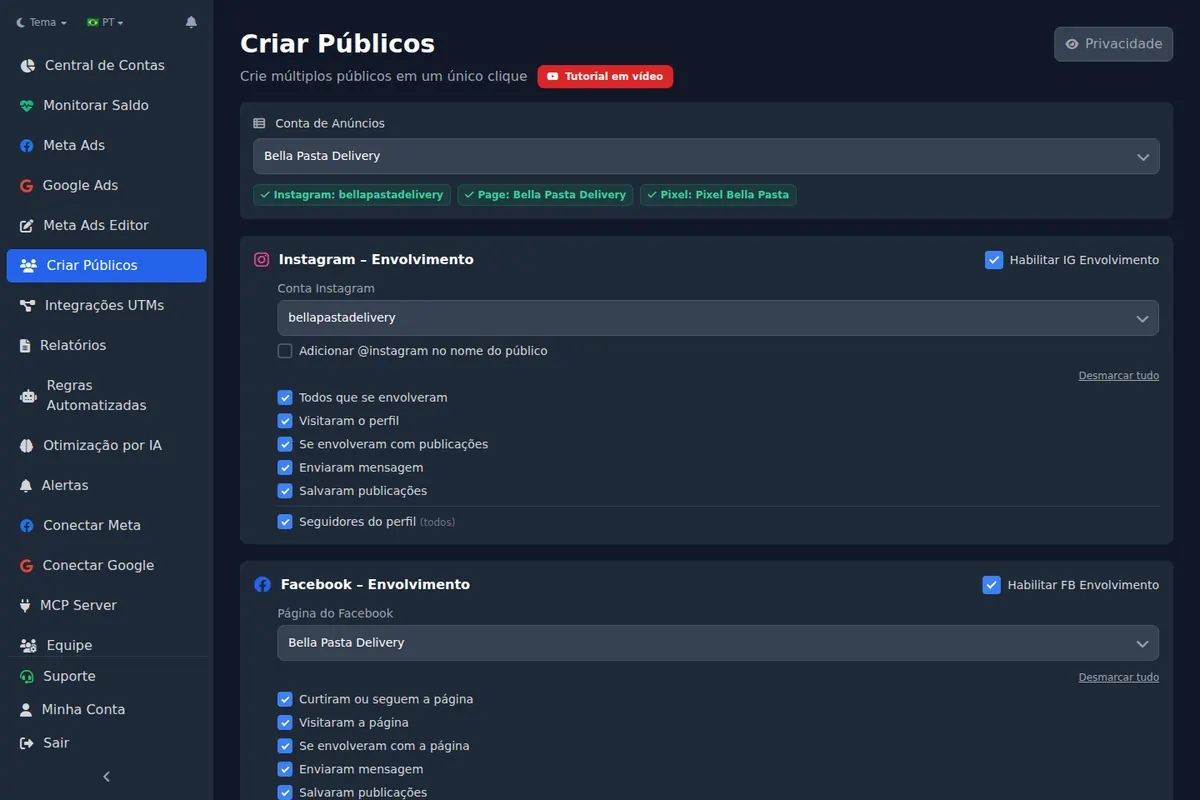
A small remarketing audience is not a defect, it is its nature. The mistake is giving it the same budget as an acquisition campaign. The step-by-step for creating these audiences in batches, including lookalikes from 1% to 10%, is in bulk create Facebook custom audiences.
How do you see the estimated size before publishing?
In Ads Manager, the estimate shows up on the side of the ad set editing screen. It works for one ad set at a time. Anyone adjusting the targeting of several ad sets, or several accounts, ends up saving first and finding out later that one of them got too small.
In Ads Editor, the Estimated audience size box appears in the targeting editor itself, when you create or edit an ad set, and in bulk location editing. The minimum and maximum range comes from Meta and takes the complete filters into account, including what you have not saved yet.
- Per ad set. Each ad set shows its own range. Ads Editor does not add up audiences that overlap.
- With the change not yet saved. You can swap an interest or the age and see the effect before saving.
- In bulk location editing. When you change the city or radius of several ad sets, the age, interests, audiences and exclusions each one already has go into the calculation.
- No AI cost. The lookup does not use AI credits.
- When there is no answer. If Meta does not return a valid value, the box shows Estimate unavailable. With no location chosen, it asks you to select one.
The range is not a reach forecast
The number says how many people fit the targeting, not how many the budget will reach per day. And with Advantage+ audience on, delivery can go beyond it.
In a conversation, with AI
With Claude or ChatGPT connected to Ads Editor through the MCP, you can search interests, behaviors and job titles by name, see the size of each option, read the detailed targeting of your ad sets and ask for an estimate of what the audience looks like with the change, before confirming the save. Example: "search for interests and job titles related to law firms and tell me what the audience of the Leads NYC ad set looks like if I add the three largest".
Quick checklist before publishing
- Does the estimated range hold the budget for at least two weeks without saturating?
- Is there an exclusion or an audience limit you had forgotten about?
- Are two ad sets in the same campaign talking to the same people?
- Is Advantage+ audience on? If so, do you know what is a control and what is a suggestion?
- Can the ad set get close to 50 events per week at the account's current cost?
If the answer to any item is no, adjust before publishing. Changing the targeting afterwards restarts learning. If you are scaling budget, the natural next read is how to scale Facebook ads.
Frequently asked questions
What is the ideal audience size in Meta Ads?
There is no single number. The audience has to be large enough for the budget to deliver without saturating and for the ad set to gather about 50 optimization events per week. Local offers and remarketing do fine with small audiences and a proportional budget.
Is audience size the same as reach?
No. Estimated size is how many people fit the targeting. Reach is how many actually saw the ad, and it depends on budget, bid and competition in the auction.
Why does the estimate come as a range?
Because Meta calculates it with approximate data that changes every day. That is why the number shows up as a minimum and a maximum, and why it is good for comparing targeting options, not for predicting results.
Does Advantage+ audience change the estimated size?
It changes what happens next. With Advantage+ on, Meta can deliver beyond the interests and age you indicated, so the estimated range becomes a starting reference.
Does Ads Editor show audience size?
Yes. The Estimated audience size box appears in targeting when you create or edit an ad set and in bulk location editing, with the range reported by Meta.
Glossary
- Estimated audience size
- The range of people who meet all the targeting criteria of an ad set, calculated by Meta.
- Reach
- The number of people who saw the ad at least once in the period.
- Advantage+ audience
- A setting in which Meta uses the targeting you entered as a suggestion and can deliver beyond it.
- Audience overlap
- When two ad sets reach the same people and start competing with each other in the auction.
References
- Meta Business Help Center: Create a lookalike audience. Supports: Source with at least 100 people from a single country; recommendation of 1,000 to 5,000 people.
- Meta Business Help Center: About lookalike audiences. Supports: A smaller percentage results in an audience more similar to the source.
- Meta Business Help Center: About audience controls and suggestions in Advantage+ audience. Supports: Which settings are controls and which are suggestions in Advantage+ audience.
The claim supported by each source is shown above.
About the author
Matheus Mello, founder of Ads Editor and owner of YEP Agência. Runs client ad accounts at YEP Agência and built Ads Editor so his own agency could stop publishing ads one at a time. Usage numbers quoted on the blog come from the product activity log. Instagram: @theusm