Best app to manage Facebook ads on your phone: 4 apps and what each one can do
By Matheus Mello, founder of Ads Editor and owner of YEP Agência · Published · 5 min read
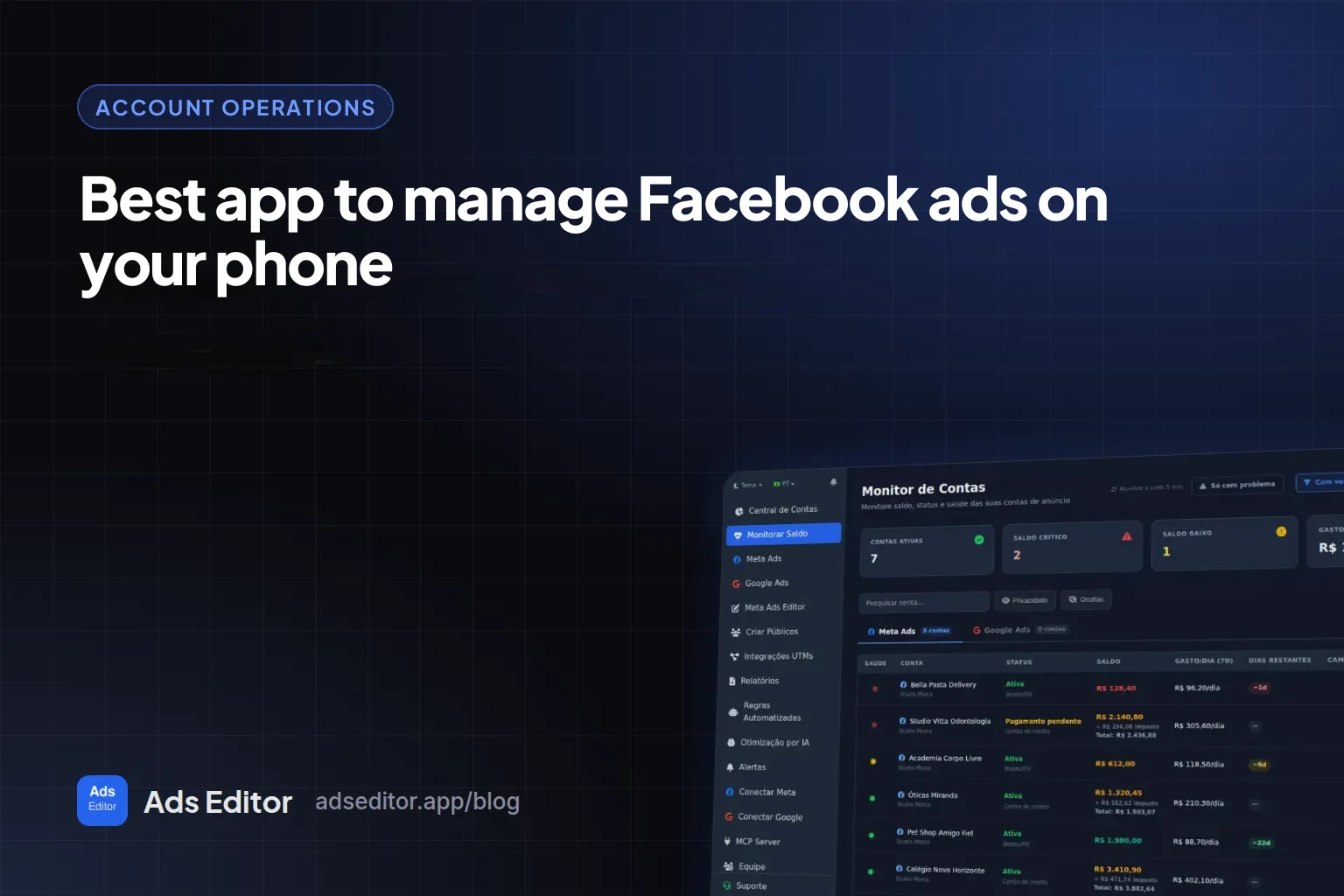
The best app to manage Facebook ads on your phone depends on how many accounts you run. One account fits Meta's own app; a book of clients needs balances, alerts and bulk launching in one place. This list compares 4 apps on what each lets you do on mobile, with App Store details checked on November 25, 2026. Ads Editor is ours and gets the same criteria.
Control all my accountsQuick answer
For one Meta Ads account, the free Meta Ads Manager app is enough: real-time results, campaigns on and off, alerts. For Google, the Google Ads app. For many client accounts in one app, with balances, sales and rule alerts and up to 40 ads launched at once, the Ads Editor app for iPhone and iPad.
Summary
- Meta Ads Manager is free and covers checking, pausing and adjusting one account at a time.
- Meta Business Suite handles posts, messages and comments, not full campaigns.
- The Google Ads app changes budgets and keywords, applies recommendations and flags disapprovals.
- The Ads Editor app brings Meta and Google for many clients together, with balance, sales and rule alerts and bulk launching of up to 40 ads.
- Restructuring big accounts is still desktop work.
In this article · 5 sections
What can you do in each app?
| App | Platforms | What it does on mobile | Price |
|---|---|---|---|
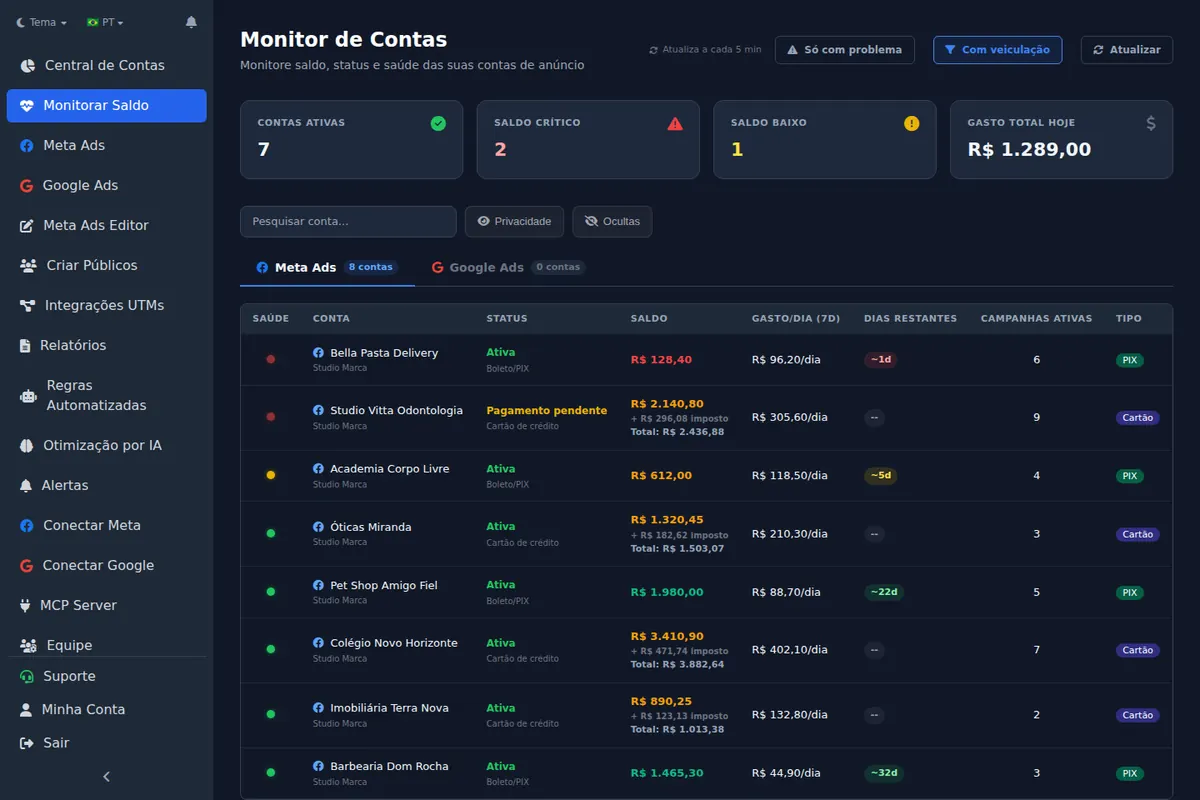
| Ads Editor | Meta and Google, many accounts | Spend and balance for every client, up to 40 ads at once, balance, sales and rule alerts, reports, AI copilot | Included with an Ads Editor account |
| Meta Ads Manager | Meta, one account at a time | Real-time results, on and off, alerts, side-by-side comparison | Free |
| Meta Business Suite | Page and Instagram | Posts, stories, messages, comments and insights | Free |
| Google Ads | Performance, budgets, keywords, ads, recommendations, disapproval alerts | Free |
What does each app do well, and where does it stop?
1. Ads Editor (iPhone and iPad)
- Does well: the Account Hub with spend, results and balance for every Meta and Google account you manage; launching up to 40 ads at once across campaigns and accounts; turning an Instagram post into an ad by link; bulk audiences; push alerts when an account runs low on balance, when a sale comes in and when a rule fires; report links; an AI copilot.
- Doesn't do: Android: the app is for iPhone and iPad, and on Android you use the browser. The Google Drive sign-in button also doesn't work inside the iPhone app (shared links do).
- Price: included with your Ads Editor account, from $19 to $179 a month; the app is free on the App Store.
- Best for: media buyers and agencies who need to know which client account needs attention before the client calls.
2. Meta Ads Manager
- Does well: real-time results, turning campaigns on and off, quick alerts, side-by-side comparison of campaigns and ad sets, switching ad accounts and Pages.
- Doesn't do: launching into several accounts at once, and bigger jobs like duplicating and restructuring, which App Store reviews describe as hard on mobile.
- Price: free.
- Best for: every Meta advertiser. With one or two accounts it may be all you need on mobile.
3. Meta Business Suite
- Does well: creating and scheduling posts and stories, replying to messages and comments, automated replies and insights.
- Doesn't do: full campaigns with audiences and ad sets; it focuses on the Page and Instagram.
- Price: free.
- Best for: whoever runs the profile and customer replies, not only the ads.
4. Google Ads
- Does well: monitoring performance, changing campaigns, budgets and keywords, creating and editing ads, applying recommendations and getting disapproval notifications.
- Doesn't do: Meta Ads and bulk work across accounts.
- Price: free.
- Best for: anyone who needs to react on Google away from the desk.
Which app for which situation?
| Situation | App |
|---|---|
| A client account is running out of balance | Ads Editor (push alert) or Meta Ads Manager, account by account |
| A Google ad was disapproved | Google Ads |
| Pause a campaign that spends without converting | Meta Ads Manager, Google Ads or an Ads Editor rule |
| Launch the client's new creatives | Ads Editor (up to 40 at once) or desktop |
| Reply to an ad comment | Meta Business Suite |
| See which ad made a sale | Ads Editor, with UTM sales |
What doesn't the Ads Editor app do?
- No Android version.
- It doesn't replace the desktop for restructuring large accounts.
- No TikTok, LinkedIn or Snapchat.
- No message or comment replies: those stay in Business Suite.
How do you let your phone work for you?
- Turn on notifications in the app you picked.
- Set balance alerts for prepaid accounts (see Facebook ad account balance).
- Create rules that pause what spends without converting, so you don't depend on watching.
- Use the phone to react; plan and launch big campaigns on desktop.
Frequently asked questions
What is the best app to manage Facebook ads?
For one account, the free Meta Ads Manager app. For many Meta and Google client accounts with balances and alerts in one app, Ads Editor for iPhone and iPad.
Can I create Facebook ad campaigns from my phone?
Yes, in Meta Ads Manager. To launch many ads at once, the Ads Editor app publishes up to 40 across campaigns and accounts.
Is there an Android version of the Ads Editor app?
No. It's for iPhone and iPad; on Android, use Ads Editor in the browser.
Which app alerts me when an ad account runs low on balance?
The Ads Editor app sends a push alert when an account is running low, when a sale comes in and when a rule fires.
Glossary
- Prepaid account
- An ad account funded in advance; when the balance runs out, ads stop.
- Universal app
- An app that works on both iPhone and iPad from the same download.
- Push notification
- An alert shown on the phone screen even when the app is closed.
References
- App Store: Meta Ads Manager. Supports: Meta's free app to see real-time campaign results, turn campaigns on and off, get alerts, compare campaigns side by side and switch ad accounts and Pages.
- App Store: Google Ads. Supports: Google's free app to monitor performance, change campaigns, budgets and keywords, create and edit ads, apply recommendations and get disapproval notifications.
- App Store: Ads Editor. Supports: Ads Editor app for iPhone and iPad: launch up to 40 ads at once, see every Meta and Google client account with spend and balance, and get balance, sales and rule alerts.
- Ads Editor Help Center: import creatives from Google Drive. Supports: The Google Drive button doesn't appear in the iPhone app because Google doesn't allow sign-in inside the app; shared links work.
The claim supported by each source is shown above.
About the author
Matheus Mello, founder of Ads Editor and owner of YEP Agência. Runs client ad accounts at YEP Agência and built Ads Editor so his own agency could stop publishing ads one at a time. Usage numbers quoted on the blog come from the product activity log. Instagram: @theusm