How much does ad management software cost? 7 pricing models with 2026 prices
By Matheus Mello, founder of Ads Editor and owner of YEP Agência · Published · 5 min read
How much ad management software costs depends less on the entry price and more on how it charges: per ad account, by ad spend, per client, per data source or through a custom quote. This guide lays out the models with the prices official pages showed on November 25, 2026, and runs the math for a 10-client and a 40-client book. Ads Editor is ours and gets the same treatment.
Save time managing my campaignsQuick answer
Ad management software costs from zero, for Meta's and Google's native tools, to hundreds of dollars a month. The model decides it: per account (Ads Editor, $19 to $179), by ad spend (Birch, Madgicx, Optmyzr), per client (AgencyAnalytics, $20), per data source (Swydo, Supermetrics) or custom quotes (Smartly). Run the numbers on your own book.
Summary
- Meta Ads Manager, Google Ads Editor and Data Studio are free; you only pay for media.
- Spend-based pricing rises when clients grow; per-account pricing rises when you add clients.
- Per-client and per-source pricing are common in reporting tools.
- Enterprise platforms like Smartly don't publish prices: it's a demo and a proposal.
- Free trials run 7 to 14 days; real free plans are rare.
In this article · 5 sections
What are the pricing models?
| Model | Example | Entry price | When it fits |
|---|---|---|---|
| Free | Meta Ads Manager, Google Ads Editor, Data Studio | $0 | Few accounts |
| Per ad account | Ads Editor | $19/month (10 Meta and Google accounts) | Many clients, mixed budgets |
| Per ad account, premium | AdManage | £199.99/month (1 account) | Few advertisers, high creative volume, many channels |
| By ad spend | Birch, Madgicx, Optmyzr | $45 to $209/month | Few clients with high spend |
| Per client | AgencyAnalytics | $20 per client/month billed yearly | Reporting for many clients |
| Per data source | Swydo, Supermetrics | $44 to $62/month billed yearly | Feeding reports and dashboards |
| Custom | Smartly | No public price | Large brands |
Prices change
Values are what each official page showed on November 25, 2026. The vendor's pricing page is what counts.
What does each tool cost, plan by plan?
Ads Editor
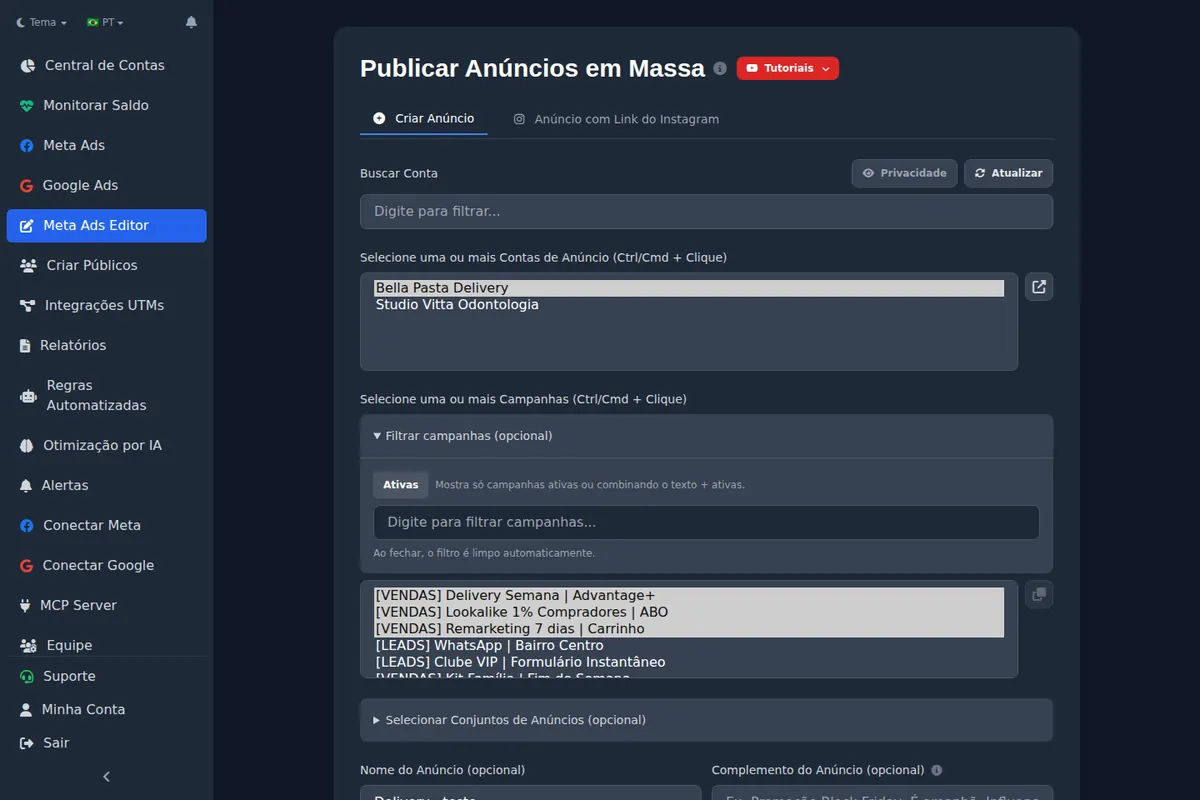
- Does well: Meta and Google across many accounts: bulk launching, cross-account copies, balances, rules, reports, UTM sales, AI copilot and MCP from Pro.
- Doesn't do: TikTok, LinkedIn and Snapchat.
- Price: $19 (Starter, 10 accounts), $39 (Pro, 20), $79 (Business, 40) and $139 (Scale, 70) per month, plus Enterprise at $179 with unlimited accounts, billed in US dollars, 20% off yearly; 7-day free trial.
- Best for: buyers and agencies that grow by number of clients.
Birch
- Does well: rules and automation on Meta, Google, Snapchat and TikTok.
- Doesn't do: flat pricing.
- Price: Essential $49 and Pro $99/month up to $10K spend; above that, the page prices by tier.
- Best for: rule-driven teams.
Madgicx
- Does well: automation, targeting, analytics and ad management with AI for ecommerce.
- Doesn't do: flat pricing: it rises with monthly spend.
- Price: Pro Complete from $45 (spend under $1K) to $329 (up to $30K) per month billed monthly, less yearly; Tracking Pro $49; 7-day trial.
- Best for: ecommerce brands on Meta.
Optmyzr
- Does well: Google Ads audits and optimization, plus Microsoft, Amazon, Meta and LinkedIn tools.
- Doesn't do: portfolio-level social tools on Essentials.
- Price: Essentials $299/month or $209 billed yearly, up to 25 accounts, rising with spend.
- Best for: large Google Ads agencies.
AdManage
- Does well: bulk launching across 15 channels, an MCP and an API.
- Doesn't do: cheap coverage for many accounts: extra accounts on Essential cost £99.99 each.
- Price: Essential £199.99 (1 account), In-House £499.99 (5), Agency £999.99 (10) per month.
- Best for: creative teams with few advertisers.
AgencyAnalytics
- Does well: client reporting with 90+ integrations and a white-labeled portal.
- Doesn't do: campaign management.
- Price: $20 per client per month billed yearly; 14-day trial.
- Best for: agencies selling reports.
Smartly
- Does well: creative, media and intelligence for large brands across Meta, Google, TikTok, Amazon, LinkedIn, Pinterest, Snapchat and more.
- Doesn't do: public pricing.
- Price: custom, after a demo.
- Best for: enterprise advertisers.
What does a 10-client and a 40-client book cost?
Assuming one ad account per client, using only the prices on each page:
| Tool | 10 clients | 40 clients |
|---|---|---|
| Ads Editor | $19 (Starter) | $79 (Business) |
| AgencyAnalytics (reporting only) | $200 billed yearly | $800 billed yearly, or a discount above 25 clients |
| AdManage | £999.99 (Agency) | Above Agency; not shown |
| Birch | By combined spend tier | By combined spend tier |
| Native tools | $0 | $0, with more hours of work |
By spend, the same client count costs more when clients invest more. Per account, the price only changes when a new client comes in.
How do you know if a tool pays for itself?
- Time one week: launching, copying campaigns, reporting and checking balances.
- Multiply the hours by your hourly value.
- Compare with the tool's price on your whole book.
- Test on real clients during the trial and time the same week again.
What doesn't the Ads Editor price include?
- TikTok, LinkedIn, Pinterest and Snapchat.
- Organic social reporting beyond Instagram.
- AI Optimization on Starter and Pro: it starts on Business, for up to 5 accounts.
Frequently asked questions
How much does ad management software cost?
From free native tools to hundreds a month. Ads Editor runs $19 to $179; Birch, Madgicx and Optmyzr price by ad spend; AgencyAnalytics charges $20 per client.
Is per-account or spend-based pricing better?
Per account is usually cheaper for many small clients; spend-based can work for a few low-spend clients.
Is there free ad management software?
Yes: Meta Ads Manager, Google Ads Editor, Google Ads manager accounts and Data Studio.
How much does Smartly cost?
Smartly doesn't publish pricing; you request a demo and get a proposal.
Glossary
- Spend tier
- A monthly ad spend range that sets the price in spend-based tools.
- Free trial
- A period of use before the first charge, usually 7 to 14 days.
- Custom pricing
- A price that comes from a sales proposal instead of a public page.
References
- Google Ads Help: about Google Ads Editor. Supports: Google Ads Editor is a free, downloadable app to manage Google Ads campaigns, including offline.
- Google Cloud: Data Studio overview. Supports: Data Studio builds reports and dashboards at no charge.
- Google Ads Help: about manager accounts. Supports: A manager account lets agencies and people who manage several Google Ads accounts access and manage them from one place.
The claim supported by each source is shown above.
About the author
Matheus Mello, founder of Ads Editor and owner of YEP Agência. Runs client ad accounts at YEP Agência and built Ads Editor so his own agency could stop publishing ads one at a time. Usage numbers quoted on the blog come from the product activity log. Instagram: @theusm