Ad account data privacy in Ads Editor: connection, account security and what stays on the server
By Matheus Mello, founder of Ads Editor and owner of YEP Agência · Published · 6 min read
Privacy of ad account data is the question to settle before a client account is connected to any tool. This page states what Ads Editor actually stores, how the Meta and Google connection works, and what we do so one client's account does not show up in another's.
Quick answer
Privacy of ad account data in Ads Editor separates login from permission to manage ads. You sign in with email and password, or Google, Facebook or Apple. Meta and Google ask on their own screen. The token stays encrypted on the server and is not sent to the browser. The client password is not requested.
Summary
- The Ads Editor login identifies you. The ads connection is a separate permission, granted on Meta's or Google's screen.
- The client's Facebook or Google Ads password is not requested and is not stored.
- The token is encrypted with AES-256 on the server, and the page does not receive it.
- Team members sign in with their own login. With no account checked, they can open every account you turned on.
- One client's data is not sold and is not included in another client's Copilot answer.
In this article · 6 sections
Login and connection are two different steps
Signing in to Ads Editor proves who you are: email and password, or the Google, Facebook or Apple button on the login screen. That login does not authorize a campaign. Ads permission is a second step, and it opens on Meta's or Google's site, not on a form of ours.
The client password stays out
Ask for access to your profile in the client's business, or ask them to accept the MCC invitation. Ads Editor has no field for that client's Facebook password or Google Ads password.
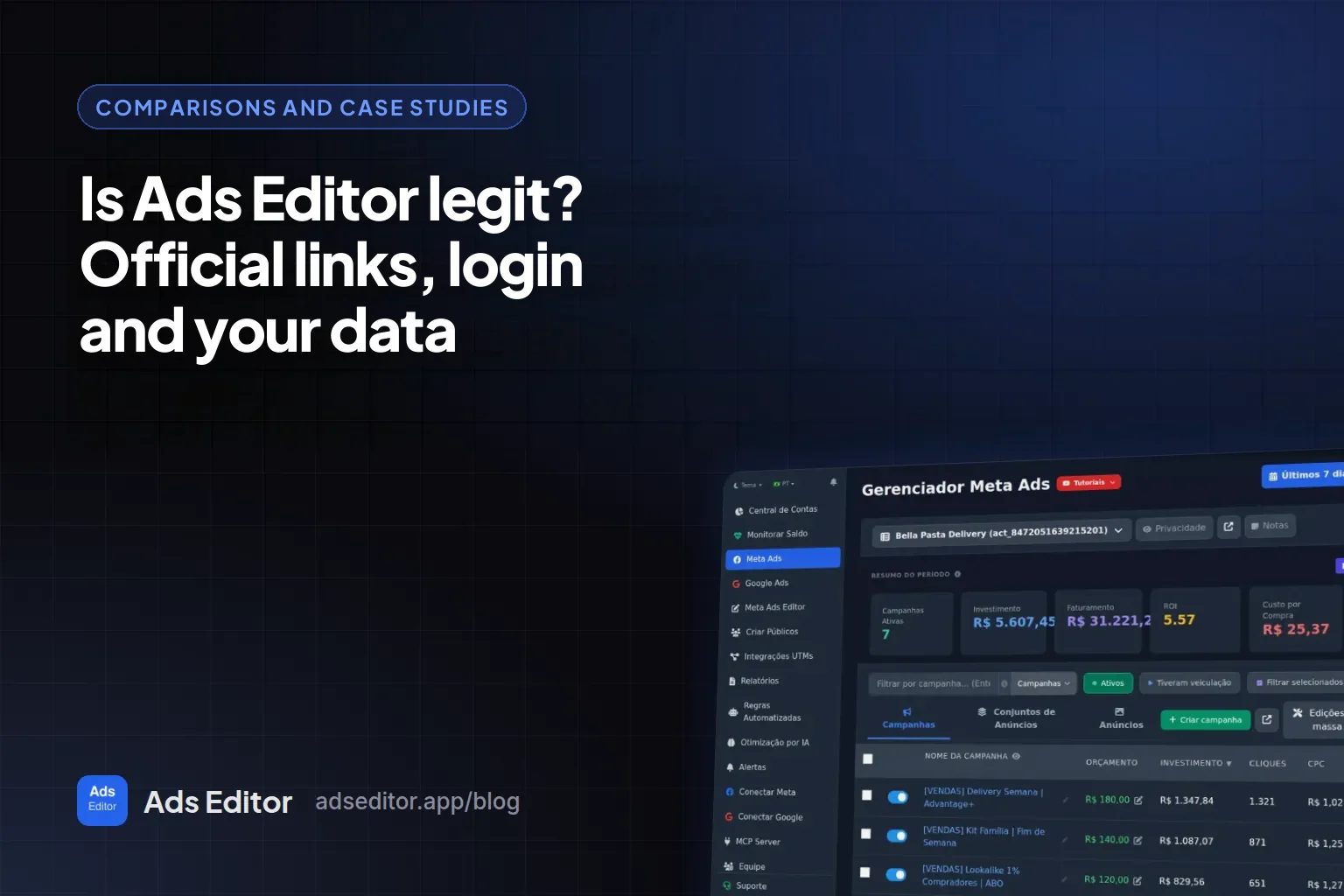
How the account is protected, from the connection to what the server stores, is in Is Ads Editor legit?.
How the Meta and Google connection works
In the menu, Connect Meta and then Connect Meta Ads open Facebook's window. You sign in there, choose All Pages and authorize. Back in Ads Editor, turn the accounts on under Ad Accounts (Meta).
The screen asks for what management needs: ads, businesses, Page list and engagement, Page ads, basic Instagram and Instagram results, catalog and email. Without that permission, creating, duplicating or pausing an ad cannot reach the account.
Connect Google and Connect Google Ads open Google's window. Sign in with the email that accesses the MCC or the accounts. This is different from the Sign in with Google button on the login screen, which only identifies your email.
To end it, use Remove profile on the connected profile. On Facebook, the path is Settings, Apps and websites. On Google, it is the Google Account, under Third-party app access. If the Facebook password changes, the connection drops, and you connect again. The steps are in the Help Center.
What stays on the server
| Data | Where it stays | What does not happen |
|---|---|---|
| Your account | Email and password only as a hash, separate from the profile the screen receives | The Facebook password in the same place |
| Ads permission | Token with AES-256 on the server. The page only shows whether it is connected | The token printed in the browser |
| Payment | Stripe or Asaas | The card number stored in Ads Editor |
| Customer list | Email, phone and name as a SHA-256 hash before they go to Meta, in the format Meta requires | Selling that list. Fields Meta asks for without a hash follow Meta's rule |
| Copilot | The question and the context of the open account, on the message you sent | Another client's account inside that answer |
The server uses the token for the action you take and for the automated rules and the scaling you configured. Turn the rule off to stop the automation. Connecting the account does not turn a rule on by itself.
Account and team security
- Two-step verification is in My Account. An authenticator app or an email code works, with recovery codes. Each team member turns it on in their own account.
- The session sits in a cookie that page JavaScript cannot read. Changing the password ends the other open sessions and the remembered login in the browser. That remembered login lasts up to 60 days. That is the Ads Editor session, not a lifetime for the Meta token.
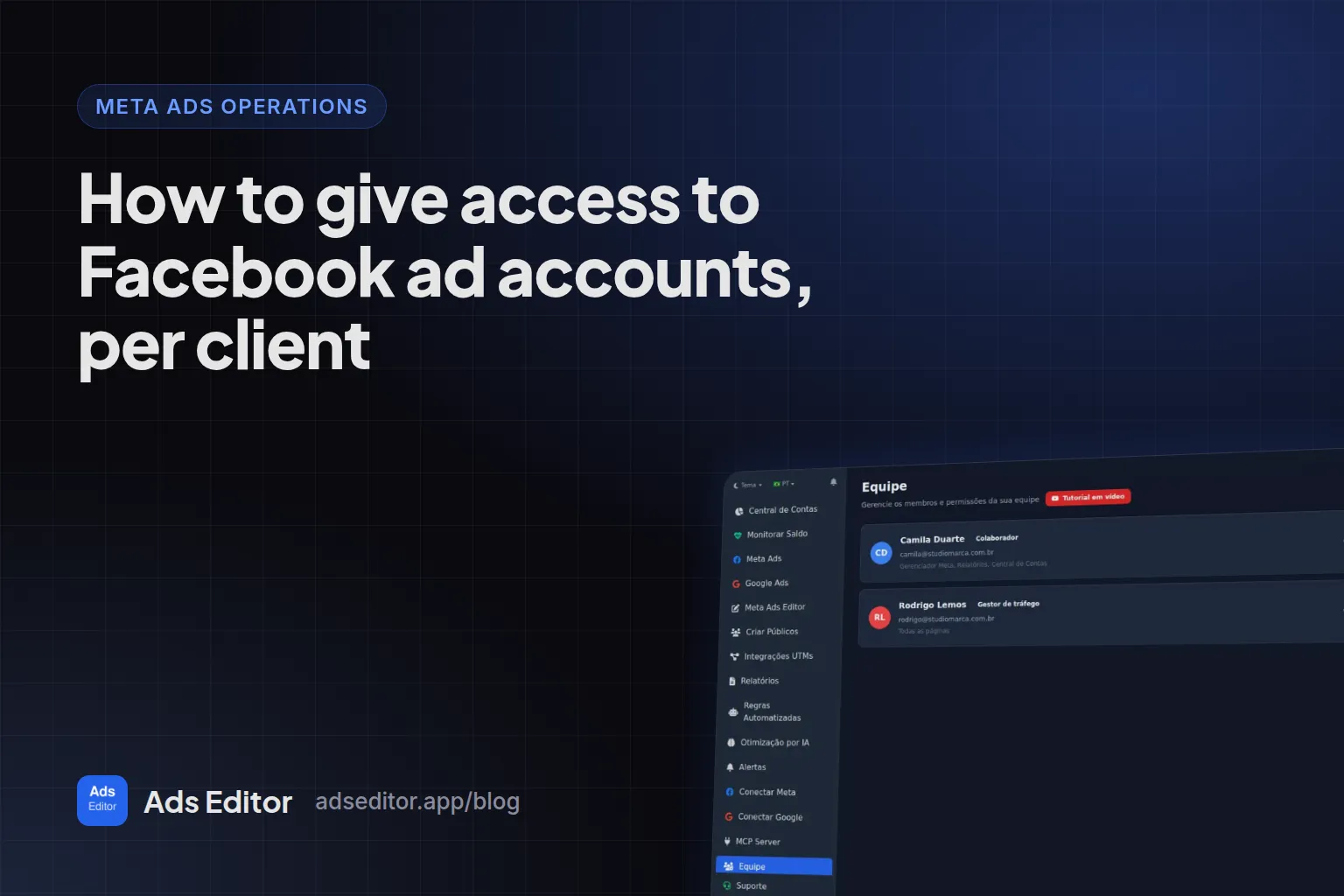
- A member signs in with their own email and password and works through the owner's connection. The token is not sent to their browser. Under Team, check the screens and the accounts. With no account checked, the person can open every account you turned on. The detail is in give access by ad account.
Another Ads Editor customer cannot open your campaigns, lists or conversations.
A report you publish with an open link can be seen by anyone who has the link. You can put a password on it. If you do not publish it, it stays in your account.
What we do on our side
The database is our own PostgreSQL, with automatic backups. Servers are in Europe and Brazil, admin access is over SSH and the site uses TLS 1.2 or newer. A request that tries to read a secret file on the server is blocked immediately and stays blocked until the team removes the block.
After the account is deleted, the data is removed within 30 days, except where the law requires us to keep it. Access logs follow the 90-day period described in the policy. Contact [email protected]. We reply within 72 hours. LGPD rights are in the privacy policy, and use of the service is in the terms.
A one-minute check
- The Facebook password was typed on Facebook's window, and the Google password on Google's window.
- The connection window is Facebook's or Google's.
- Two-step verification is on in My Account.
- Under Team, each person has only the accounts you checked, or you accepted that, with nothing checked, they can open all of them.
Frequently asked questions
Does Ads Editor ask for my client's Facebook password?
No. The password is typed on Facebook's or Google's window. In Ads Editor you authorize the app and turn the accounts on. Ask the client to give your profile access in their business, or to accept the MCC invitation.
Does the ad account token show up in the browser?
No. It stays encrypted with AES-256 on the server. The screen only shows whether the connection is active. The server uses that token for the action you take and for the automations you turn on.
Can a team member see every account?
They see the screens and accounts checked under Team. If no account is checked, the person can open every account you turned on. They sign in with their own email and password, and the token is not sent to their browser.
Does one client's data show up in another client's answer?
No. In Copilot, the question and the context of the open account go to the model that answers that message. Another client's account is not part of that answer. That data is not sold.
Glossary
- OAuth
- Permission where you sign in on Meta's or Google's screen and Ads Editor receives a grant to act on the account, without receiving the password.
- Access token
- The credential for that permission. It stays encrypted on the server and is used to call the API for the action you take.
- AES-256
- The standard used to encrypt the token stored on the server.
- 2FA
- Two-step verification: besides the password, a code from an authenticator app or from email.
References
- Ads Editor Privacy Policy, version 2.1, checked on 5 Nov 2026. Supports: Account data, encrypted tokens, payment without storing the card number, 90-day access logs, deletion within 30 days, and the contact [email protected].
- Ads Editor Terms of Use, checked on 5 Nov 2026. Supports: The service and the rule that a person connects only ad accounts they are allowed to manage.
- Permissions Reference (Meta for Developers), checked on 5 Nov 2026. Supports: What the ads, Page, Instagram and catalog permissions allow once the app is authorized.
The claim supported by each source is shown above.
About the author
Matheus Mello, founder of Ads Editor and owner of YEP Agência. Runs client ad accounts at YEP Agência and built Ads Editor so his own agency could stop publishing ads one at a time. Usage numbers quoted on the blog come from the product activity log. Instagram: @theusm