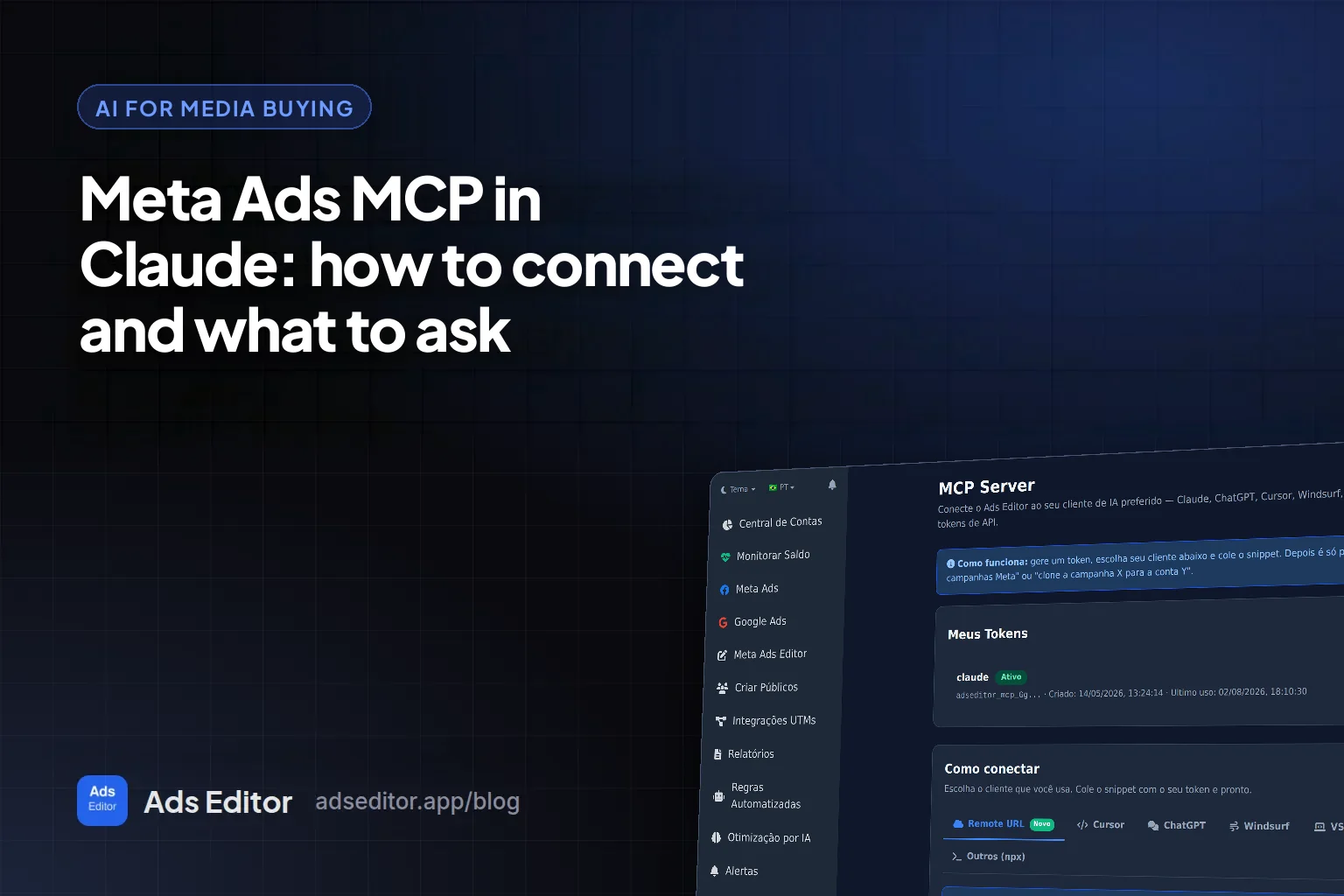
Meta Ads MCP in Claude: how to connect and what to ask
By Matheus Mello, founder of Ads Editor and owner of YEP Agência · Published · 5 min read
A Meta Ads MCP in Claude turns the assistant into an operator for your ad accounts: it reads metrics, copies campaigns, launches ads and builds audiences in Meta and Google from the conversation. You add it as a custom connector, with no token.
Connect my AIQuick answer
To use a Meta Ads MCP in Claude, open Customize and Connectors, click Add custom connector, paste `https://mcp.adseditor.app/mcp` and authorize with your Ads Editor login. Claude's free plan allows one custom connector. The Ads Editor MCP needs the Pro plan or the 7-day trial.
Summary
- On claude.ai and the Desktop app, Ads Editor is added as a custom connector and authorized with OAuth, no token.
- Claude's free plan allows 1 custom connector; on Team or Enterprise, the organization owner adds it and each person connects with their own login.
- In Claude, the MCP adds ready-made requests such as Account diagnosis and What to pause today, under the + button in the message box.
- In Claude Code, the assistant uploads videos and images straight from your computer.
- Meta Ads and Google Ads on one server, with more than 350 tools.
In this article · 5 sections
How do you connect a Meta Ads MCP in Claude?
- On claude.ai or in the Desktop app, click Customize in the left bar and then Connectors.
- Click + Add and choose Add custom connector.
- In Name, enter Ads Editor. In MCP server URL, paste
https://mcp.adseditor.app/mcp. Click Continue. - Your browser opens the Ads Editor authorization: sign in and click Authorize.
- In a conversation, turn on Ads Editor under + and Connectors and ask: "list my Meta and Google ad accounts".
The help center guide has a screenshot of each step: everything you can do with MCP.
Claude and Ads Editor plans
Claude's free plan allows 1 custom connector. On Team or Enterprise, the organization owner adds the connector under Organization settings and Connectors, and each person connects with their own Ads Editor login, reaching only the accounts enabled for them. On Ads Editor, the MCP comes with the Pro plan (US$ 39 per month) and up and is included in the 7-day free trial, with up to 300 calls a day.
Which ready-made requests show up in Claude?
Click the + in the message box and pick Ads Editor. You will find the ready-made requests the MCP publishes: Account diagnosis, What to pause today, Where to scale, Weekly summary for the client, Google search terms, Health of all accounts, Analyze competitor and Analyze a creative. The ones that change the account show the list first and only apply after you confirm.
What should you ask Claude beyond reading metrics?
| Request | What happens |
|---|---|
| Copy the Summer campaign from account A to accounts B and C, swapping Page, pixel and WhatsApp number, all paused. | Reads each account's assets and creates paused copies |
| Make a copy of WhatsApp campaign X pointing to the website. | Creates the copy with the new objective, validated by Meta |
| Upload one ad per video from this Drive folder [link] to every ad set in campaign Z. | Hands it to the uploader queue; ads start paused |
| Which active ad sets in account X have Advantage+ audience on? Turn it off after I confirm. | Reads each ad set's state from Meta and turns it off in bulk |
| Create an audience in account X from the customer list in this Drive link, labeled Recent buyers. | Reads the file, hashes the data and creates the audience |
| Add the job title Lawyer to the ad sets in the Leads campaign and tell me the audience size. | Finds the job title, estimates the audience and saves it to many ad sets |
| Add these 5 headlines to the asset group of the Store PMax campaign. | Checks Google's minimums and saves to Performance Max |
| What did Anna do in account X this week? | Owner only: the team member's action history |
A longer list in Meta Ads MCP prompts, and the reasoning behind each feature in top 10 Meta Ads MCP use cases.
And in Claude Code, from the terminal?
- Run
claude mcp add --transport http adseditor https://mcp.adseditor.app/mcp. - Run
claude mcp login adseditor. Your browser opens the authorization: click Authorize. - Ask something read-only to check, such as the list of your Meta accounts.
The terminal's advantage is files: in Claude Code, the assistant uploads videos and images straight from your computer with a command it runs itself, without the file going through the conversation. On claude.ai, videos go by public or Google Drive link, which the server downloads.
Does Claude change the account without asking?
- Campaigns, ad sets and copies created through the MCP start paused; the assistant activates them when you approve.
- Changing placements, turning on Advantage+ audience and switching between CBO and ABO ask for your confirmation first.
- A daily budget more than six times the current one, and above 1,000 in the account currency, needs an extra confirmation: the server returns a code tied to the operation, and the assistant resends it only after you confirm.
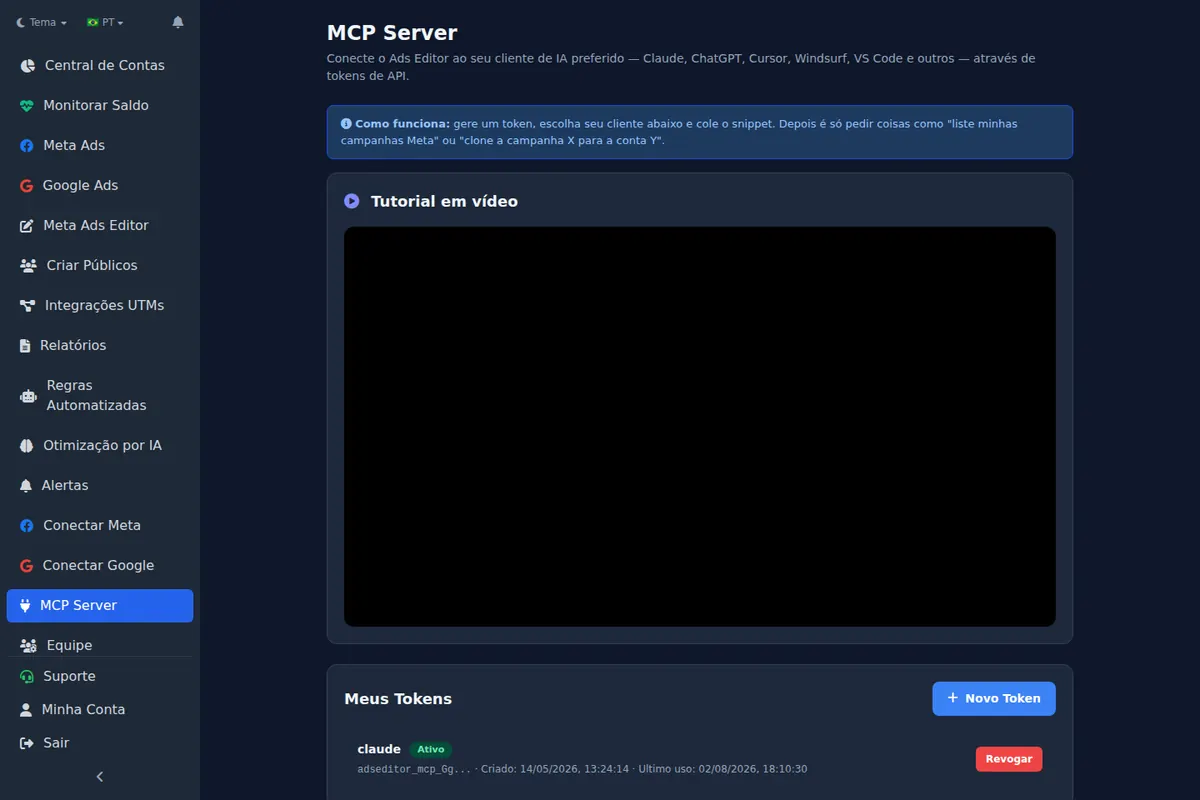
- Everything that ran is listed under Recent activity on the MCP Server screen.
For ChatGPT and Grok, see Meta Ads MCP in ChatGPT and Grok Meta Ads MCP. Usage numbers are in MCP by the numbers, and the comparison with Meta's official MCP in the Meta Ads MCP guide. Claude can have Meta's official connector and the Ads Editor one turned on at the same time.
Frequently asked questions
Can I use a Meta Ads MCP on the free Claude plan?
Claude's free plan allows 1 custom connector. On the Ads Editor side, the MCP is on the Pro plan and up, with a 7-day free trial.
Do I need a token to connect Claude?
No. Paste the server URL and authorize with your Ads Editor login. Tokens are for clients that do not support OAuth.
Do Claude Desktop and claude.ai use the same setup?
The steps are the same in both: Customize, Connectors and Add custom connector with the Ads Editor URL.
The assistant says it cannot do something on this list. What now?
Open a new conversation: new tools only appear in a new one. If it persists, check Available tools on the MCP Server screen.
Glossary
- Custom connector
- A third-party MCP server you add to Claude by pasting its URL.
- Claude Code
- The terminal version of Claude, which can run commands on your computer.
References
- Claude Help Center: custom connectors using remote MCP. Supports: Custom connectors with the server URL and OAuth sign-in; on Team and Enterprise the owner adds them under Organization settings > Connectors and each member connects.
The claim supported by each source is shown above.
About the author
Matheus Mello, founder of Ads Editor and owner of YEP Agência. Runs client ad accounts at YEP Agência and built Ads Editor so his own agency could stop publishing ads one at a time. Usage numbers quoted on the blog come from the product activity log. Instagram: @theusm